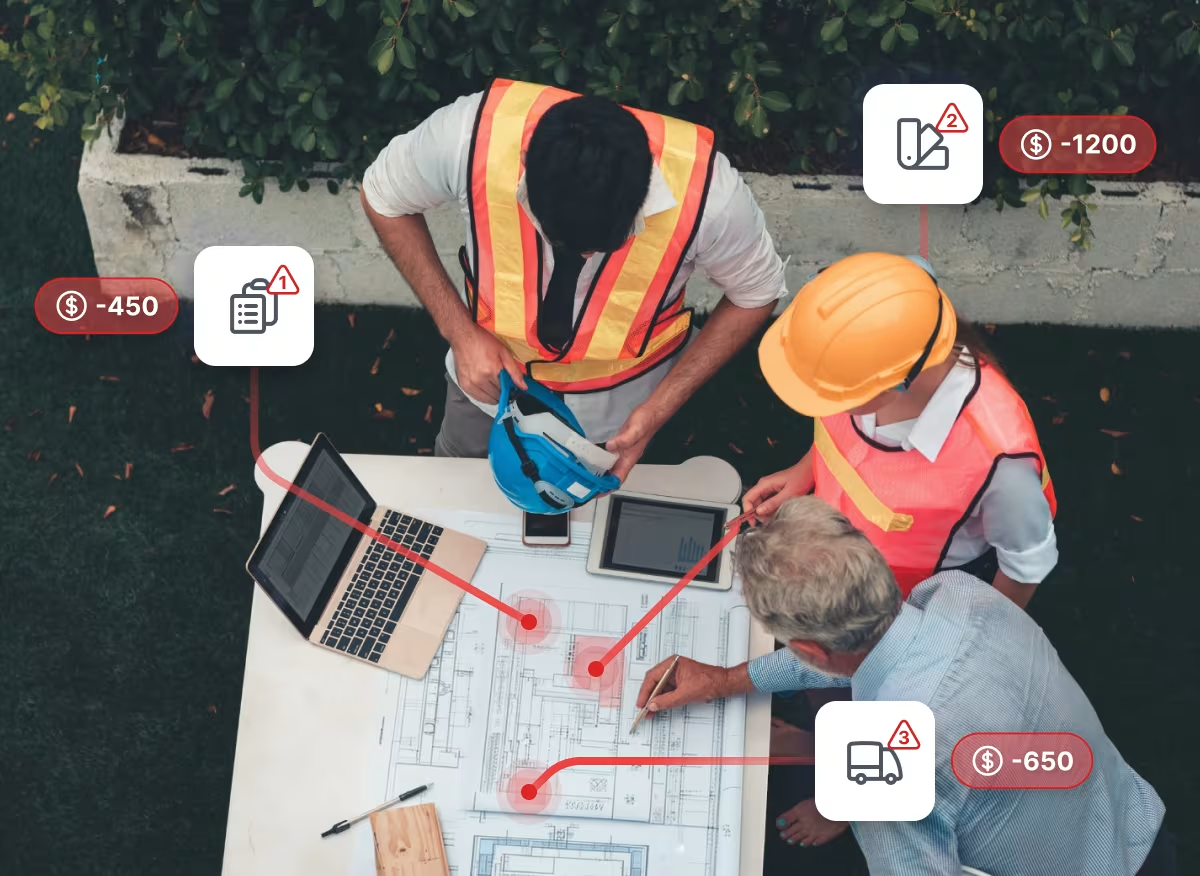
Change on a live project is constant. Getting paid for it is not. The difference usually comes down to the evidence you present months later and how well you can explain it.
Shape already turns everyday site communication into structured records as work happens, auto-flags the records that signal a change, and compiles the evidence against each one, so the change record builds as the work does.
Three updates are now live, from how the record gets made on site to what you can do with it once it exists:
- On site, as the work happens: log an issue or progress update by speaking it.
- In the office, when the change has to be explained: Shape AI drafts the written narrative for it, and answers questions across everything on the job.
On site: Say your update instead of typing it
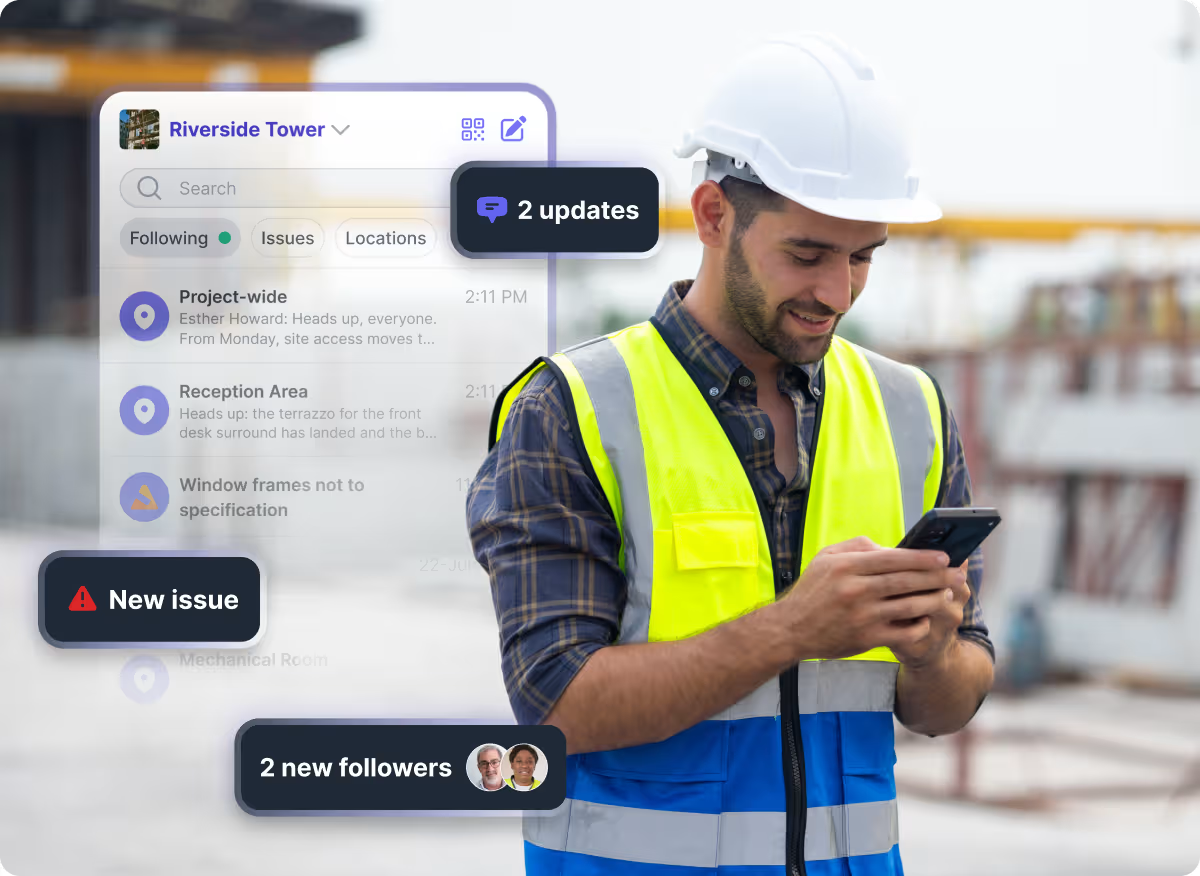
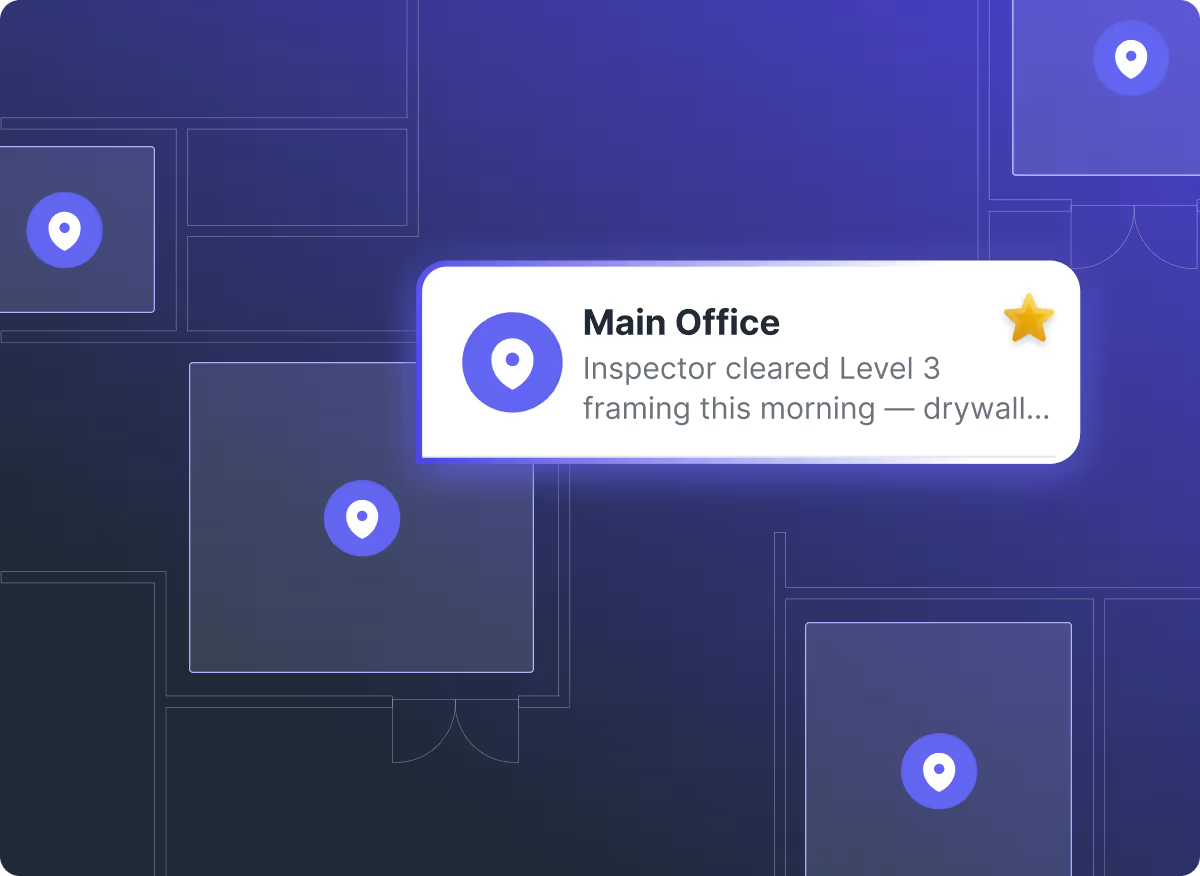
Most of the raw material for a change record starts in Channels, where site teams communicate. Site work is hands busy and eyes up. Typing a description into a phone while walking an active site is the wrong tool for the moment, so detail gets shortened, or left until later when it is harder to recall.
Site teams can now describe what happened out loud instead.
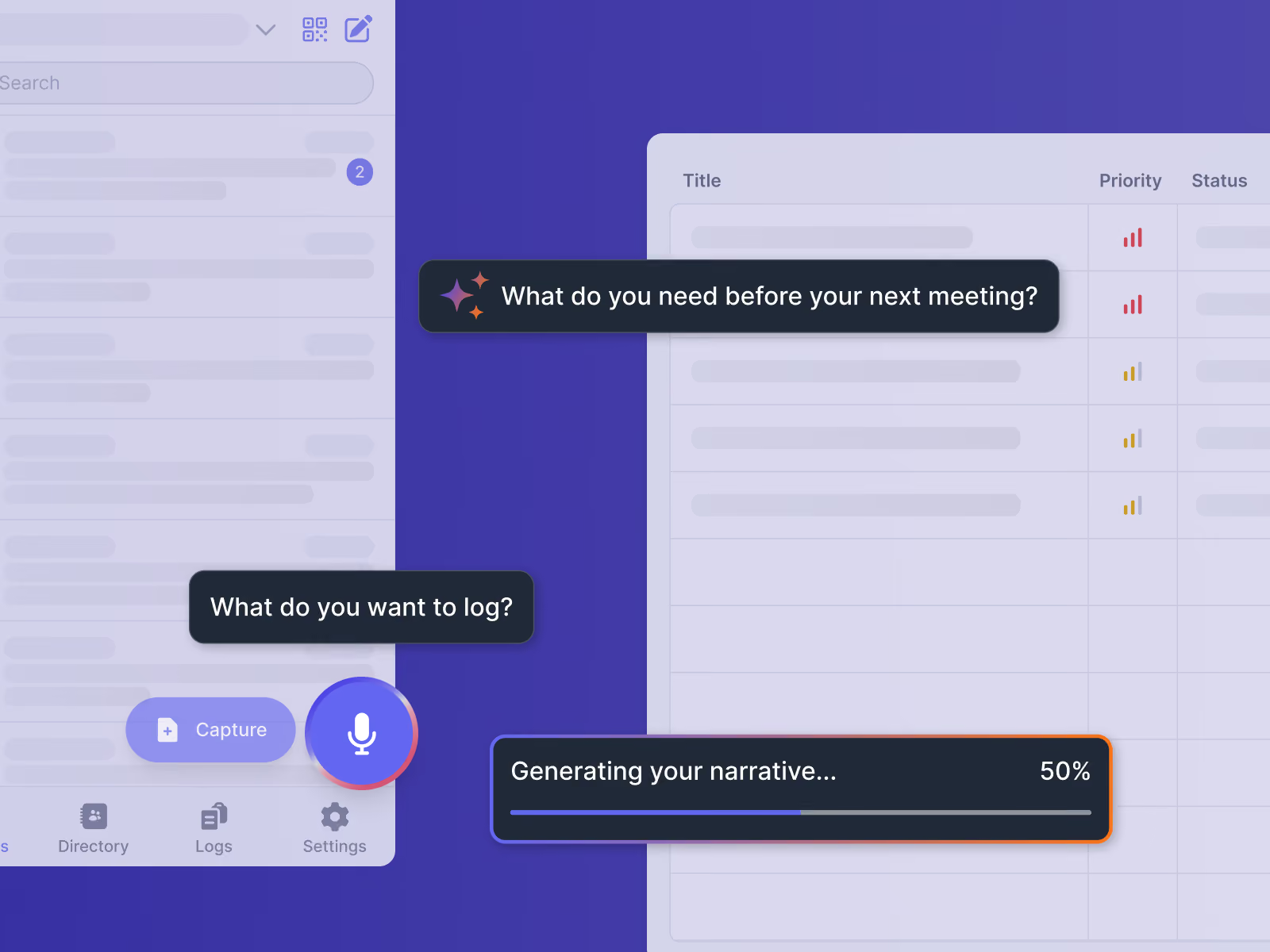
- Speak instead of type. Shape transcribes what you say straight into the description of the record
- Check it before it goes in. Edit the text, choose whether you are logging an issue or a progress update, then complete the record as normal
- Works offline. The transcription happens on the phone itself, so it works the same in a basement, a tunnel or a plant room as it does in the site office
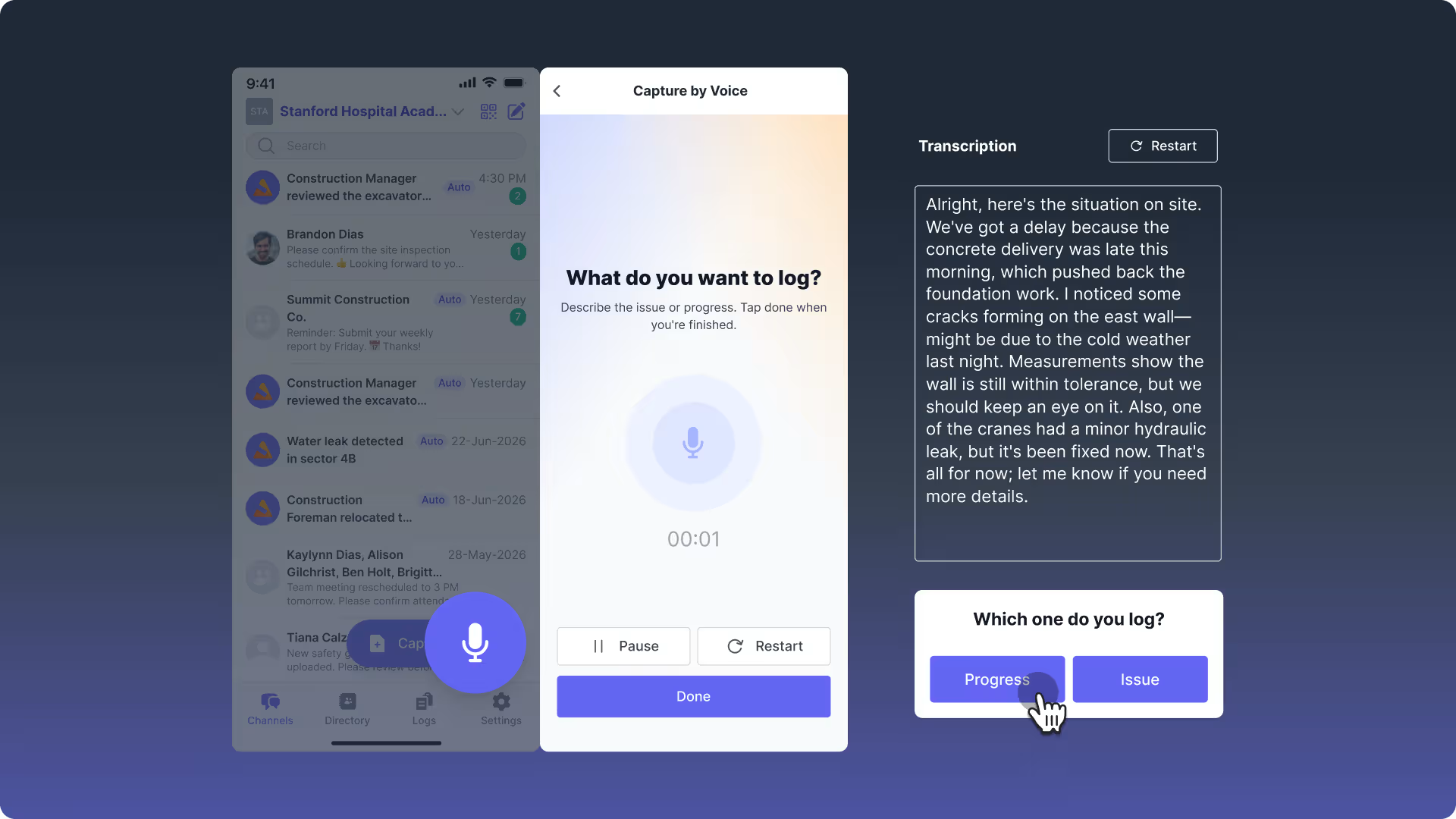
Records made while the work is still in front of you hold detail that is harder to reconstruct afterwards: where exactly it happened, who was there, what was said, and what it stopped. Speaking captures more of it than typing, and takes less out of the day to do.
In the office: the change narrative builds from the evidence
Change Tracker is where each change sits alongside the records that evidence it. A handful of records might sit behind a single change, and often one line in one of them is the line that matters most.
This evidence is not the argument. Whatever goes out, a change order to your client or a back charge to a subcontractor, needs the reasoning with it: what happened, when, what it did to the schedule and the cost, and which record backs up each part of that account.
Two updates now handle that side. Both run on Shape AI, and both read only the records already on your project.
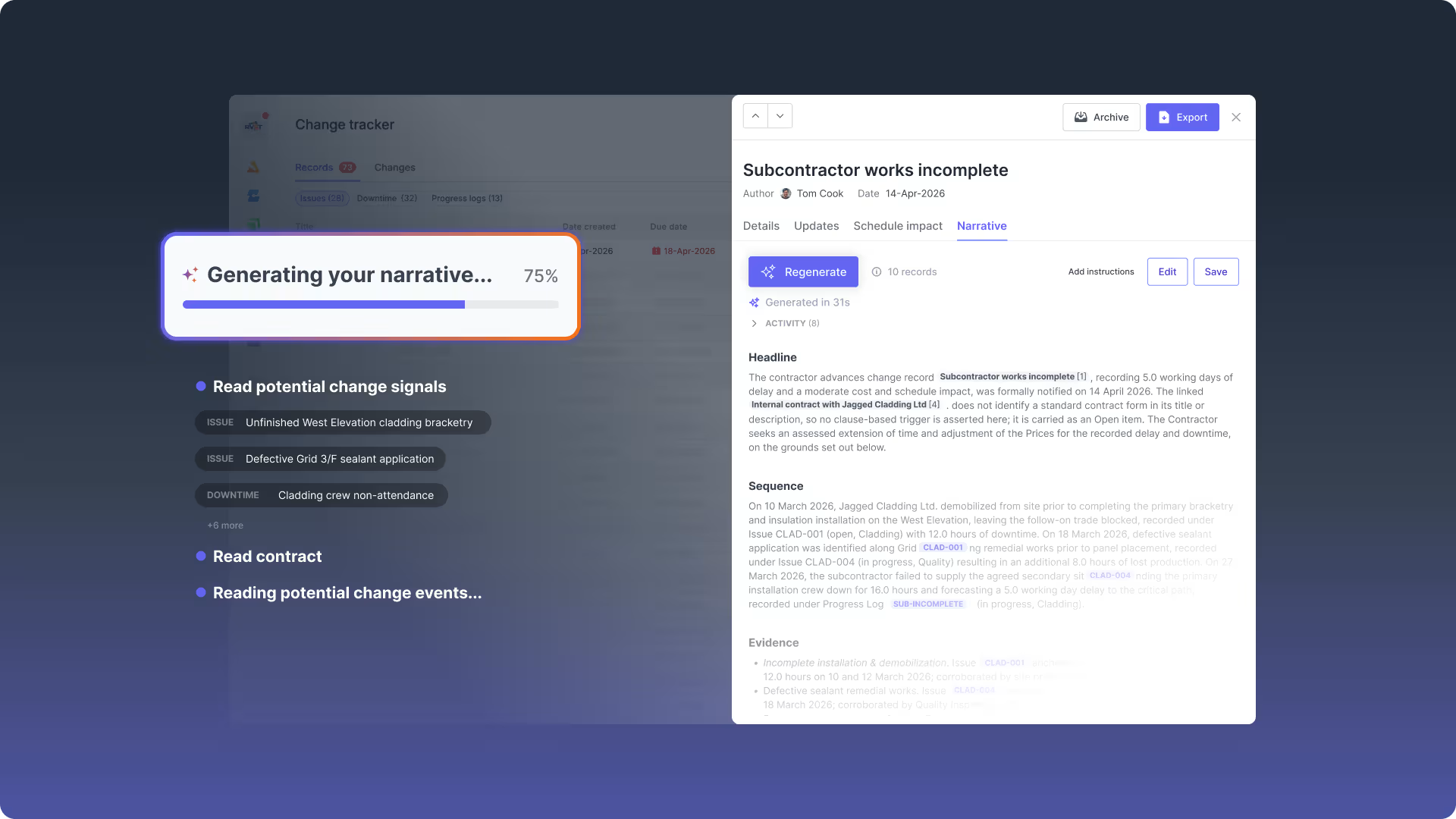
The narrative drafts itself
Writing up the reasoning behind a change has always started from a blank page, in a Word document or an email, away from the records it refers to. Shape AI now drafts it.
- Generate the narrative from the records linked to the change, the way they sit on the timeline, and the change's own fields
- Edit it freely, and it saves against the change, so the reasoning sits with the evidence rather than in a folder somewhere
- Know when it is out of date. If the change moves on and the narrative has not, Shape tells you
Get answers out of the project record, without looking for them
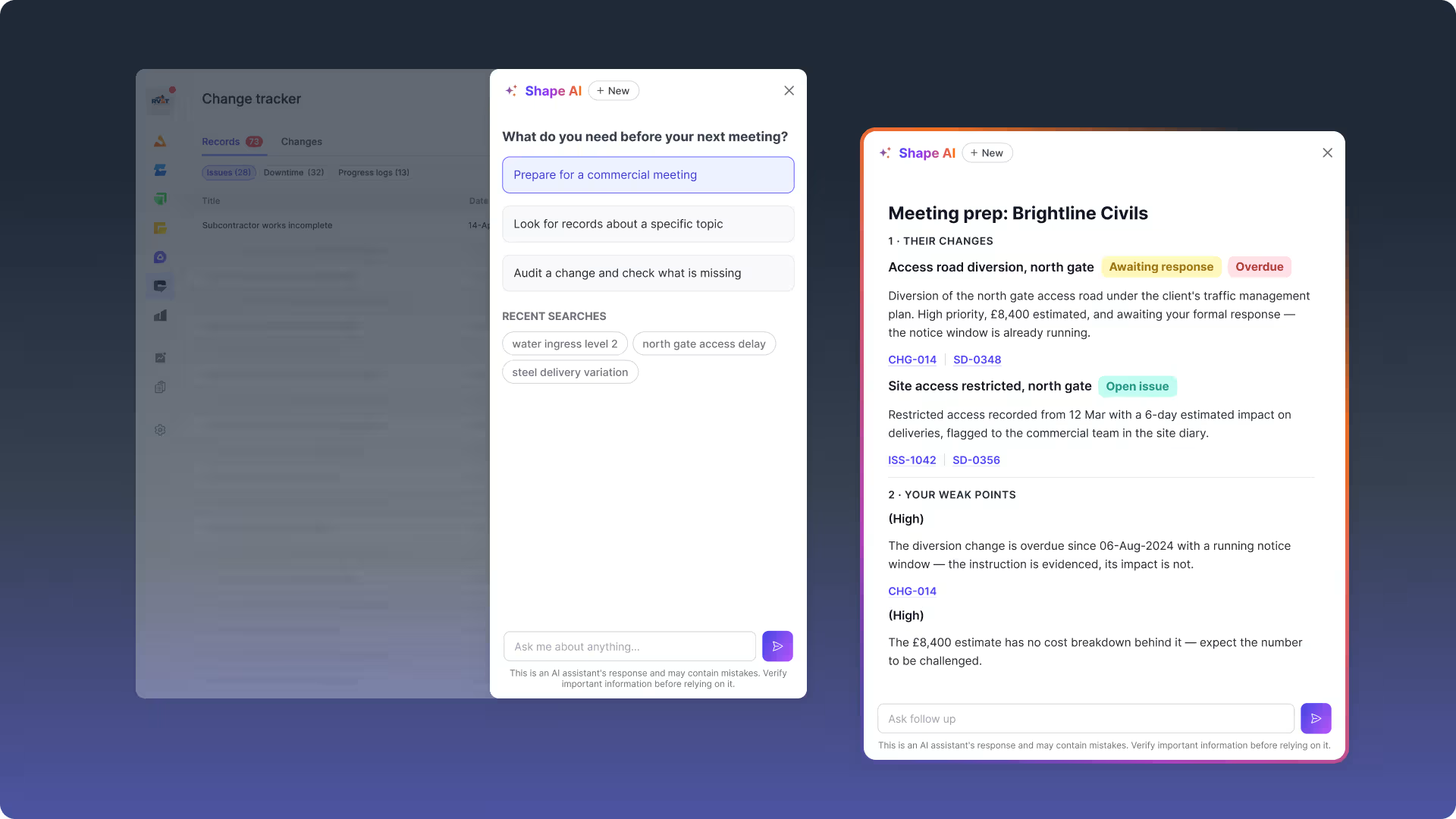
Shape AI answers questions across everything on the job, and you can reach it from anywhere in Shape. No new data entry, and nothing to prepare before you use it.
It is there to get you ready before a negotiation with a client or a subcontractor, so you walk in knowing where you stand.
- Where is my position weakest on this change, what will the other side argue, and how should I respond?
- What else on the project relates to this, and do those records belong together as one change?
- What is still missing to substantiate this change?
Ask in your own words, or start from one of the suggested questions. Every answer links to the Shape records behind it, so you can open the source and check it yourself.
Better records on site, stronger cases in the office
Both AI updates read what your site team produced as part of their day. Neither works without it. Thin records produce a thin account, not an invented one.
Which is why what happens on site matters as much as what happens in the office. Better records at the point of capture mean a stronger case at the point of argument, and a case that holds is what gets paid.
Stop losing margin on changes you can't prove.
All three updates are live now. If you are already on Shape, open the app and they're there.
Book a demo to see how they work for your projects.






Frequently Asked Questions
CONTENT SPOTLIGHT

SUBSCRIBE TO OUR NEWSLETTER
Get the future of construction control straight into your inbox.