Site photos lack context and become unusable as evidence. Project Gallery brings site evidence into one organized library.
Get the full context on every site photo
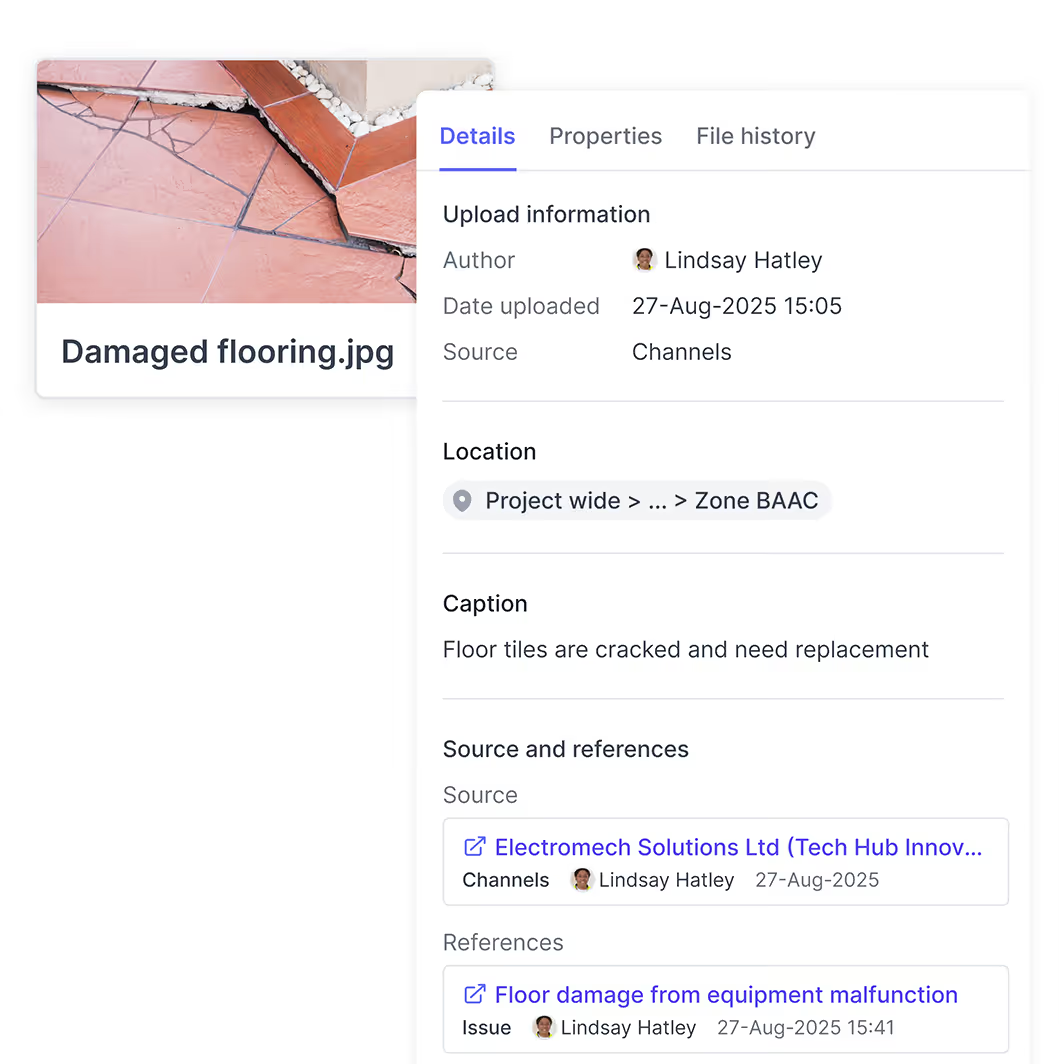
Capture every detail that transforms a photo into indisputable evidence, ensuring reports and reviews stand up to scrutiny.
WHY IT WORKS
Shows photo location, author, and context details
See all activities and reports linked to the photo
Add markups in-app to highlight key details
Bring all site photos and files in one place
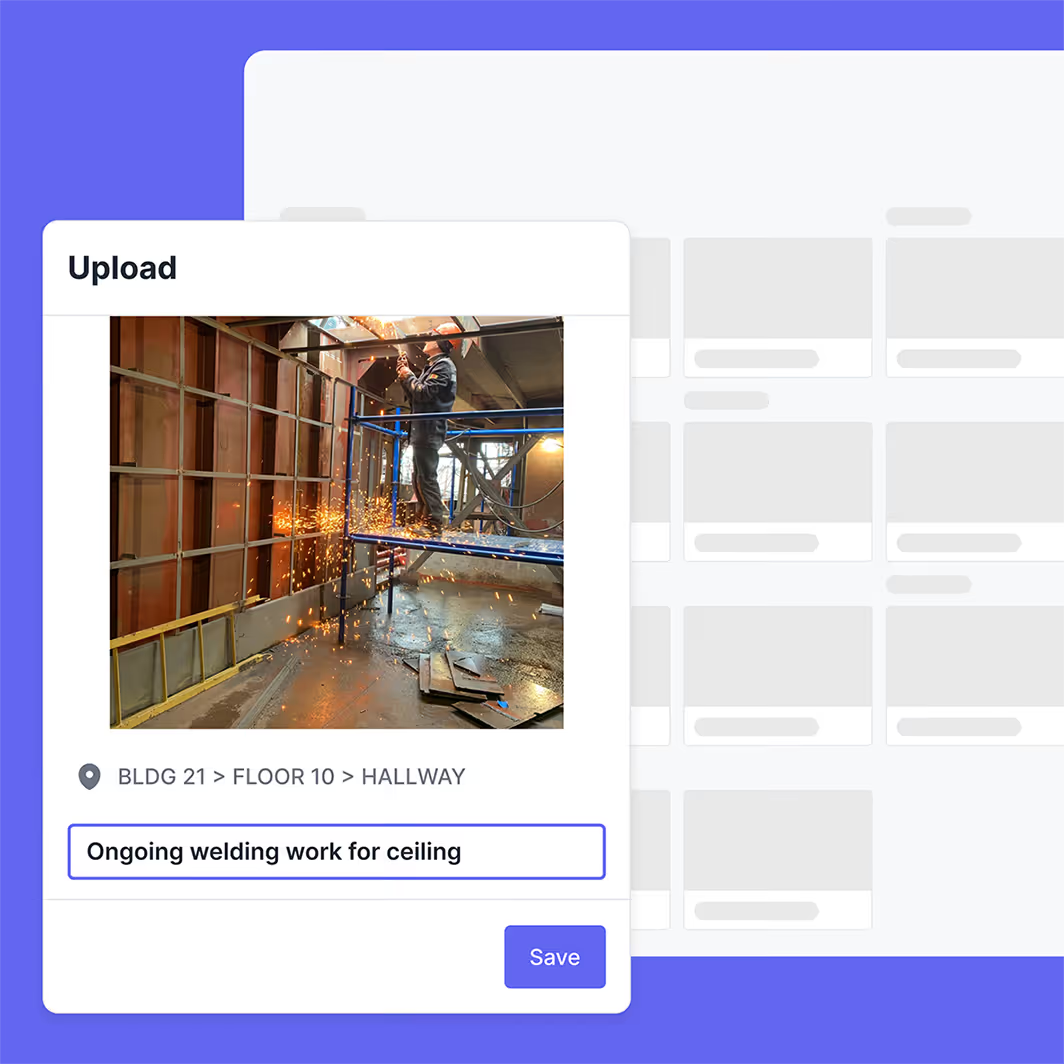
Field teams no longer need to juggle multiple apps or uploads. Gallery automatically creates a single, central library of photos without manual upload.
WHY IT WORKS
Automatically syncs files shared via Channels messages
Includes photos uploaded directly on daily reports and issues
Upload photos individually, in bulk, or capture in-app
Get the evidence you need quickly
Find and retrieve visual proof in seconds, complete with context and traceability.
WHY IT WORKS
Keyword search quickly finds relevant photos
Gallery filters by date, location, and author
Access and attach gallery photos directly from other Shape tools

See how Shape works for you

Capture defensible records and see change coming.

Protect margin with real-time change visibility and evidence that holds up.
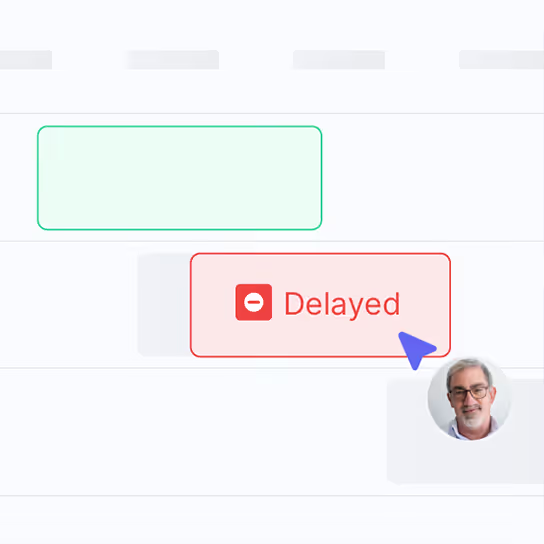
Track progress against schedule without manual work.

Keep site teams coordinated and issues resolved.
Explore other tools in Shape
Frequently Asked Questions
Shape Project Gallery is a construction photo and document management software that automatically organizes every site image and file into a single, searchable library. Photos arrive from Channels messages, daily reports, and Issue Tracker entries with context already attached, including author, location, timestamp, and linked activity. The gallery becomes the visual evidence layer for change events, payment applications, and disputes.
Shape syncs photos shared in Channels chats, attached to Shift Manager reports, and uploaded inside Issue Tracker straight into Project Gallery with no manual upload step. Each photo retains the original author, location or zone, capture time, and links back to the conversation or report it came from. It can be filtered by date, author, and location to surface relevant images in seconds.
Yes. Project Gallery indexes captions, file names, locations, linked activities, and surrounding context, so a keyword search returns relevant photos in seconds. For example, searching “lift shaft slab” returns every photo tagged or discussed in connection with that activity, including images shared inside Channels messages that referenced it.
Every photo in Project Gallery is stored with metadata that makes it admissible as contemporaneous evidence: original timestamp, author identity, location, and the conversation or report it came from. Photos can be attached directly to issues, change records, and PDF reports, which is critical when defending subcontractor claims or substantiating extensions of time under NEC, JCT, or FIDIC contracts.
Yes. Project Gallery supports in-app markup so site teams can highlight defects, draw arrows, and add text annotations without leaving Shape. The annotated version is stored alongside the original, preserving both for evidence. Annotations are timestamped, so reviewers can see when each note was added and by whom.
Yes. Users can upload existing site photos individually or in bulk to Project Gallery, including drone imagery, 360-degree captures, and photos taken on personal devices. Bulk upload supports drag-and-drop, and metadata such as GPS coordinates can be read from EXIF where available.
Photos are stored in encrypted cloud storage covered by Shape's ISO 27001 and SOC 2 controls. Customers retain ownership of their data, and access is governed by per-project permissions. The Trust Center documents current data residency, sub-processors, and retention policies for buyers who need to satisfy procurement or legal review.
Photos in Project Gallery can be attached directly to a Shift Manager line item, an Issue Tracker record, or a Change Tracker case. The reverse is also true: open any activity, issue, or change record and see every linked photo in chronological order. This bidirectional link removes the silos between chats, reports, and the photo library.
Yes. Centralized file management is part of Shape's free plan, alongside Issue Tracker, Shift Manager, Weekly Work Planner, and Channels. The Professional plan adds traceable files and photos with full source linkage, auto-captioning support, and unlimited projects.
Yes. Subcontractors added as users on the project can capture or upload photos through Channels, Shift Manager, Issue Tracker, or directly into Project Gallery. The general contractor controls visibility, so private subcontractor channels remain private, while the project-wide library aggregates evidence everyone has agreed to share.