SHAPE FOR TIME AND MATERIALS TRACKING
Control costs with accurate
time and materials tracking
Track daily resource allocations against schedule activities. Catch overruns early, support
payment applications, and keep construction costs under control.
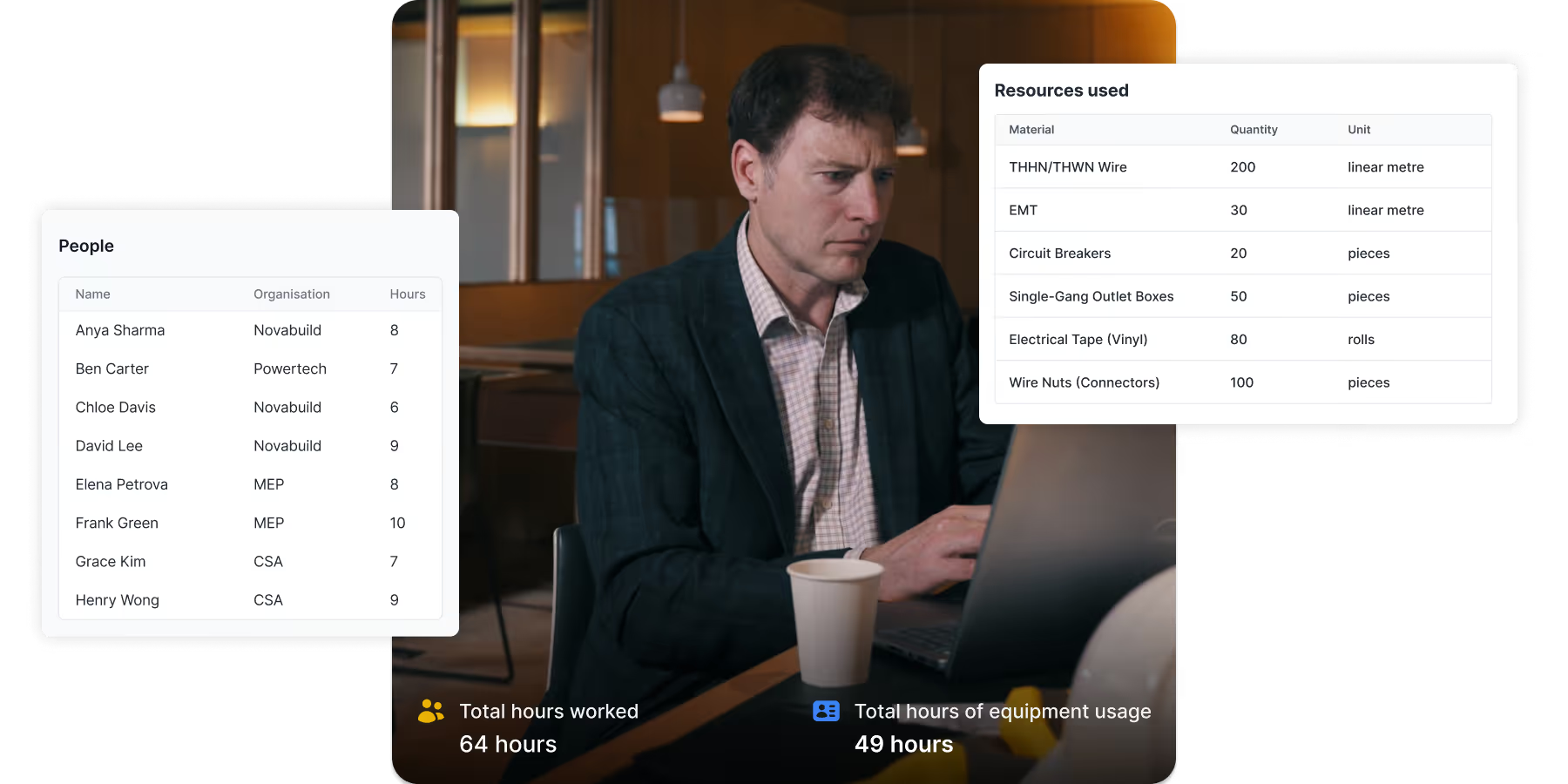
LEADING CONTRACTORS USE SHAPE TO TRACK TIME AND MATERIAL ALLOCATION
THE PROBLEM IS...
Your time and material tracking is a slow and inefficient process
You have multiple steps from site to usable data
Site teams fill out paper forms, which get collected, scanned, and manually typed into spreadsheets. It's a time-consuming process just to get basic visibility.
Allocation sheets are inconsistent or incomplete
The data you get back from site varies in quality and completeness. You're often missing the information to track costs accurately or support payment applications.
Can't track resources against schedule activities
Allocation data sits in spreadsheets with no connection to your schedule. You can't see which specific activities are running over budget or compare actual costs to your plan.
Capture complete and accurate allocation data from site
Log detailed allocations as part of your daily reports
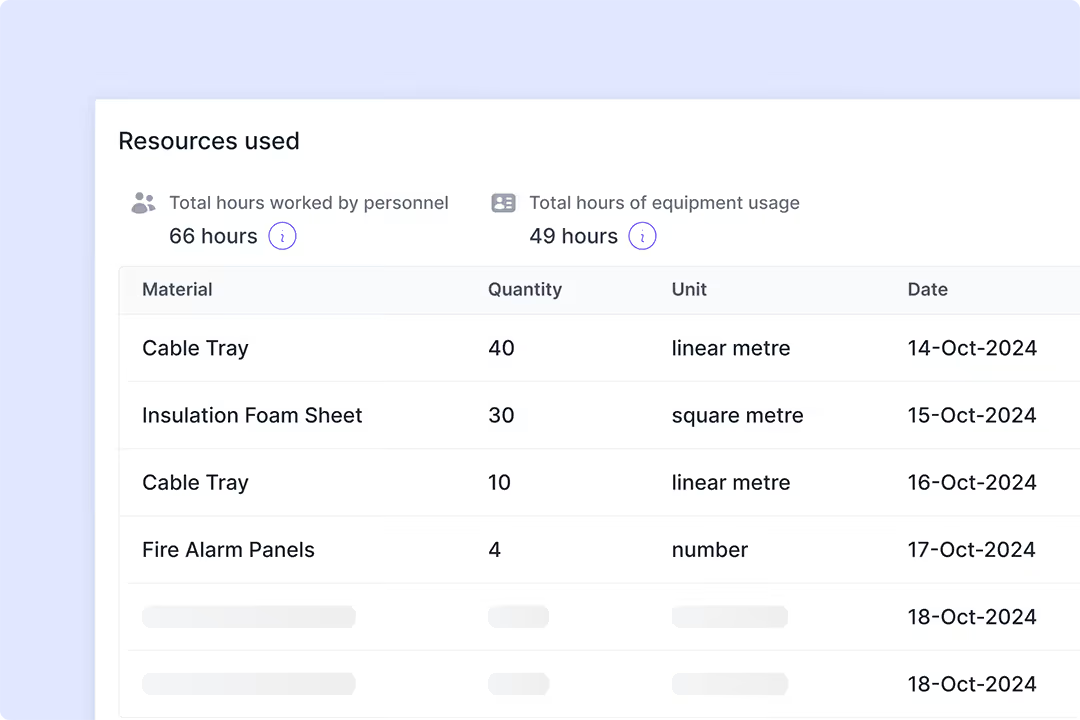
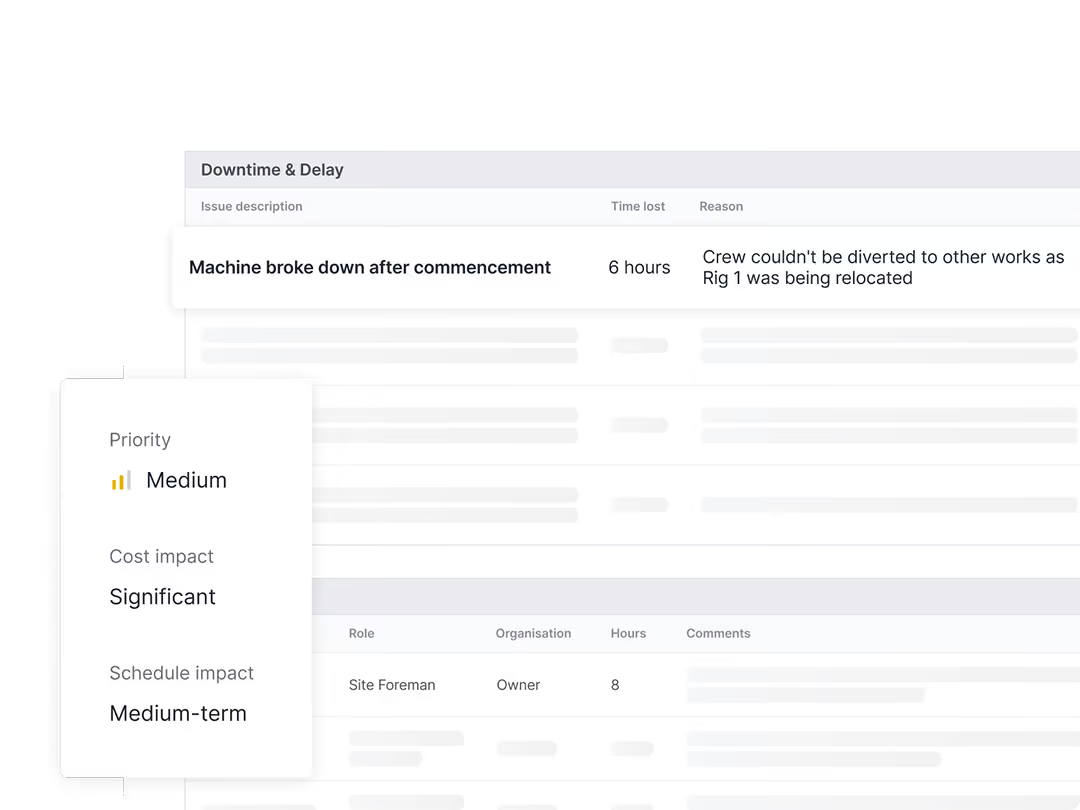
Build detailed time and material records without extra forms. Daily reports capture labor, equipment, materials, and track whether allocated resources were productive or idle.
Get allocation details straight from site
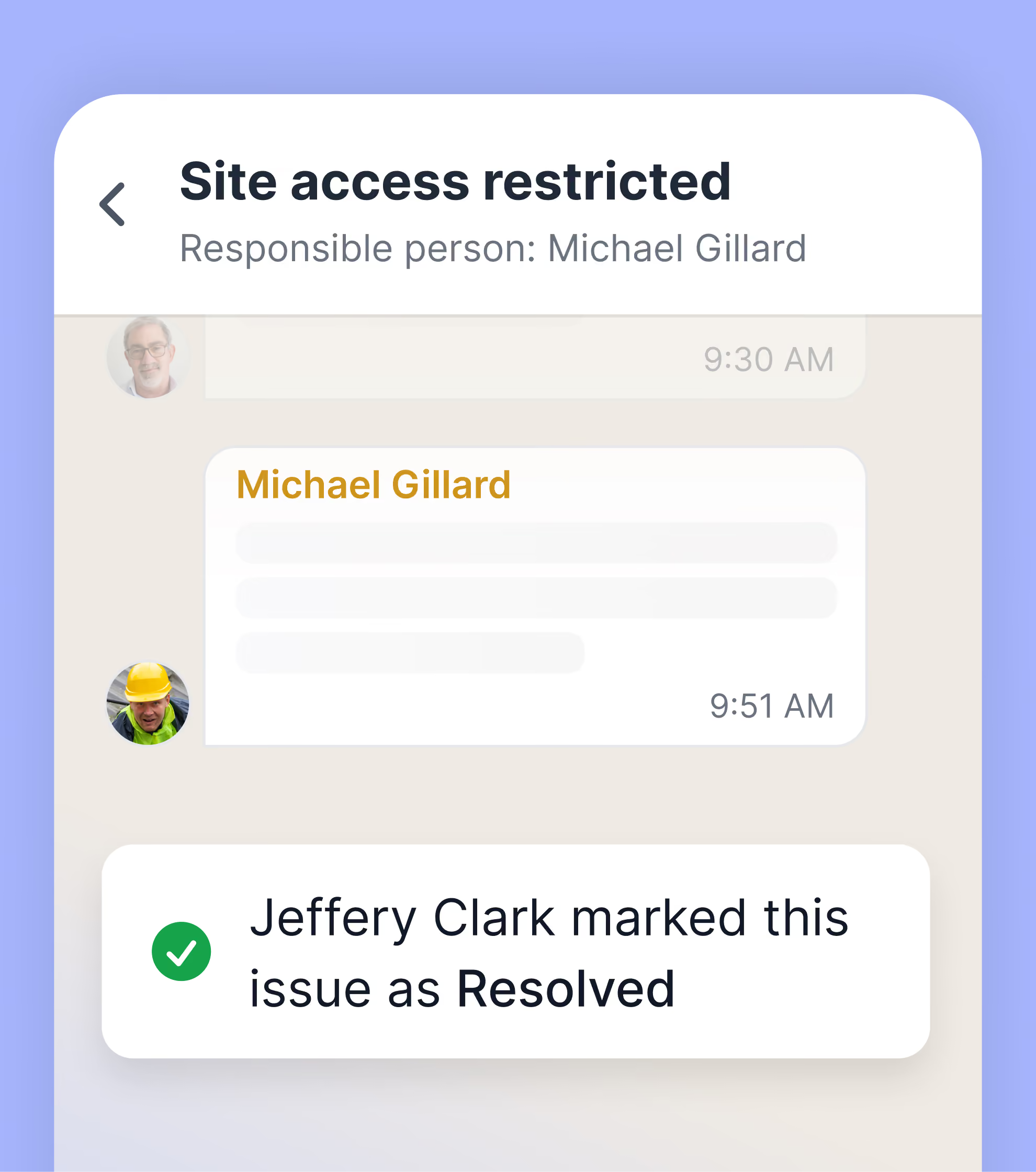
Communicate directly with your site crews to lock in the details, and have those conversations automatically feed into your allocation records.
Monitor daily record completeness
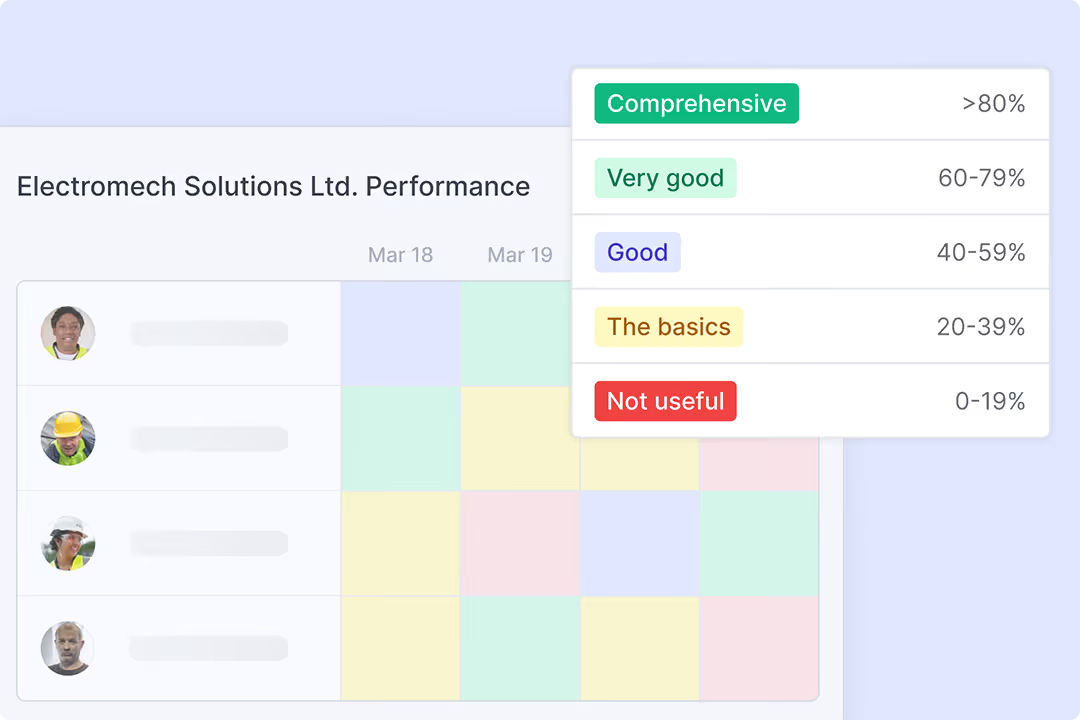
Each record gets a quality score so you see who's submitting complete daily reports, and who isn't. Address missing data proactively, before you need it for billing or cost analysis.um tristique.
Track time & material allocation against schedule activities
See all allocations per activity over time
Lorem ipsum dolor sit amet, consectetur adipiscing elit. Suspendisse varius enim in eros elementum tristique.
Import activities from P6, Asta, or any scheduling software
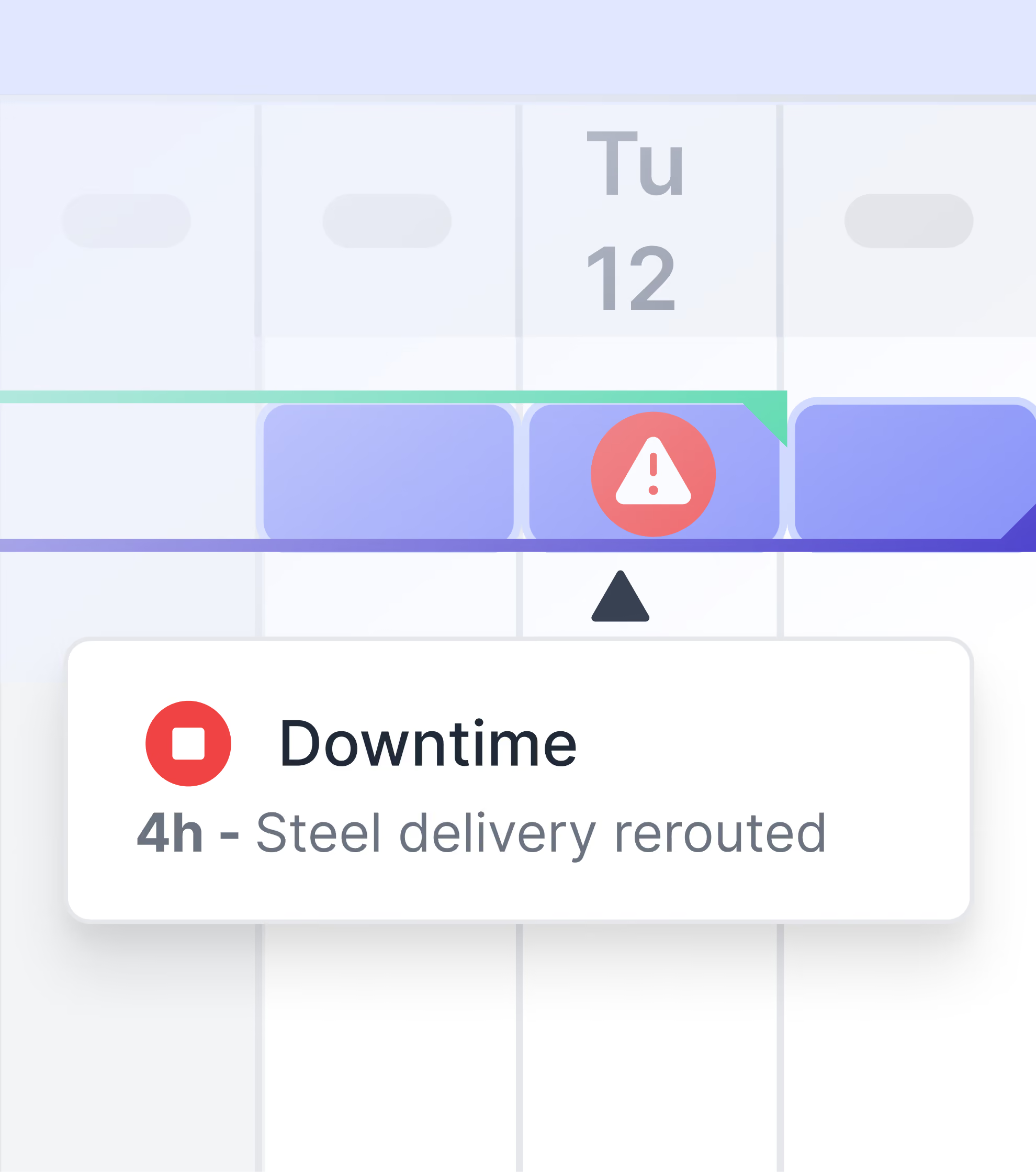
Monitor labor hours, equipment hours, and material quantities
Quickly see which resources are productive or idle
See total allocations per activity
Get allocation details straight from site
Communicate directly with your site crews to lock in the details, and have those conversations automatically feed into your allocation records.

Stop wasting hours on tedious time and material tracking
Capture allocation data efficiently. Link it to your schedule. Use it for billing and cost control.
More ways Shape helps with other critical project challenges
Frequently Asked Questions
Make it part of their daily work. Site teams already do daily reports. Shape adds allocation details to those reports: labor hours, equipment usage, materials. Reports pre-fill from yesterday so updates take just minutes. The key is that workers aren't filling out extra forms for the office. They're logging information that's useful for their own work, which means they actually do it.
You get the details you need for cost control and payment applications: labor hours per person per activity, equipment hours per activity with specific assets tracked, materials quantities installed or used per activity, and any downtime with reasons logged. Everything links to schedule activities and project locations. You can analyze costs by activity, area, trade, time period, or any combination.
Shape includes built-in monitoring that shows exactly who's submitting and who isn't. You see a completeness score for each person's records. If someone's not logging allocations or their entries lack detail, you'll know immediately. You can coach specific people rather than sending blanket reminders to everyone.
Yes. Import your schedule with budget hours per activity. As site teams log allocations, you see actual hours against budget. If you estimated 100 electrician hours for a specific room and you've already logged 85 hours with only 60% complete, you know you're heading for an overrun. You can investigate why and address it while there's still time.
Shape gives you the detailed records cost-plus contracts require. Payment applications need to show actual hours and materials used. Shape provides that detail linked to specific activities, with timestamps as evidence. Export allocation data for your payment application with supporting evidence that speeds up approval.
No. Shape captures allocation data from site, then exports it to your existing systems. Import activities from P6, MS Project, or whatever planning tools you use. Site teams allocate hours and materials to those activities in Shape. Then, export updated allocations back to your cost tracking system.
The only way to get site teams to adopt a new app is to give them a tool that is genuinely easy to use and directly helps them do their job. The technology must be designed for a "dual-user" benefit, meaning it solves a problem for the commercial team, but it's so simple and intuitive for the field team that they actually want to use it. This approach ensures high adoption rates, which is the only way to guarantee a consistent flow of high-quality data.
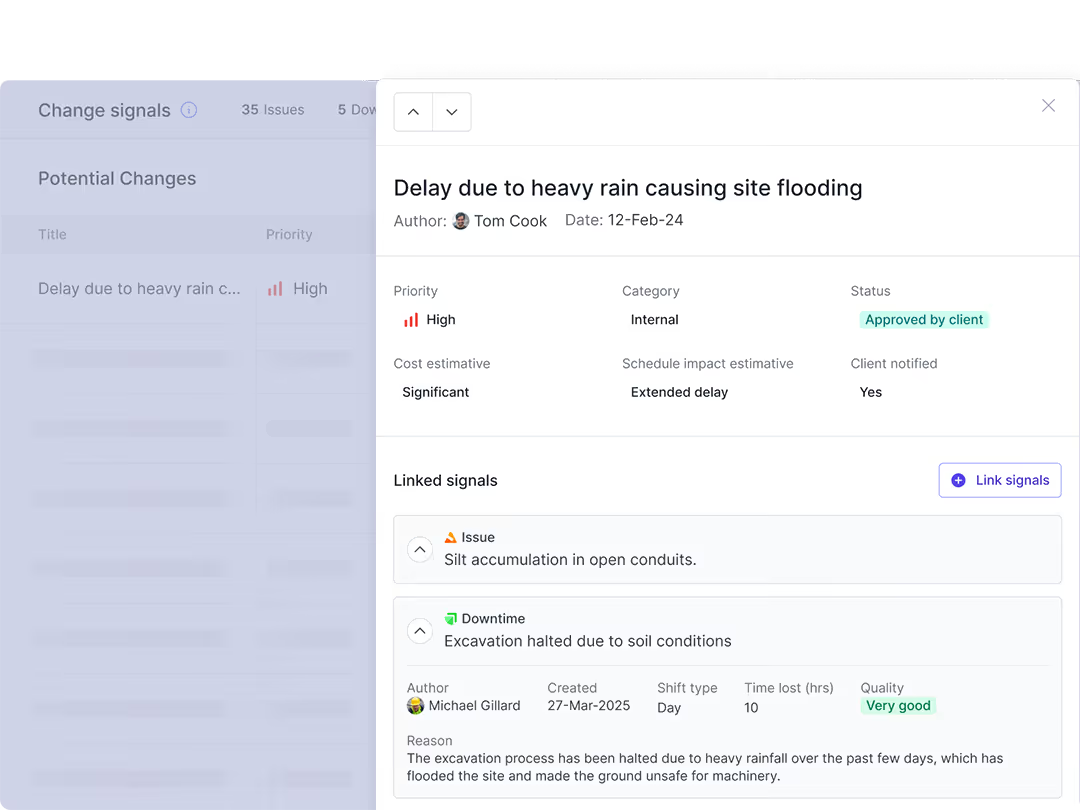
You can identify potential change in real-time by using a system that provides instant change signals. Shape automatically notifies you of issues, downtime, or schedule variances as they happen on-site. This allows you to track affected work and assess cost and schedule impacts as they are developing, giving you the time and data you need to manage a potential change before it escalates.
Yes, a digital tool can help manage subcontractor claims by standardising the process and creating a shared, transparent record. By replacing informal communication methods like WhatsApp with a company-owned chat and a centralised issue tracker, you can ensure every issue and change is documented in real time. This shared source of truth builds accountability and can resolve disputes faster and more amicably.
You prevent profit erosion by implementing a framework that enables you to capture all on-site changes automatically. By providing your field teams with simple tools they'll actually use, you can create a complete and comprehensive commercial record. This ensures your commercial teams always have the irrefutable evidence they need to defend and recover claims, securing your project's profitability against unmanaged risk.