SHAPE FOR CHANGE MANAGEMENT

Never miss a change event on site

Get notified when change happens on site. Build complete evidence automatically. Recover costs you'd otherwise absorb.
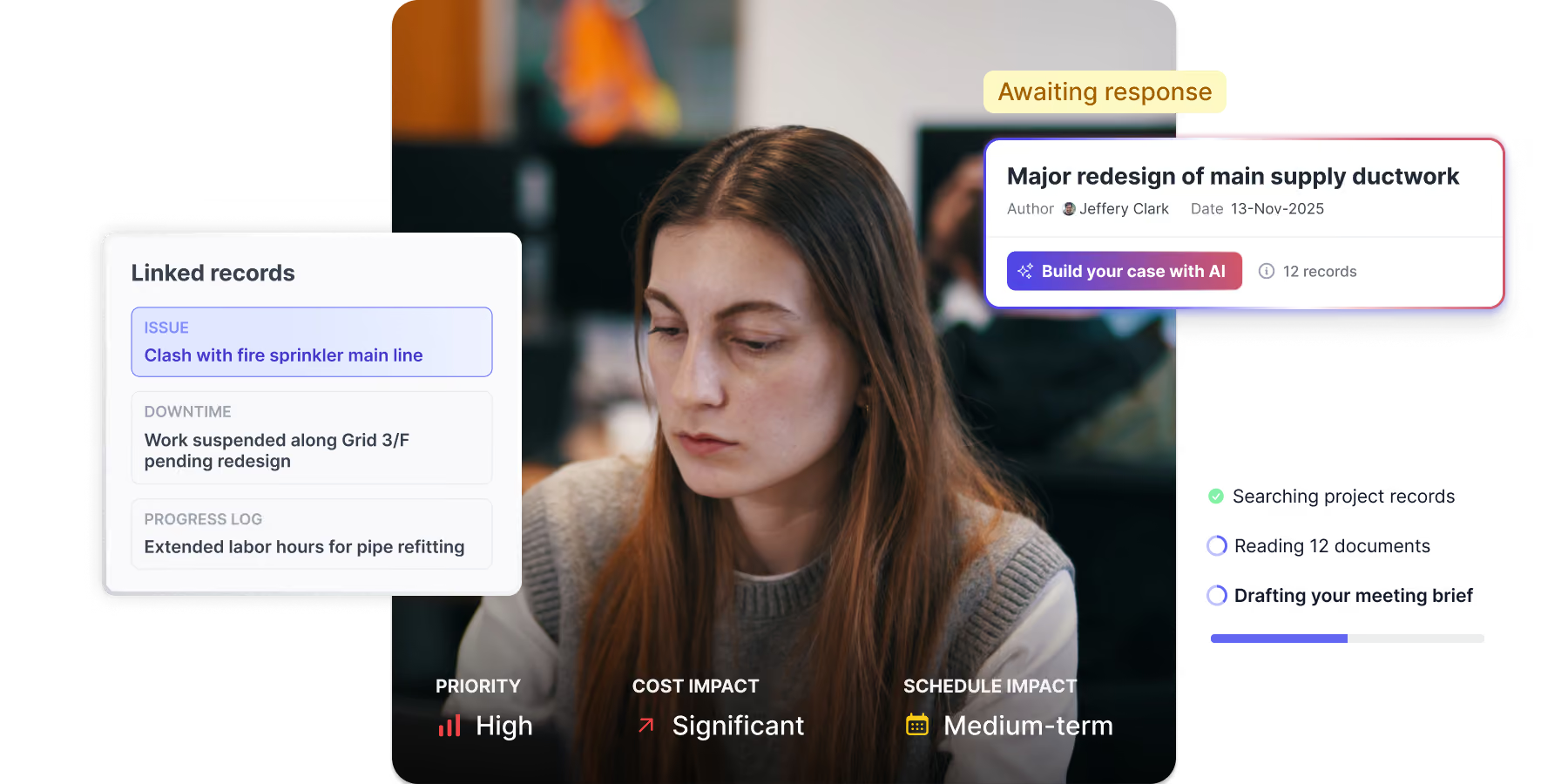
Woman with long brown hair focused on work, with an overlay showing change management details including linked signals of issues, downtime, and variance.

LEADING CONTRACTORS USE SHAPE TO MANAGE CHANGE, DISRUPTION, AND DELAY ON SITE

THE PROBLEM IS...

You’re losing margin to unrecovered change

Daily reports are inconsistent

Daily progress reports are time-consuming, so they don't get completed consistently and critical details go missing.

You don’t see change when it happens

There’s no system for flagging change. You find out about change events too late to manage them properly.

You can’t find the evidence you need

The records you need to defend claims are incomplete, scattered, or were never captured to begin with.

1

Build complete project records automatically

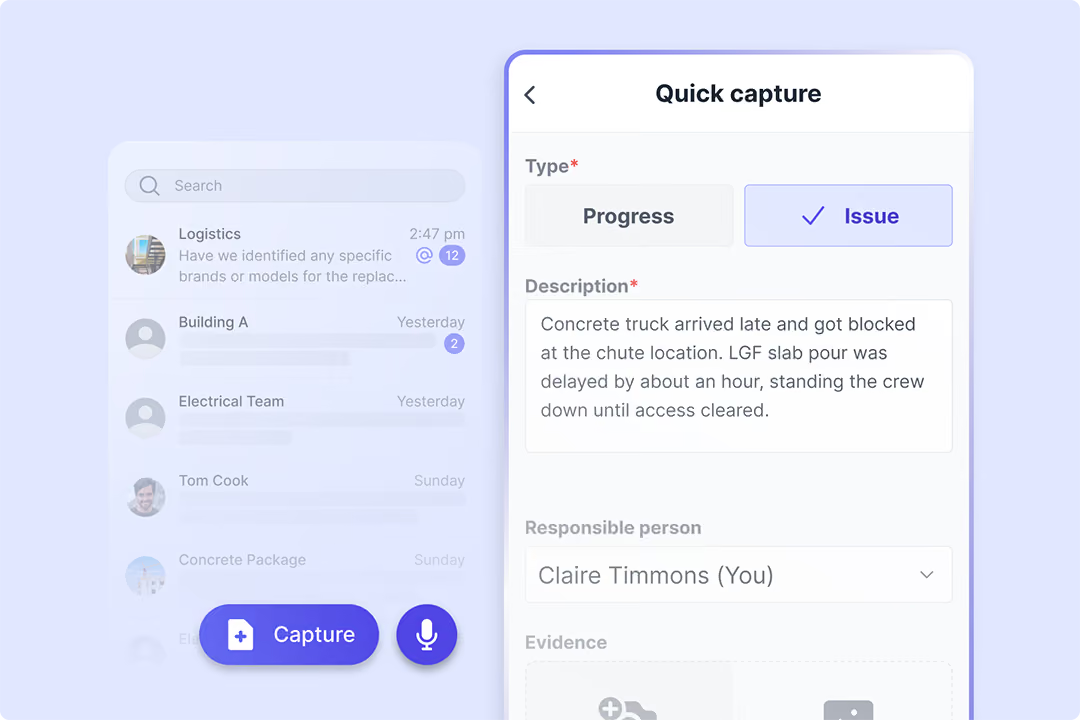
Skip the forms. Capture field records from chats.

Your field teams communicate, raise issues, and log progress through a simple messaging app. All conversations, photos, issues, and progress updates automatically get structured into your project records.

Construction site with a large blue drilling rig and workers, under a cloudy sky.

See who’s logging quality records and who isn’t

See exactly who's capturing detailed issues and progress, and who isn't. Each record gets a completeness score, so you can fix gaps before you need the evidence for a claim.

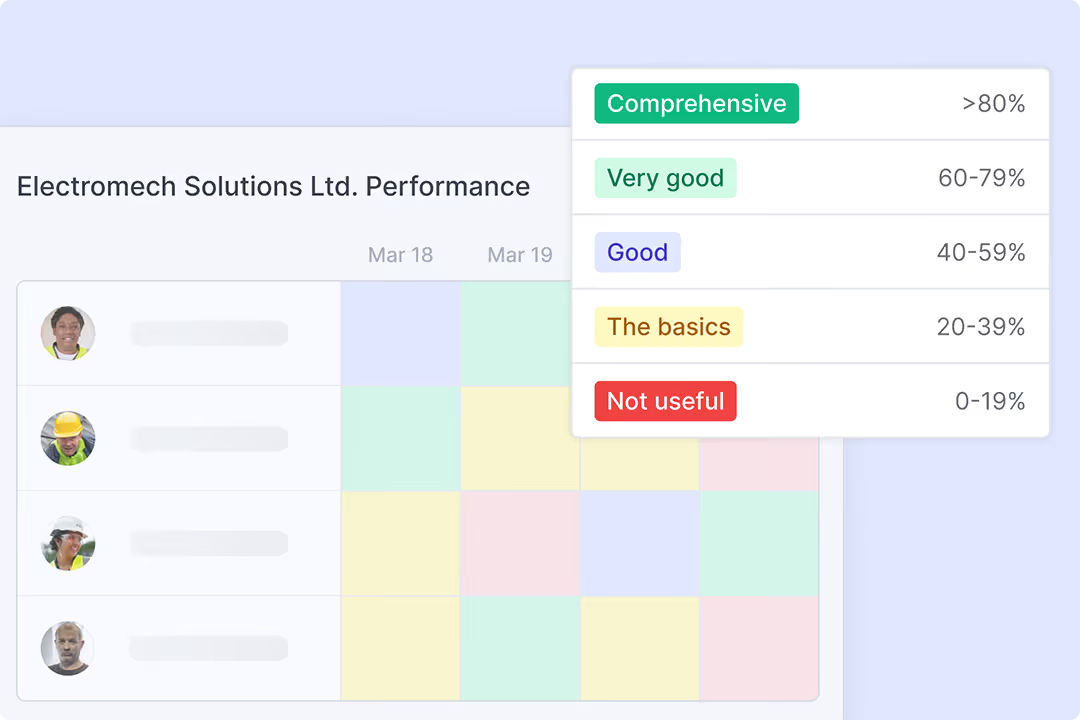
Performance table of Electromech Solutions Ltd. showing employee photos on the left and color-coded performance ratings for March 18 and 19, with a legend indicating rating categories from Not useful (0-19%) to Comprehensive (>80%).
2

See change as soon as it happens

Capture work stoppages with all the details

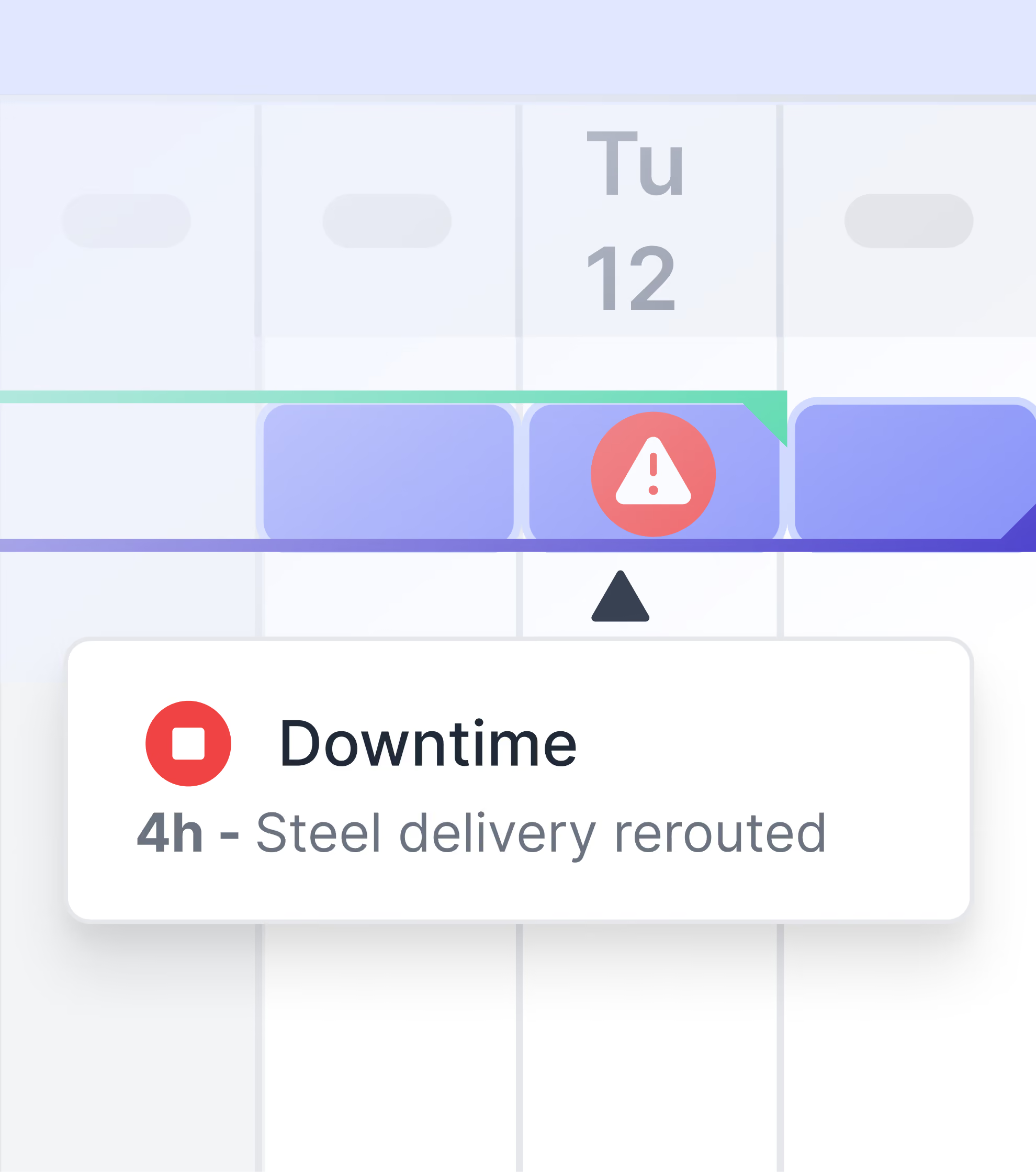
Instantly access every site downtime logged in daily reports, including hours lost, affected crews, idle equipment, and the reason for the downtime.

Screenshot of a Downtime & Delay report showing an issue with a corroded pipe section causing an active water leak, 50 hours lost due to unexpected utility leak, with a photo attachment of the corroded pipe.

See the full context behind every flagged issue

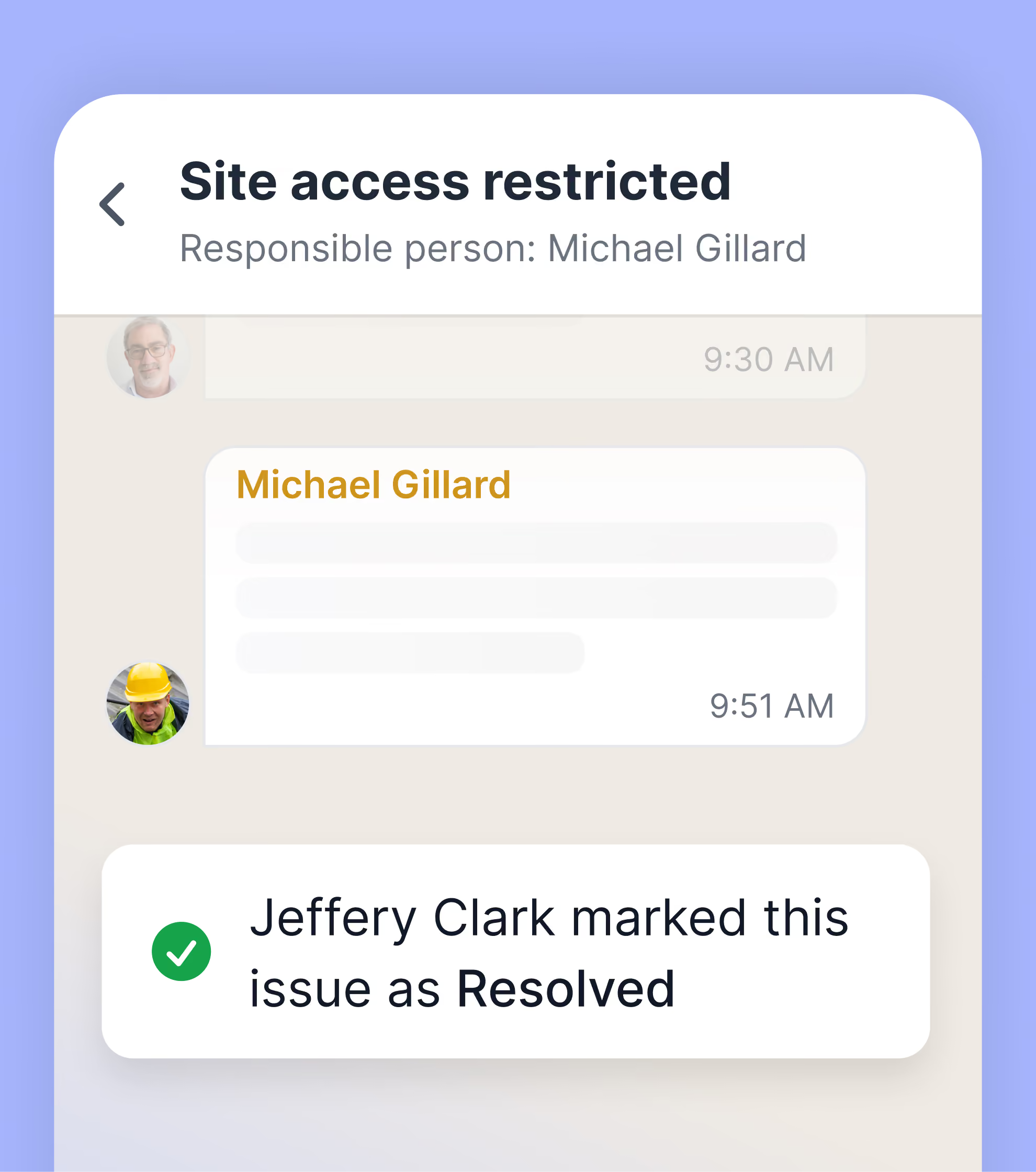
When field teams log issues that are blocking work or causing delay, you get notified. You see what's affected, who's responsible, the photo evidence, and discussion history.

Project management dashboard showing an item titled 'Scissor lift movement is blocking corridor' with status pending approval, date April 13, and critical impact status.

Get notified when potential change events occur

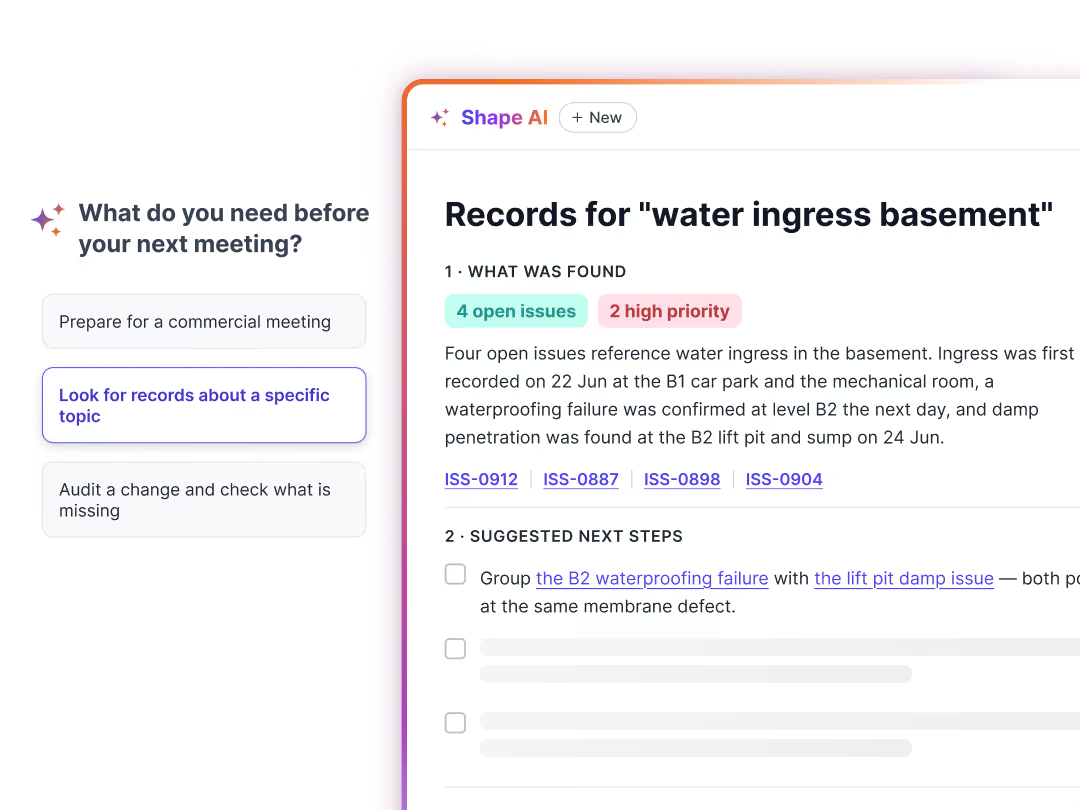
Work stoppages, issues causing delays, and scope deviations trigger change signals. Review them in an inbox-style workflow: keep what's actionable, dismiss what isn't, and link relevant signals to your change tracker.

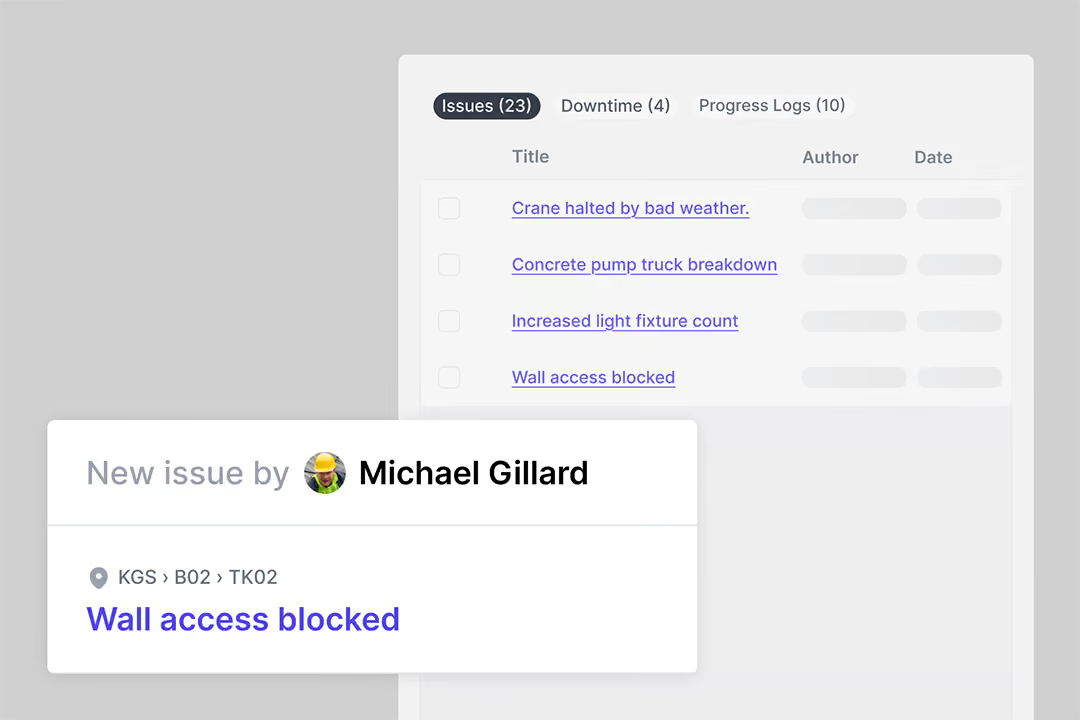
Dashboard showing a list of issues, downtime, and variances including 'Wall access blocked' reported by Michael Gillard.
3

Substantiate every change event

Project management dashboard showing activity details in progress, activity readiness checklist with some tasks completed, a gallery of construction images and documents, and weekly planning table with expected and actual progress percentages.

Quantify the cost impact of change

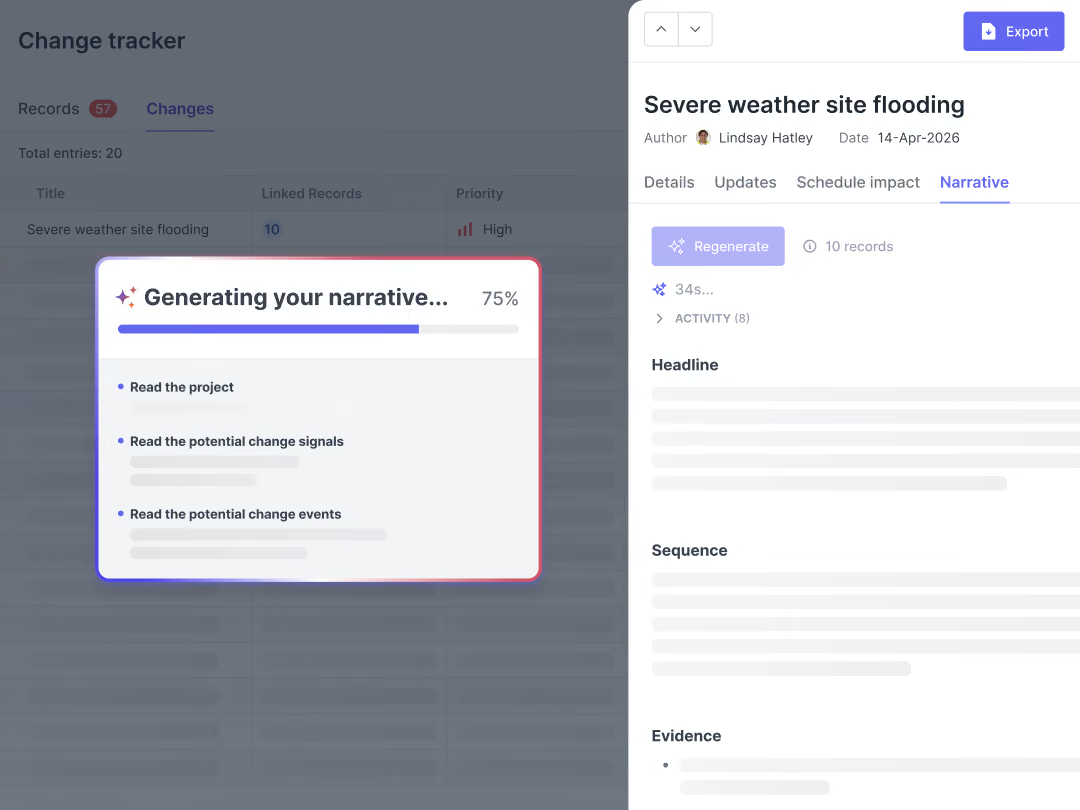
Import your schedule and link site events to activities. Open any activity to see a full history timeline with photos, issues, and daily reports, all timestamped and showing exactly how delays and work stoppages affect your schedule.

Table showing 54 total entries with columns for Title, Linked Signals, Cost Impact, and Schedule Impact, listing items with minor to major cost and schedule impacts.

Prove schedule impact with detailed records

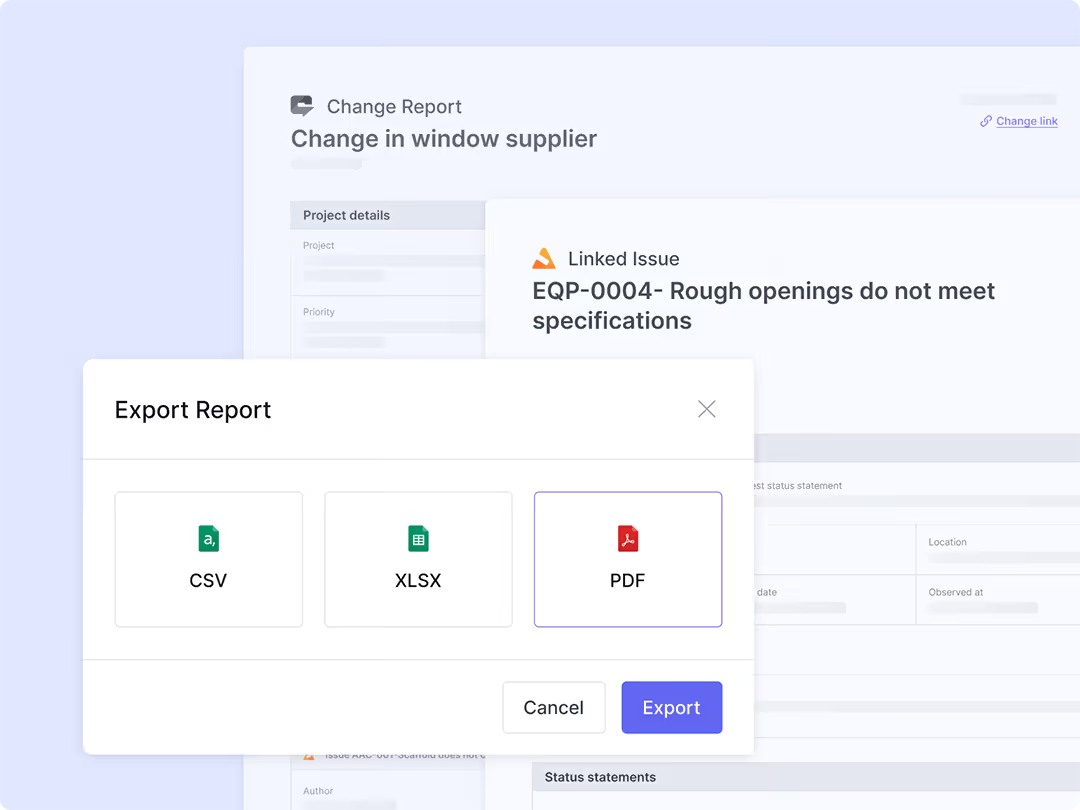
See all the labour hours and equipment affected by site disruption and delay. Export all data to a spreadsheet to calculate costs and substantiate the financial impact of change events.

Export Report dialog box with options to export as CSV, XLSX, or PDF with Cancel and Export buttons.

Generate PDF records instantly

Export structured change reports built from verified site evidence, ready to submit and defend every claim.

Stop change events in the field from eroding your margins

Learn more about how leading contractors are spotting change events early, building bulletproof documentation, and recovering costs with complete evidence using Shape.

“A lot of the time, the way that you build the project, there's a lot of change involved. Shape allows you to track all of those changes. You can see the journey that Shape created for you by all of the updates that you do through there.”
Dan Van Wyk profile photo

Dan van Wyk

Project Manager, Sweet Projects
"Shape was quickly adopted by our team due to its user-friendly interface. We no longer waste time on manual paperwork or lengthy email chains, trying to resolve coordination or blocker issues.​"
Sunny Hundal profile photo

Sunny Hundal

Mechanical Package Manager, Emico Ltd.
"Shape provided a clear, simple, and accessible database for tracking project issues, giving us better visibility into programme impacts, delays, and improving contract management.​"
Andre Costa profile photo

Andre Costa

Operations Director, Bysteel

Frequently Asked Questions

How does Shape alert me to a potential changes before it becomes a major dispute?
My site teams are busy. Do they have to fill out forms to report change?
What kind of proof do I get from Shape to recover costs on a formal change submission?
What is the main difference between Shape's approach and what my ERP or document control system does?
Can Shape track the impact of a single issue across my schedule and cost?
Is the site communication captured in Shape legally defensible?
How do I get site teams to actually use a new app?
How can I identify potential change in real-time?
Can a digital tool help manage subcontractor claims?
How can I prevent profit erosion from unrecovered claims?