The schedule, the weekly plan, and what actually happens rarely align. Weekly Work Planner connects all three.
Plan weekly work straight from the schedule
Connect your weekly work planning with the schedule, so teams are aligned and delivery stays accountable.
WHY IT WORKS
Activities are pulled directly from the schedule
Daily progress updates link to the plan
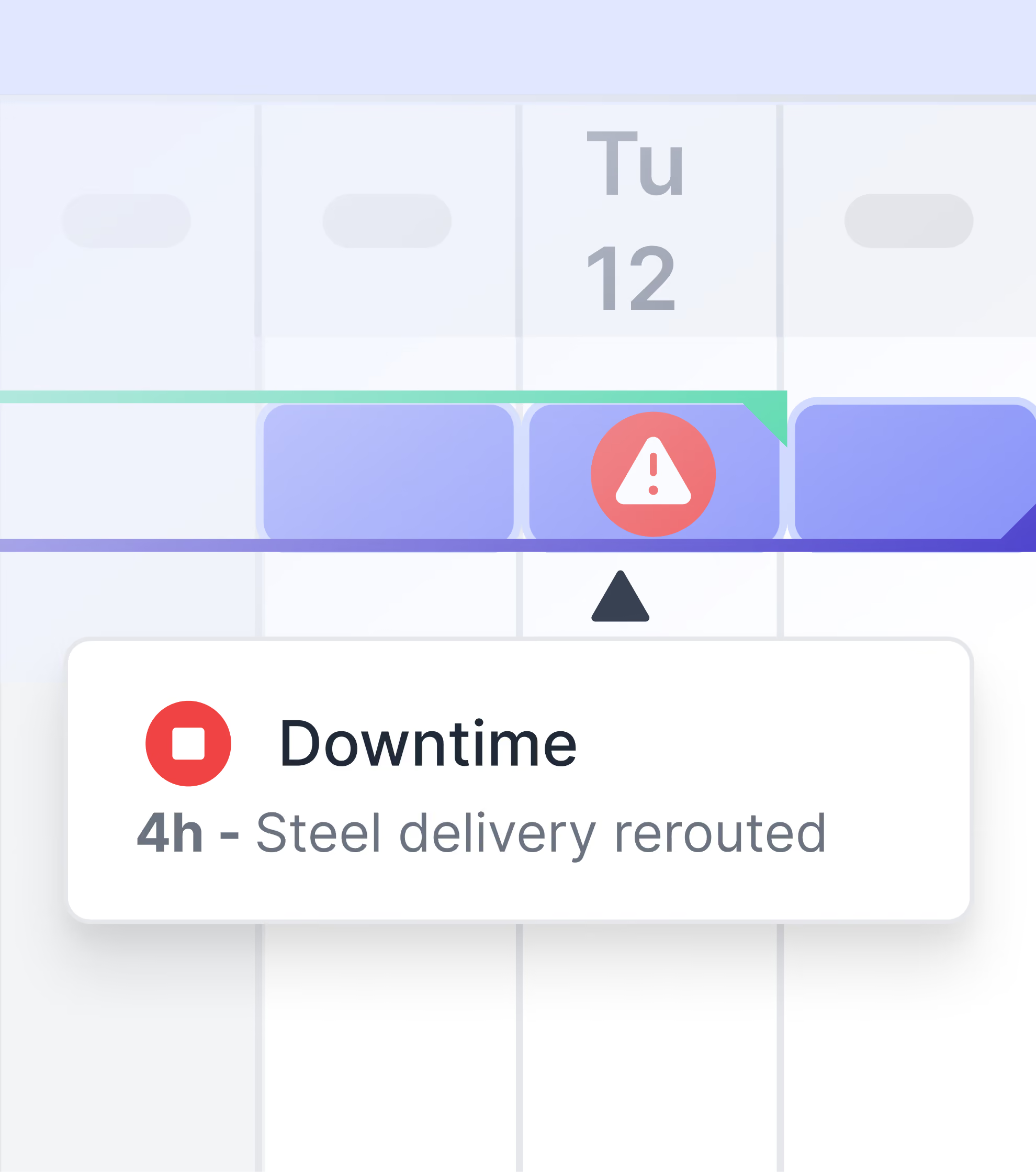
Schedule variances and delays get flagged in real time
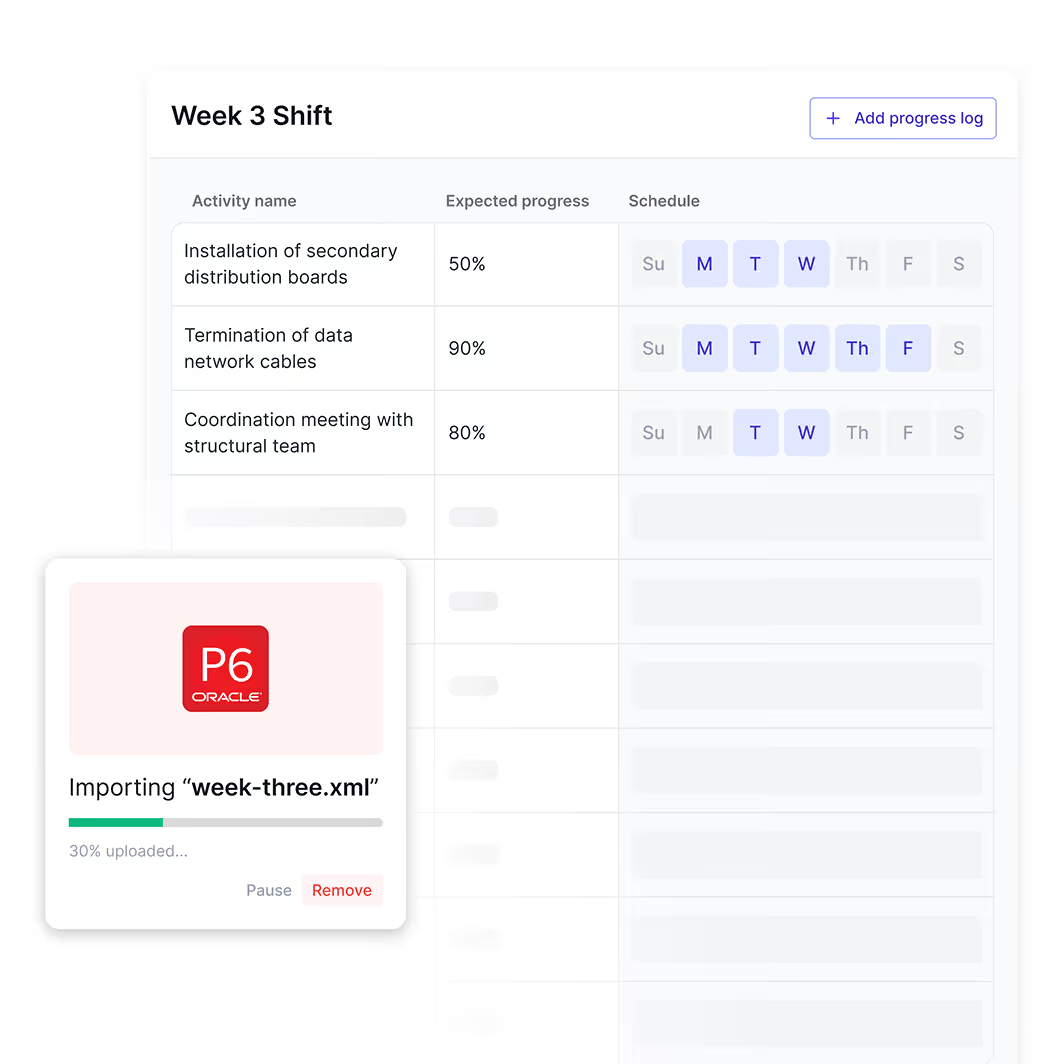
Give every trade clear weekly targets
Set a clear action plan on what work needs to be done—by which trade, in which area, and when.
WHY IT WORKS
Simple format understood by all trades and contractors
Everyone sees activity ownership and timing
Built-in checklists confirm readiness before work starts

Report the project progress vs the schedule
See what was delivered, what changed, and how to improve the next week’s plan.
WHY IT WORKS
Weekly reports shows planned vs actual progress
Capture reasons for delays and variances as they happen
Track unplanned work alongside original commitments

Explore other tools in Shape
Frequently Asked Questions
Shape Weekly Work Planner is construction planning software that turns the master schedule into a clear, short-term plan for each trade and area. Activities import directly from Primavera P6, Asta Powerproject, or MS Project, and field teams confirm readiness, assign ownership, and report actual progress against the plan throughout the week, creating an automatic plan-versus-actual record.
Weekly Work Planner is built on Last Planner principles: each activity has a clear owner, a readiness checklist confirming prerequisites are in place, and a target completion percentage. As crews update progress through Channels or Shift Manager during the week, the Weekly Work Planner shows the gap between expected and actual delivery in real time, so production controllers can intervene before slippage compounds.
Yes. Activities import from Primavera P6, Asta Powerproject, MS Project, and any XML-compatible scheduling tool. Each weekly plan inherits the activity name, dates, and dependencies from the master schedule, then field teams update actual progress, which can be exported back to the scheduling software for accurate progress updates without manual data entry.
Yes. Weekly Work Planner uses a simple table format that every trade understands. Each row shows the activity, owner, location, expected progress, and actual progress, with built-in checklists for readiness. General contractors typically run a single weekly plan covering all packages, including subcontractor users, which forces alignment across the entire supply chain.
A readiness checklist is a short list of prerequisites that must be in place before an activity can start, such as materials on site, area cleared, drawings issued for construction, and permit in place. Each item gets ticked off, and incomplete checklists flag the activity as not ready, which prevents teams from committing to work that will inevitably be blocked.
When actual progress falls behind the planned percentage, Shape prompts the planner to log a variance reason from a structured list such as late drawings, subcontractor under-resourcing, weather, or material shortage. These categorized reasons feed Change Tracker and Data Book, so commercial teams can spot patterns and substantiate extension-of-time arguments.
Yes. Crews often deliver work that was not on the original weekly plan, such as snagging, rework, or client variations. Weekly Work Planner records these as unplanned activities alongside the committed work, so the report at week-end shows both planned versus actual and the volume of unplanned effort, which is critical for evidencing disruption.
Weekly Work Planner generates a structured weekly look-back report showing planned activities, actual completion, variance reasons, photo evidence, and unplanned work. Reports can be exported as PDF for client and senior management distribution, or as XLSX for further analysis in Power BI or Excel. Activity-level history is preserved for the life of the project.
Each activity in Weekly Work Planner has a named owner, often a subcontractor representative, who confirms readiness and updates progress. Performance is visible to the whole project team, and Data Book aggregates the data into trade-level scorecards. This visible accountability is one reason contractors using Shape report up to 80% of project risks identified before they impact the critical path.
Yes. Weekly planning and reporting is part of Shape's free plan, along with Issue Tracker, Shift Manager, Channels, and centralized file management. Look-back reports and plan-versus-actual analytics are upgraded in the Professional plan, which also unlocks unlimited projects and history.
Frequently Asked Questions
Default Text
Default Text
Default Text
Default Text
Default Text
Default Text
Default Text
Default Text
Default Text
Default Text