Keep your schedule up-to-date
without chasing down the field crew
Skip the manual check-ins. Get accurate, evidence-backed progress updates, all linked to your schedule.
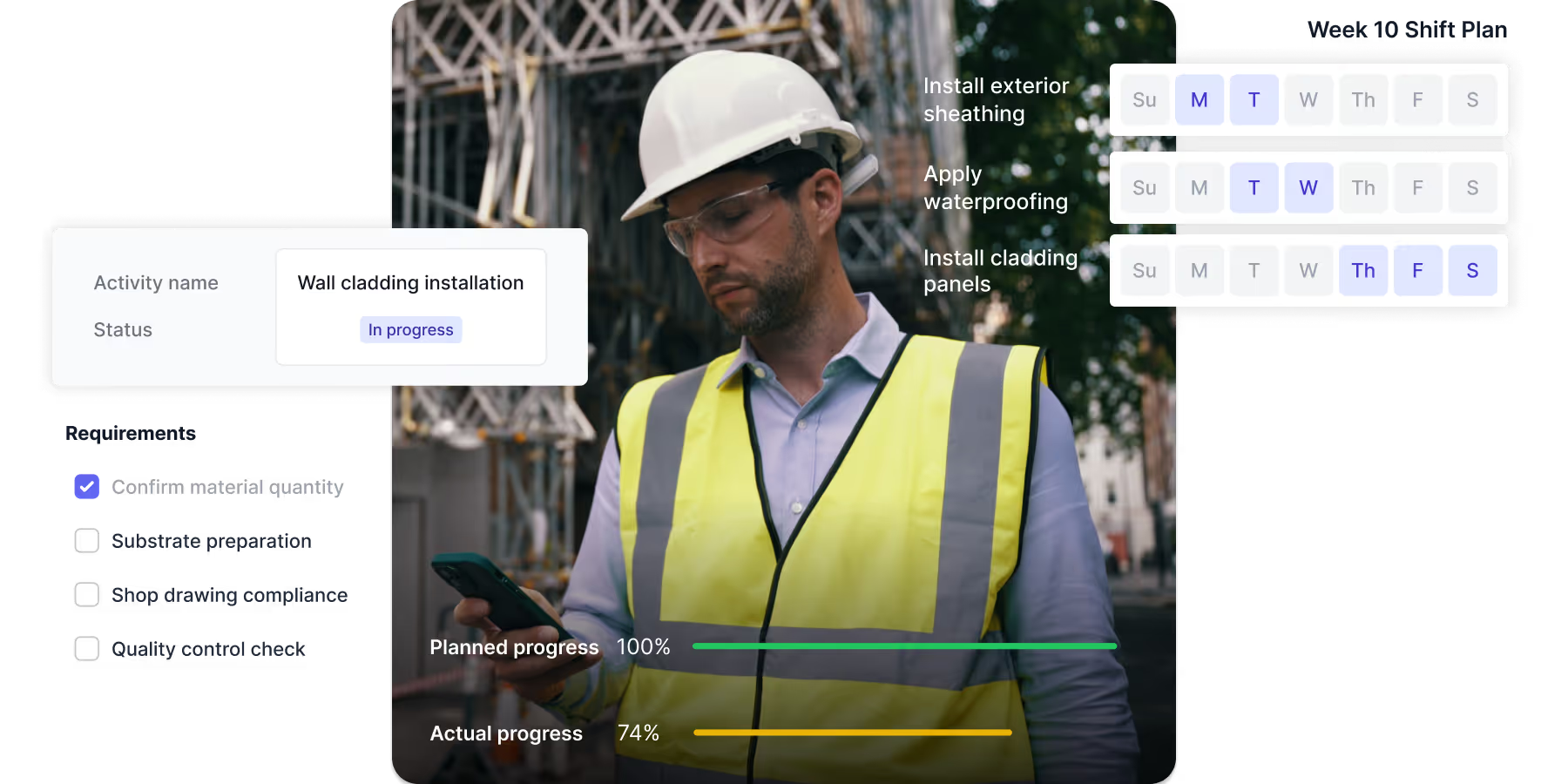
LEADING CONTRACTORS USE SHAPE TO TRACK PROGRESS AGAINST THE SCHEDULE








THE PROBLEM IS...
Getting schedule updates requires too much effort

Manual coordination eats up hours
Chasing people down for updates, marking up schedule printouts, compiling spreadsheets. Simple updates take time-consuming coordination.

Updates lack detail or evidence
Someone says an activity is 50% complete. Without photos or details about what was accomplished, you can't verify if it's accurate.

There’s double handling of information
Daily reports. Then spreadsheets. Then scheduling software. Information gets double-handled because nothing connects.
Guarantee timely progress updates from site
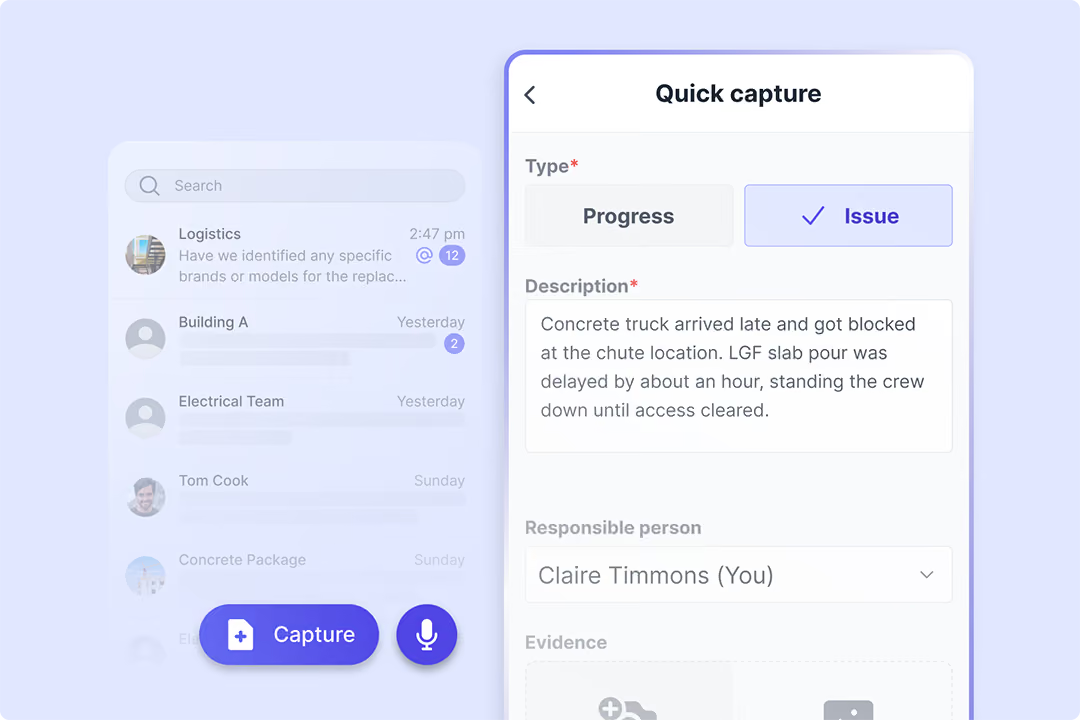
Skip the forms. Capture records from field chats.
Your field teams communicate, log progress, and raise issues through a simple messaging app. All conversations, photos, issues, and progress updates automatically get structured into your project records in real-time.

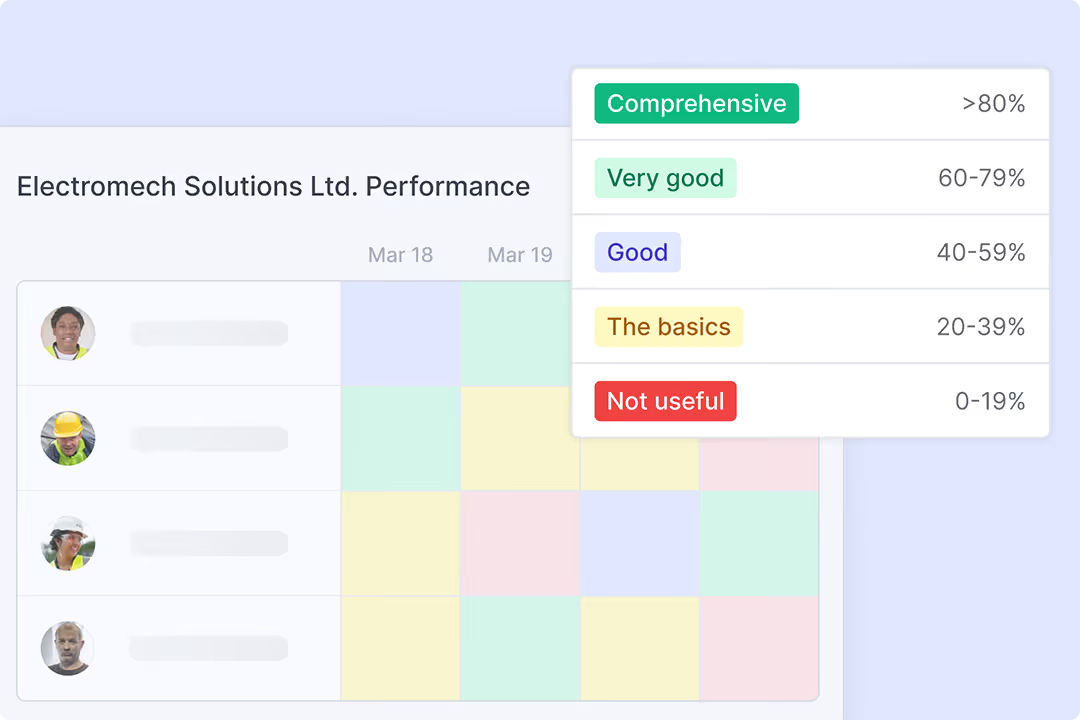
See who’s capturing quality records and who isn’t
See exactly who's logging progress and who needs coaching. Each record gets a completeness score, so you can see gaps at a glance and flag the right people, without reviewing every individual progress log.

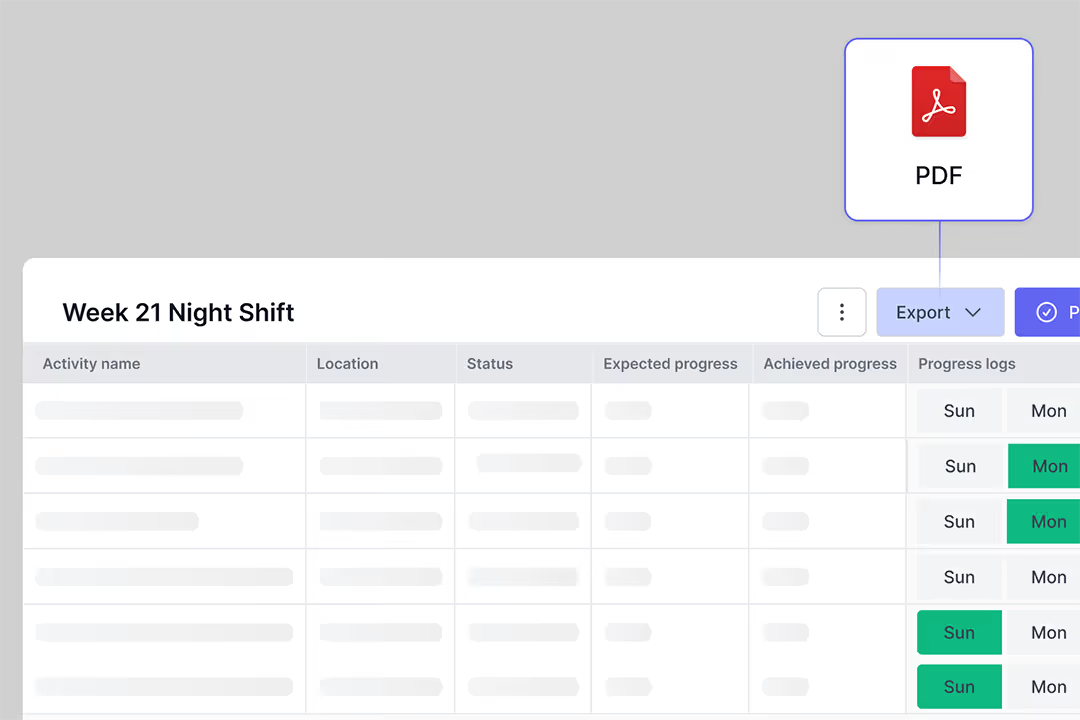
Keep the schedule updated without manual data entry
Pull activities directly from your scheduling software into Shape.

Export updated progress back to your schedule each week.
See the complete history of every schedule activity
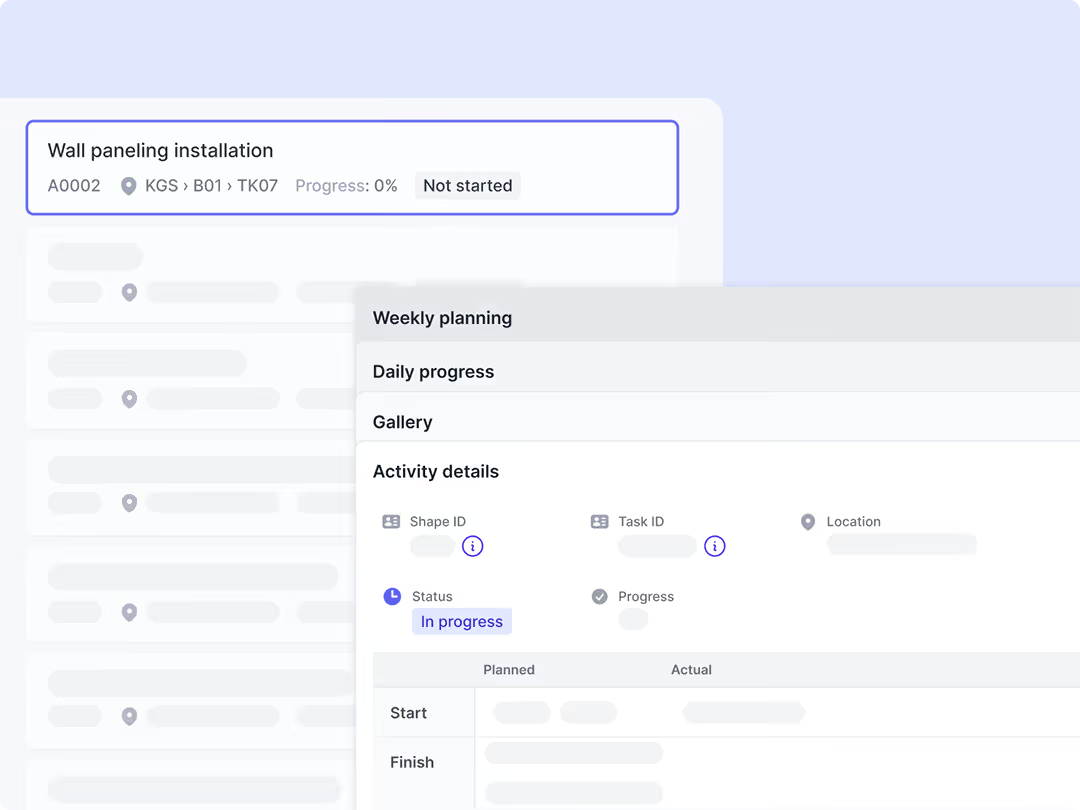
Open any activity to see its status and all related site records:

Photos with detailed context including timestamp, captions, and source
Progress logs and daily report mentions
Weekly plan references with expected vs actual
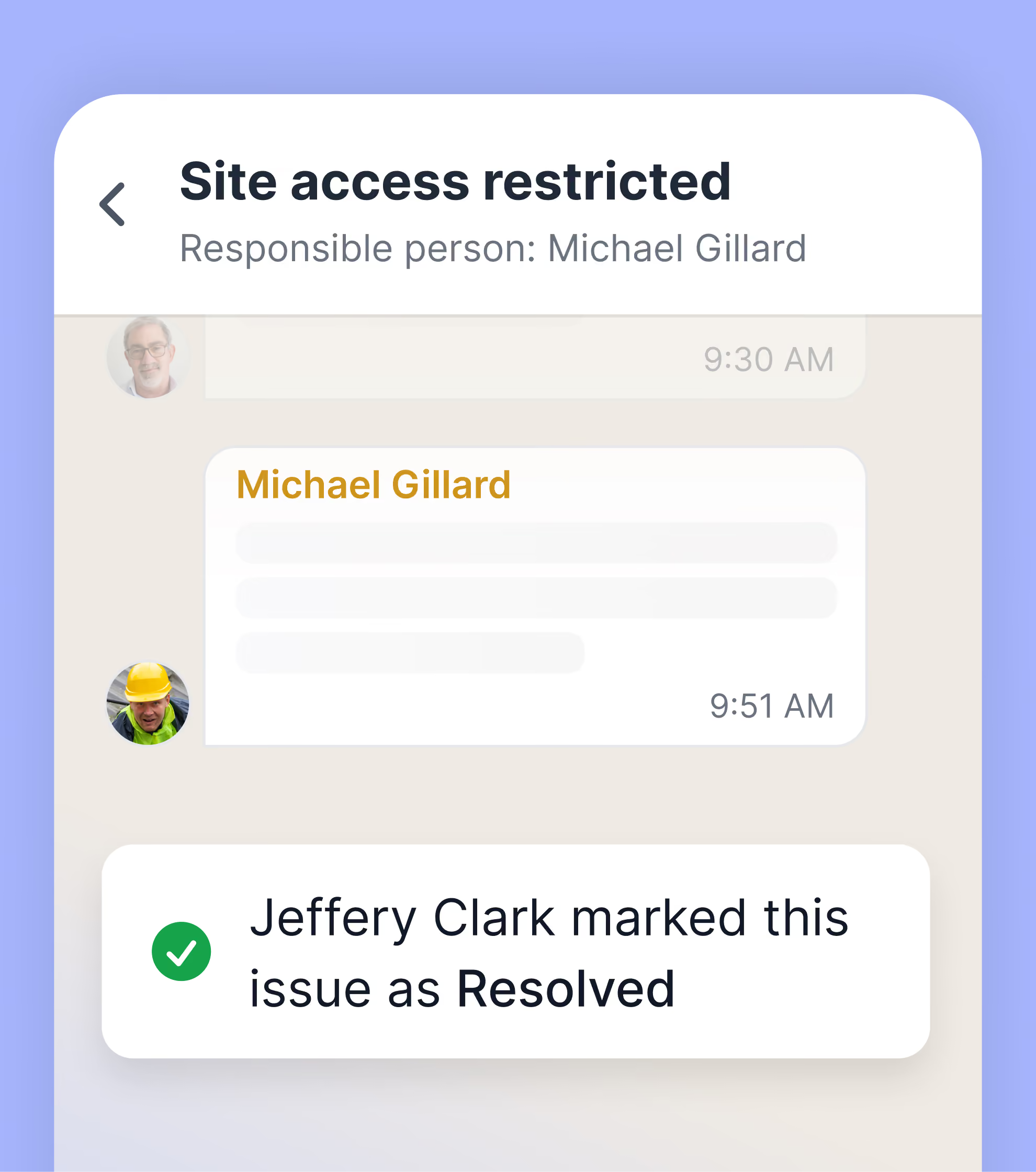
Linked open and resolved issues
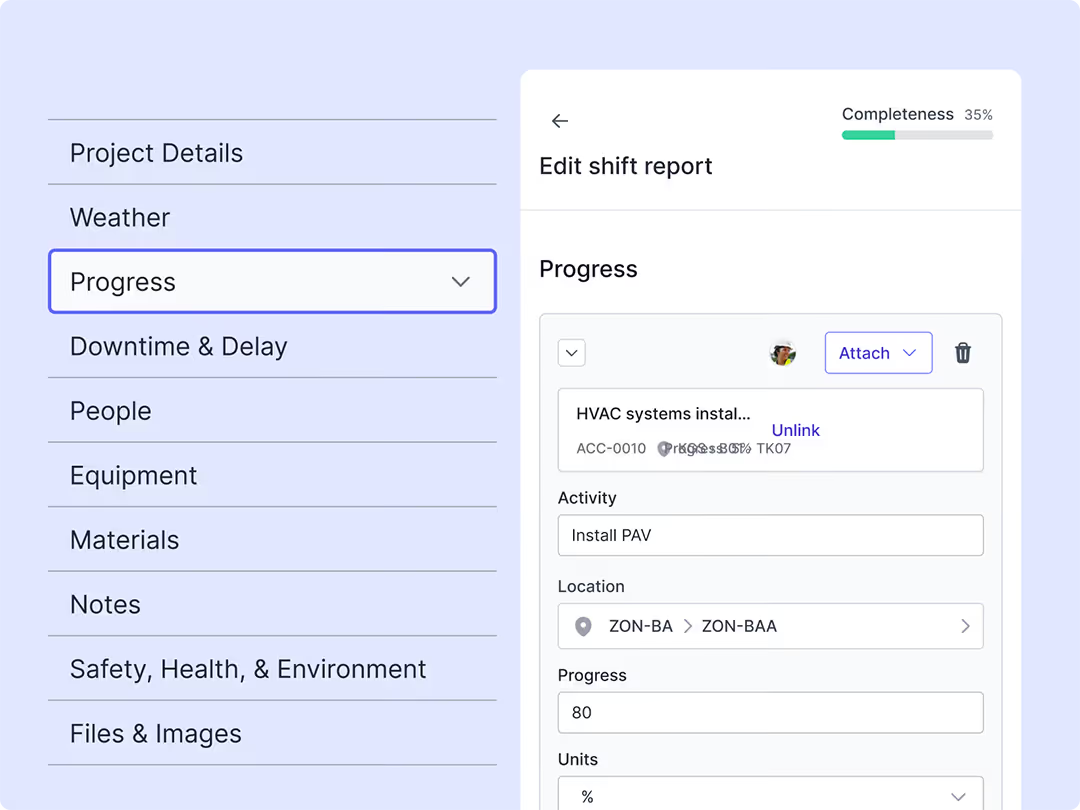
Site teams give you structured daily progress reports including:
Completion updates
Resource allocations (people hours, equipment hours, materials used)
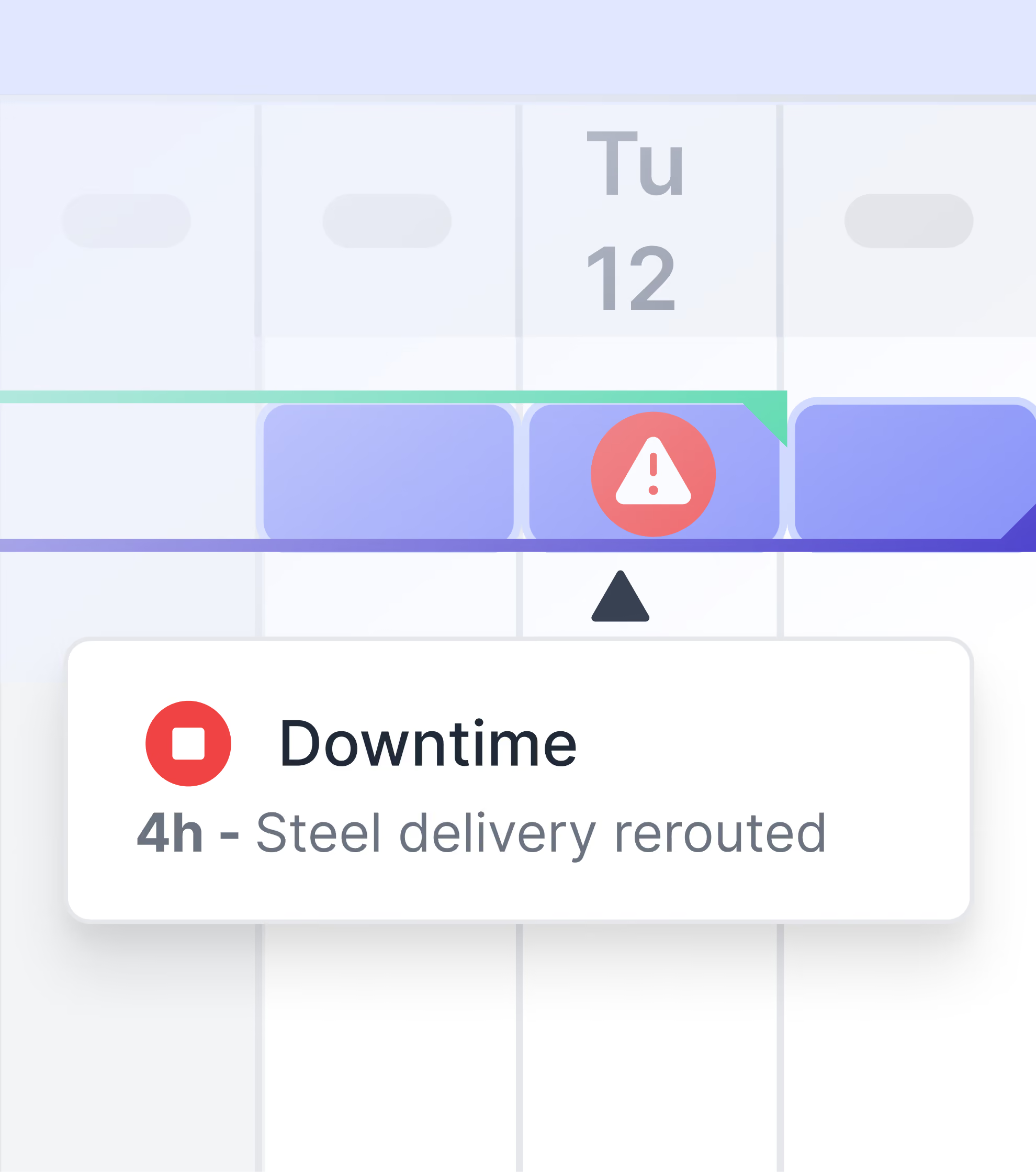
Downtime events with reasons
Photo evidence attached to each item

Get accurate daily progress, not just percentages
Open any activity to see its status and all related site records:
Photos with detailed context including timestamp, captions, and source
Progress logs and daily report mentions
Weekly plan references with expected vs actual
Linked open and resolved issues
Easily access records related to any activity
Site teams give you structured daily progress reports including:
Completion updates
Resource allocations (people hours, equipment hours, materials used)
Downtime events with reasons
Photo evidence attached to each item
Stay on top of schedule without the manual work
See how contractors get accurate progress from site and maintain control over schedule without the time-consuming manual coordination.
Frequently Asked Questions

More ways Shape helps with other critical project challenges
See how Shape supports each role on your team
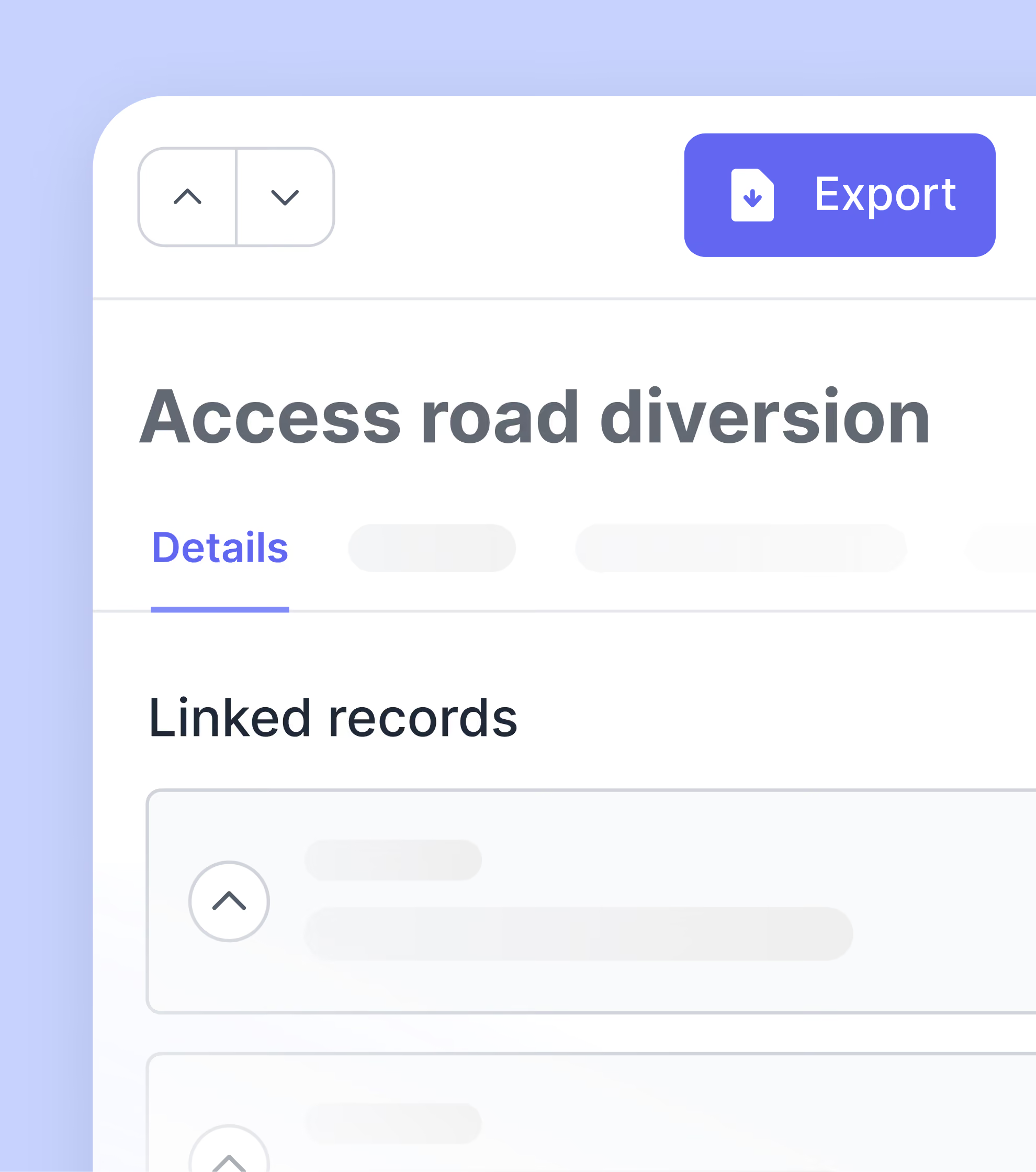
Capture defensible records and see change coming.
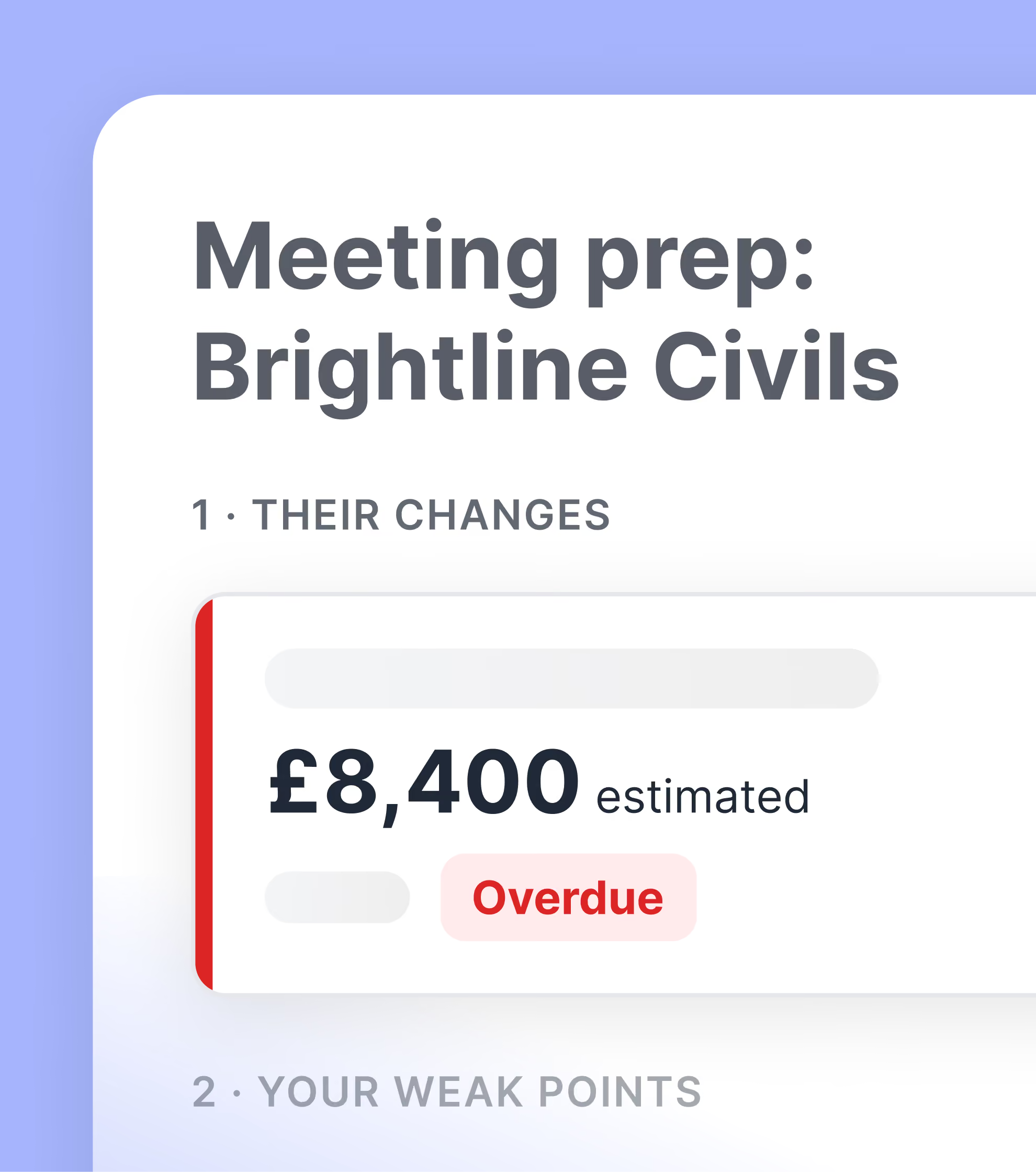
Protect margin with real-time change visibility and evidence that holds up.
Track progress against schedule without manual work.
Keep site teams coordinated and issues resolved.