SHAPE FOR FIELD DOCUMENTATION

Reliable project records,
captured as work happens

Build an auditable history of all field events from your teams' everyday communications.

Construction worker in a white helmet and orange safety vest using a smartphone, with overlay interface showing jobsite report details, progress at 60%, and a new issue form titled 'Exterior concrete wall damage'.

LEADING CONTRACTORS USE SHAPE TO CAPTURE COMPLETE, DEFENSIBLE CONTEMPORANEOUS RECORDS

THE PROBLEM IS...

You're missing the records you need to protect your business

Field reporting is inconsistent

Daily reporting is a time-consuming task for your site team, so they don't get completed consistently and critical details go missing.

Records are incomplete when you need them

When a dispute arises or you need to substantiate change orders, you discover the evidence you're looking for was never captured or is too vague to be useful.

Evidence is scattered and disconnected

Photos, notes, and reports exist across messages, emails, and paper records. Nothing connects to your schedule or tells a complete story.

1

Get consistent field records, no matter who’s on shift

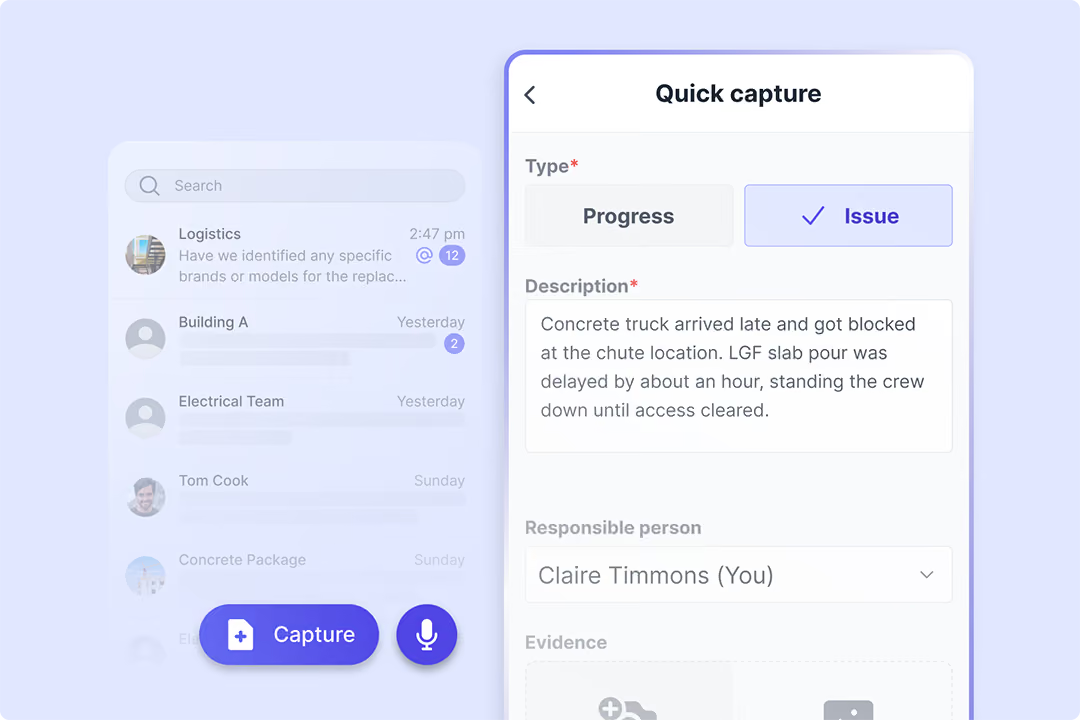
Skip the forms. Capture records from chats in the field.

Your field teams communicate, raise issues, and log progress through a simple messaging app. All conversations, photos, issues, and progress updates automatically get structured into your project records.

Construction site with a large blue drilling rig and workers, under a cloudy sky.

See who’s logging quality records and who isn’t

See exactly who's capturing detailed issues and progress, and who isn't. Each record gets a completeness score, so you can address gaps proactively. When you need evidence for disputes, payment applications, or claims, it's already there.

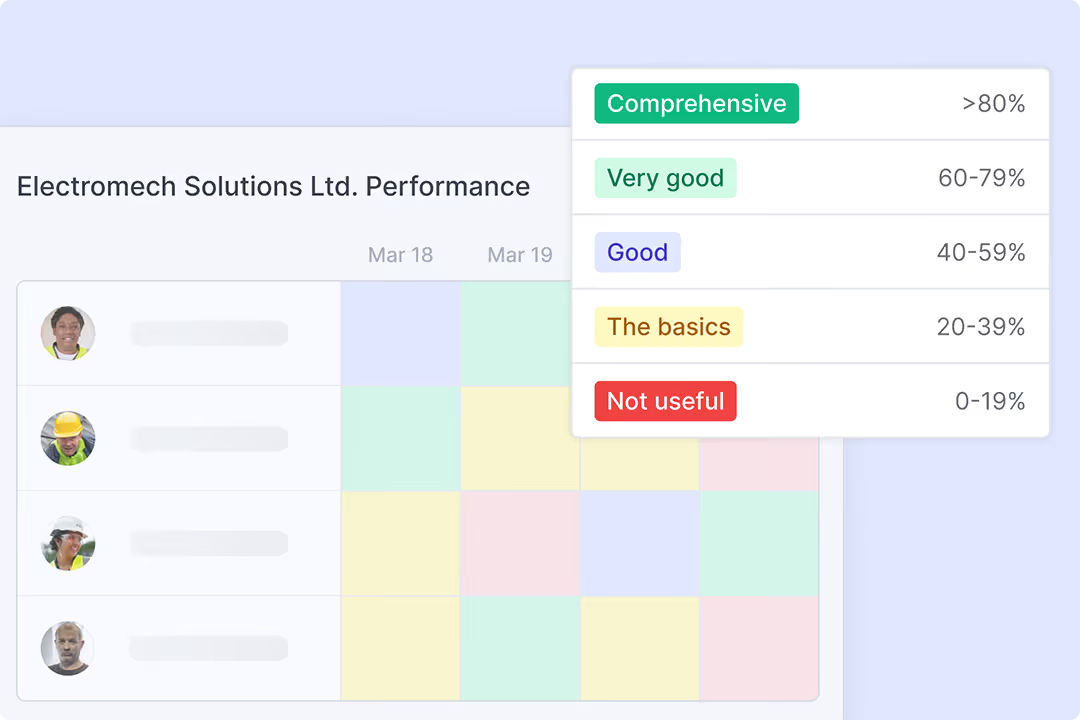
Performance table of Electromech Solutions Ltd. showing employee photos on the left and color-coded performance ratings for March 18 and 19, with a legend indicating rating categories from Not useful (0-19%) to Comprehensive (>80%).
2

Capture the full history of every site event

Log progress, downtime, resource allocations, and every detail that matters instantly.

Construction site diary interface showing project and shift details, weather report with mild rain, and progress on installing fire alarm panels on the second floor; checklist on the right displays completion status for basics, people, equipment, material, and evidence sections.

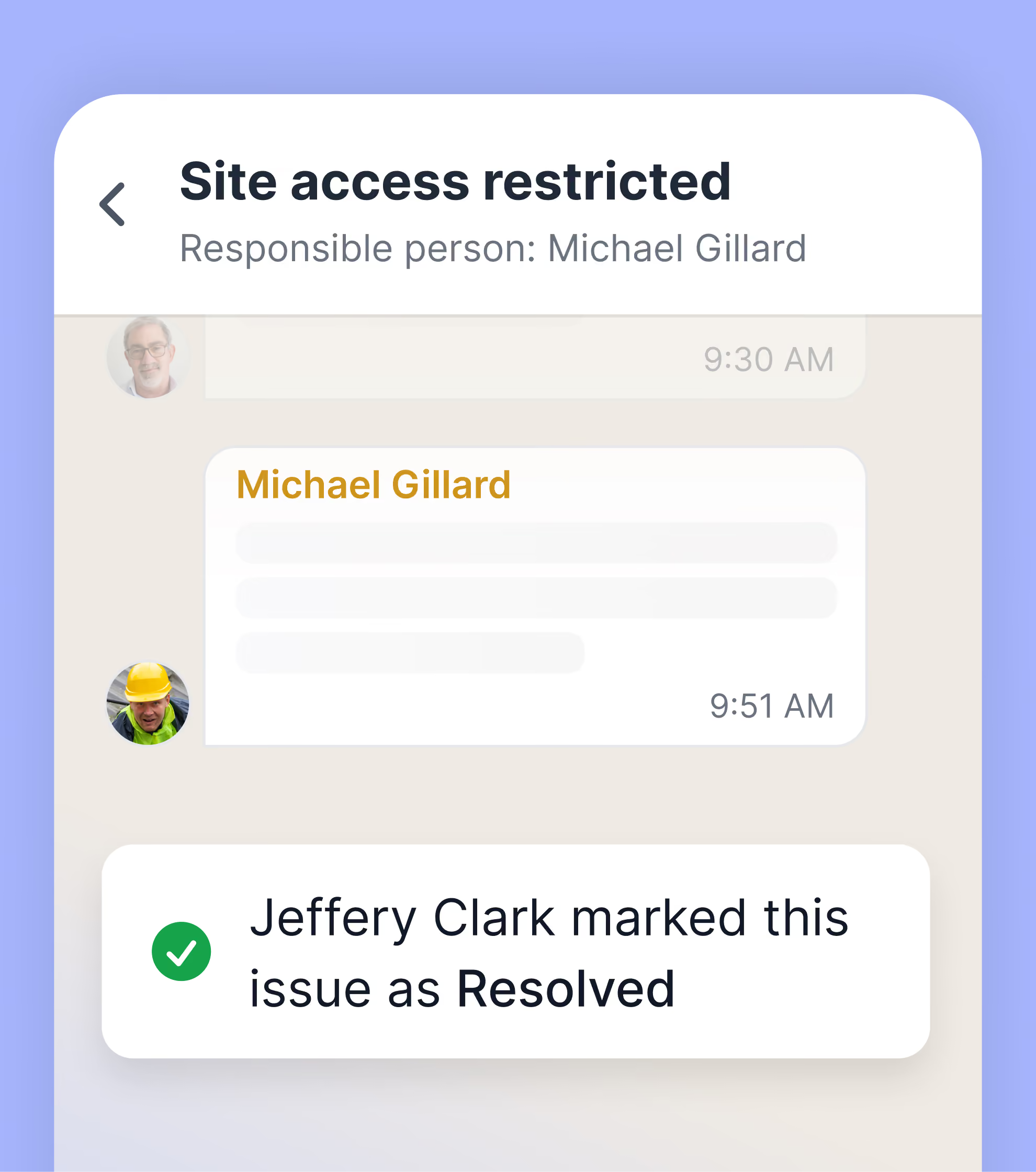
Easily document issues, what's affected, who’s responsible, evidence, and discussion history.

User input form for reporting a smart issue with text about needing more ceiling panels in zone A, due Monday, and an image preview of a ceiling with panels and red pipes.
3

Have defensible evidence ready when needed

Record progress window showing 60% progress on installation of secondary distribution boards with description and attached photo of electrical panels.

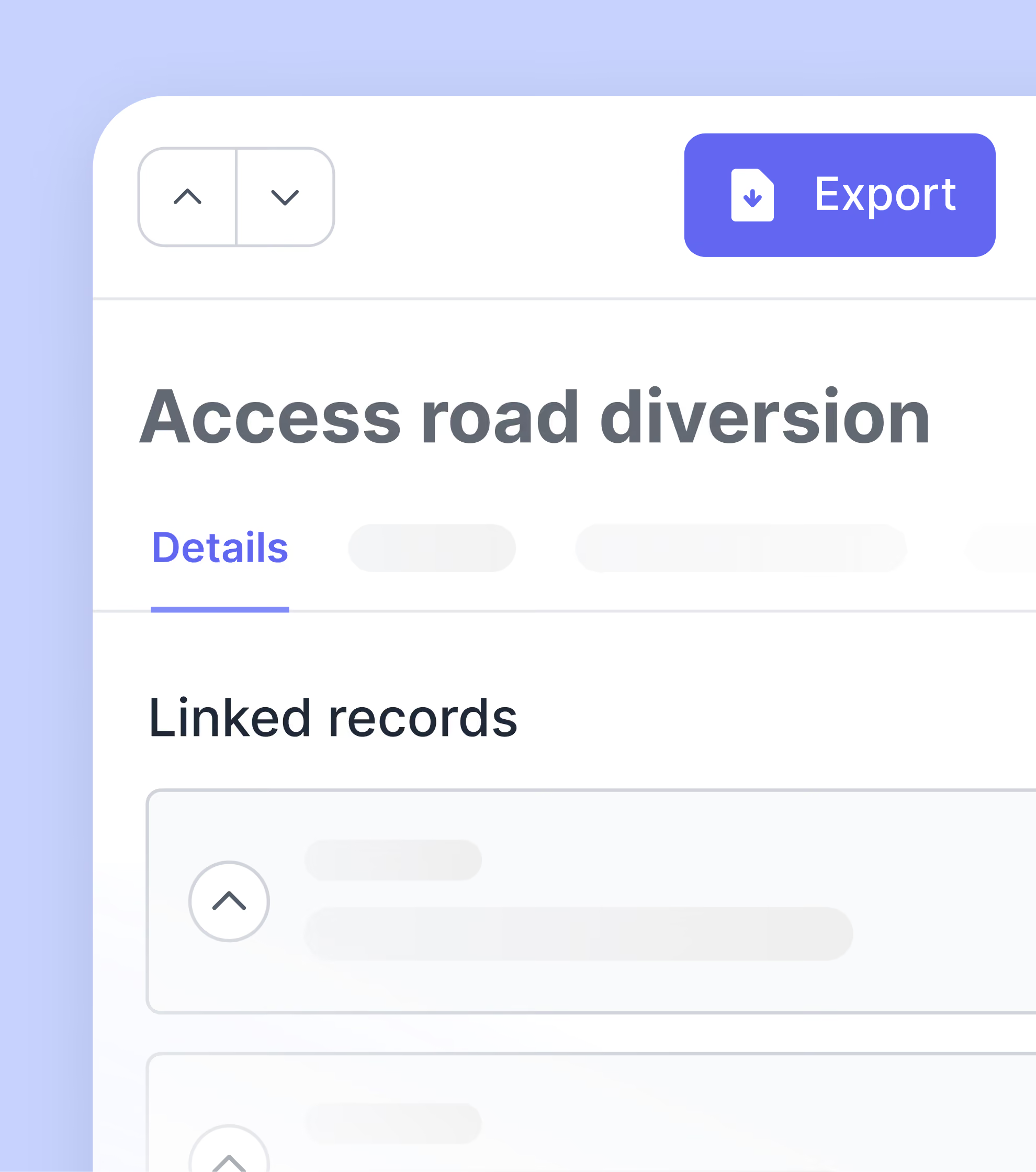
Access every record tied to any activity

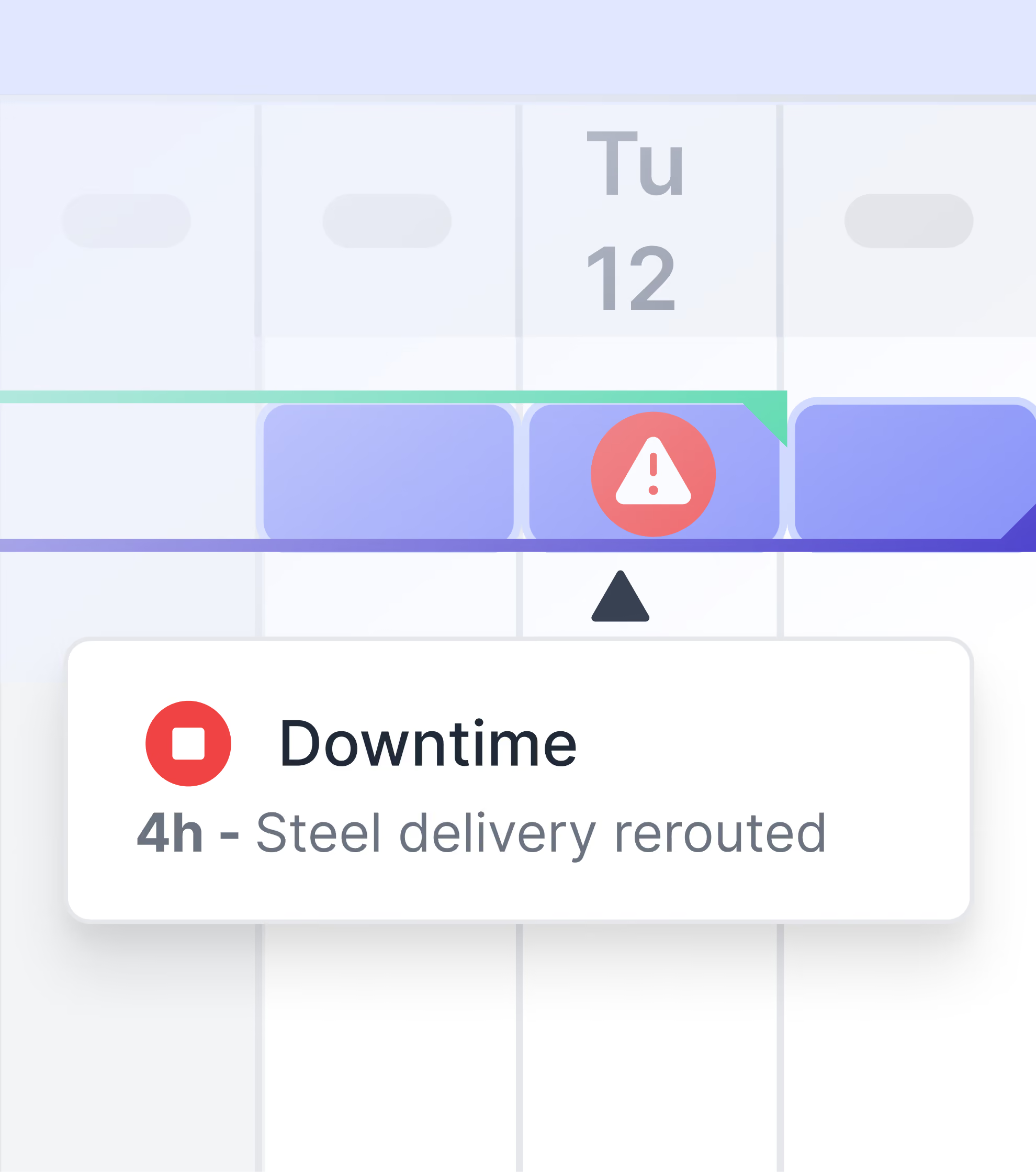
Import your schedule and link site records to activities. See how delays, work stoppages, and issues actually affected your timeline with dated evidence showing what happened and when.

Project management dashboard showing activity details with planned and actual start and finish dates, activity readiness checklist, weekly progress planning, and construction site photo gallery.

Connect field events to schedule impacts

Open any activity to see its complete timeline, organized by photos, progress logs, report mentions, and issues, all timestamped and organised by record type.

Export Report dialog with options to export as CSV, XLSX, or PDF, and buttons for Cancel and Export.

Export PDF evidence for any situation

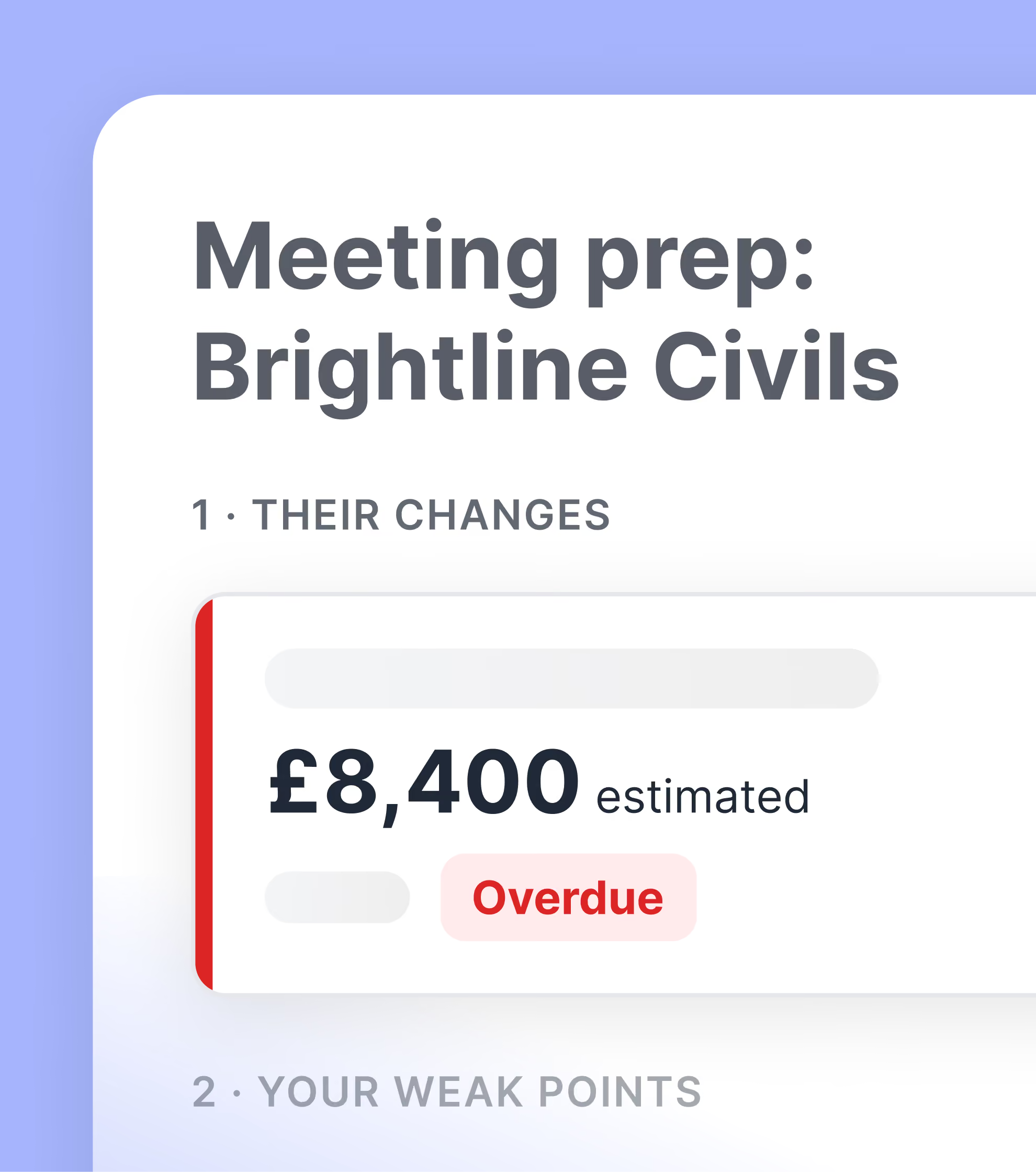
Generate structured daily progress reports built from auditable site records, ready to submit for disputes, payment applications, or contract compliance.

Build field records you can actually rely on

See how leading contractors guarantee reliable documentation from field teams and build evidence that defends their position.

“A lot of the time, the way that you build the project, there's a lot of change involved. Shape allows you to track all of those changes. You can see the journey that Shape created for you by all of the updates that you do through there.”
Dan Van Wyk profile photo

Dan van Wyk

Project Manager, Sweet Projects
"Shape was quickly adopted by our team due to its user-friendly interface. We no longer waste time on manual paperwork or lengthy email chains, trying to resolve coordination or blocker issues.​"
Sunny Hundal profile photo

Sunny Hundal

Mechanical Package Manager, Emico Ltd.
"Shape provided a clear, simple, and accessible database for tracking project issues, giving us better visibility into programme impacts, delays, and improving contract management.​"
Andre Costa profile photo

Andre Costa

Operations Director, Bysteel

Frequently Asked Questions

 My field teams are already stretched thin. Will this add to their workload?
What kind of records does Shape capture?
How do I know the records are complete enough to defend a claim?
Can I export records for payment applications or claims?
We already have daily reporting tools. Do we need to replace everything?
How is this different from our document management system?
How do I get site teams to actually use a new app?
How can I identify potential change in real-time?
Can a digital tool help manage subcontractor claims?
How can I prevent profit erosion from unrecovered claims?