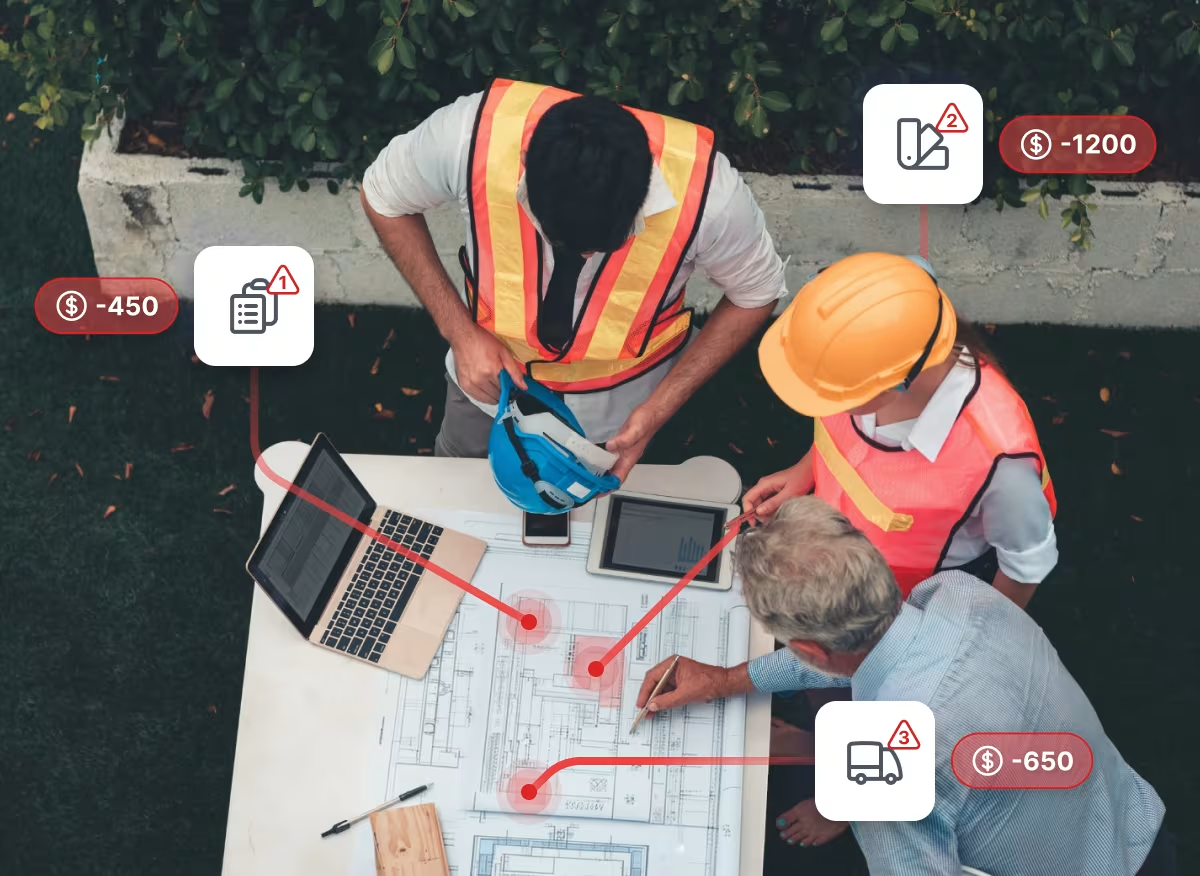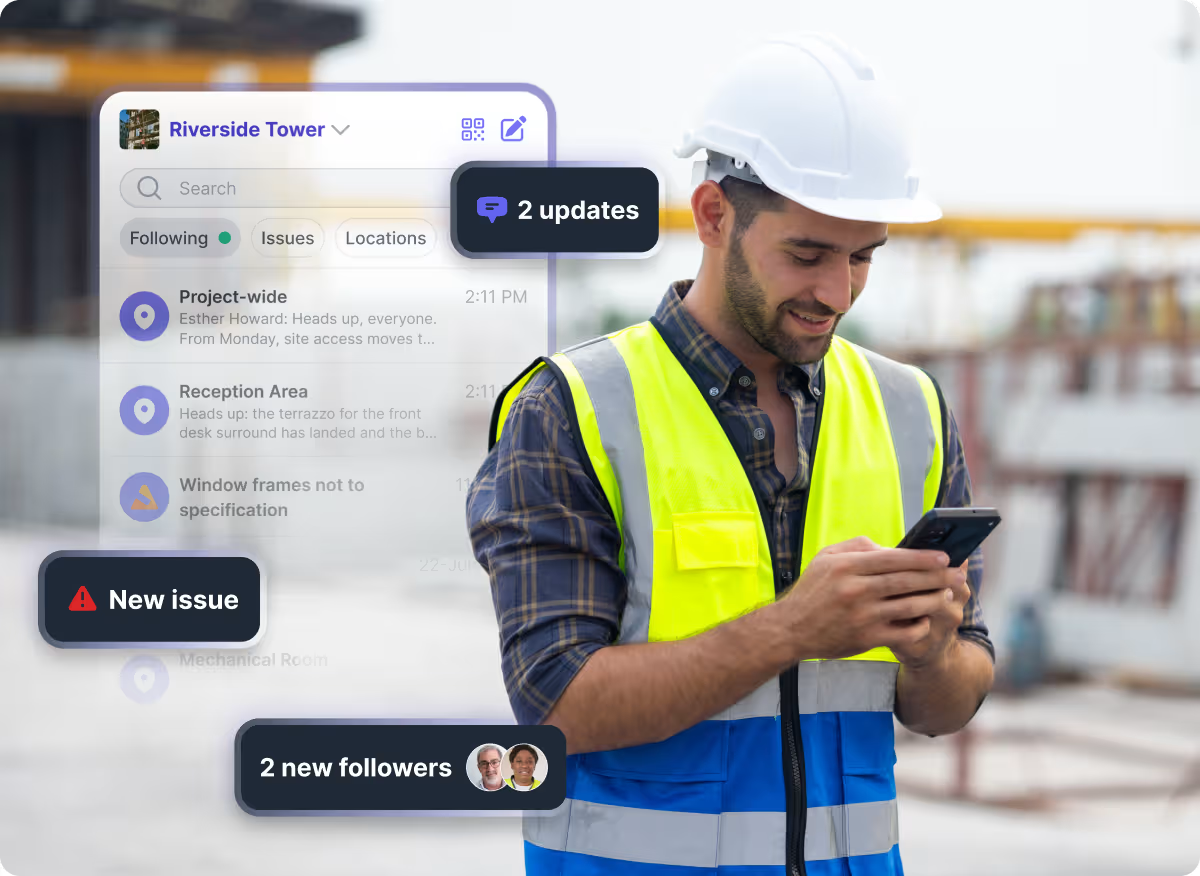
Site teams already coordinate by physical area: this building, that floor, the zone the crew is working today. The tools people use to talk about it usually don't follow that same structure. A group chat gets created for an area, someone has to remember to add the right people, and whoever joins the project later starts with nothing, no history, no context, just a blank thread. As a project runs longer and more areas open up, the list of ad hoc chats grows faster than anyone can manage, and the conversation that matters gets buried under the ones that don't.
Location Channels: A Channel for Every Area, Built In From the Start
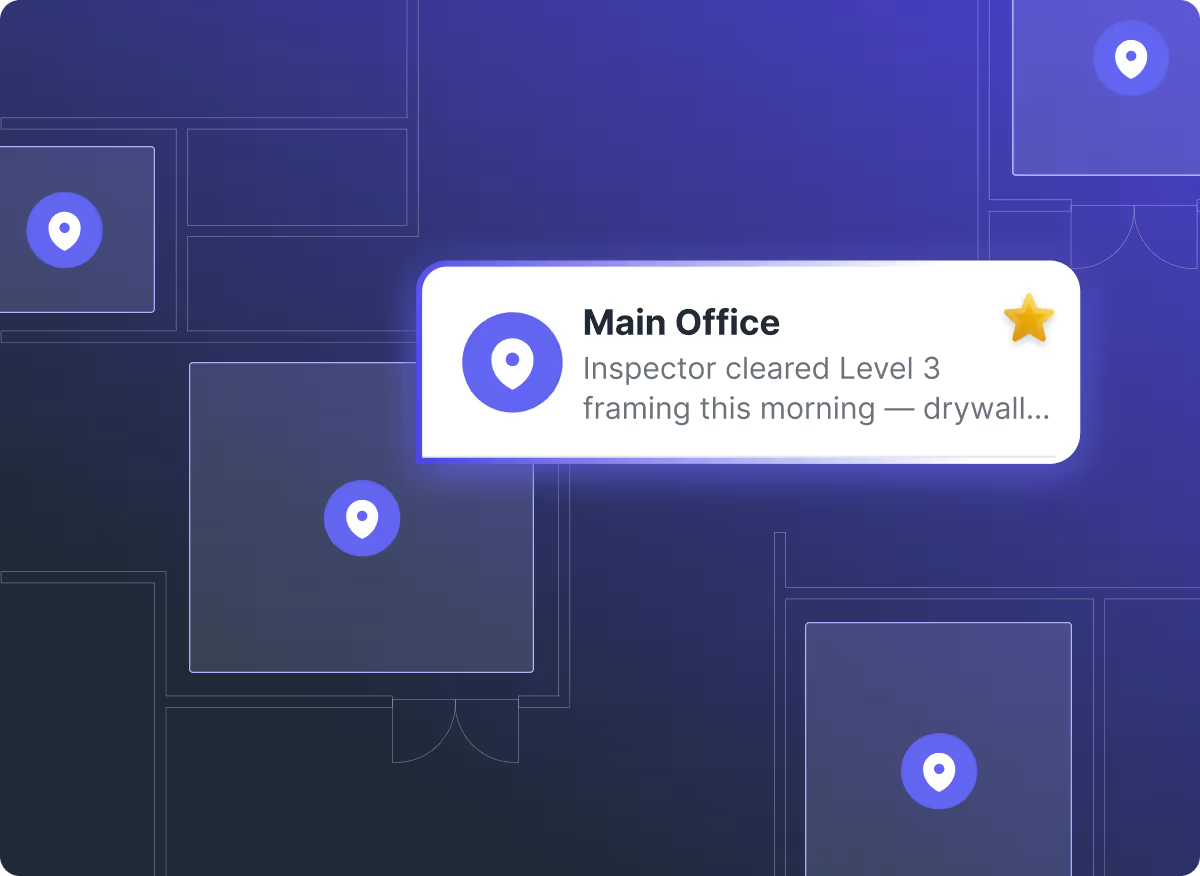
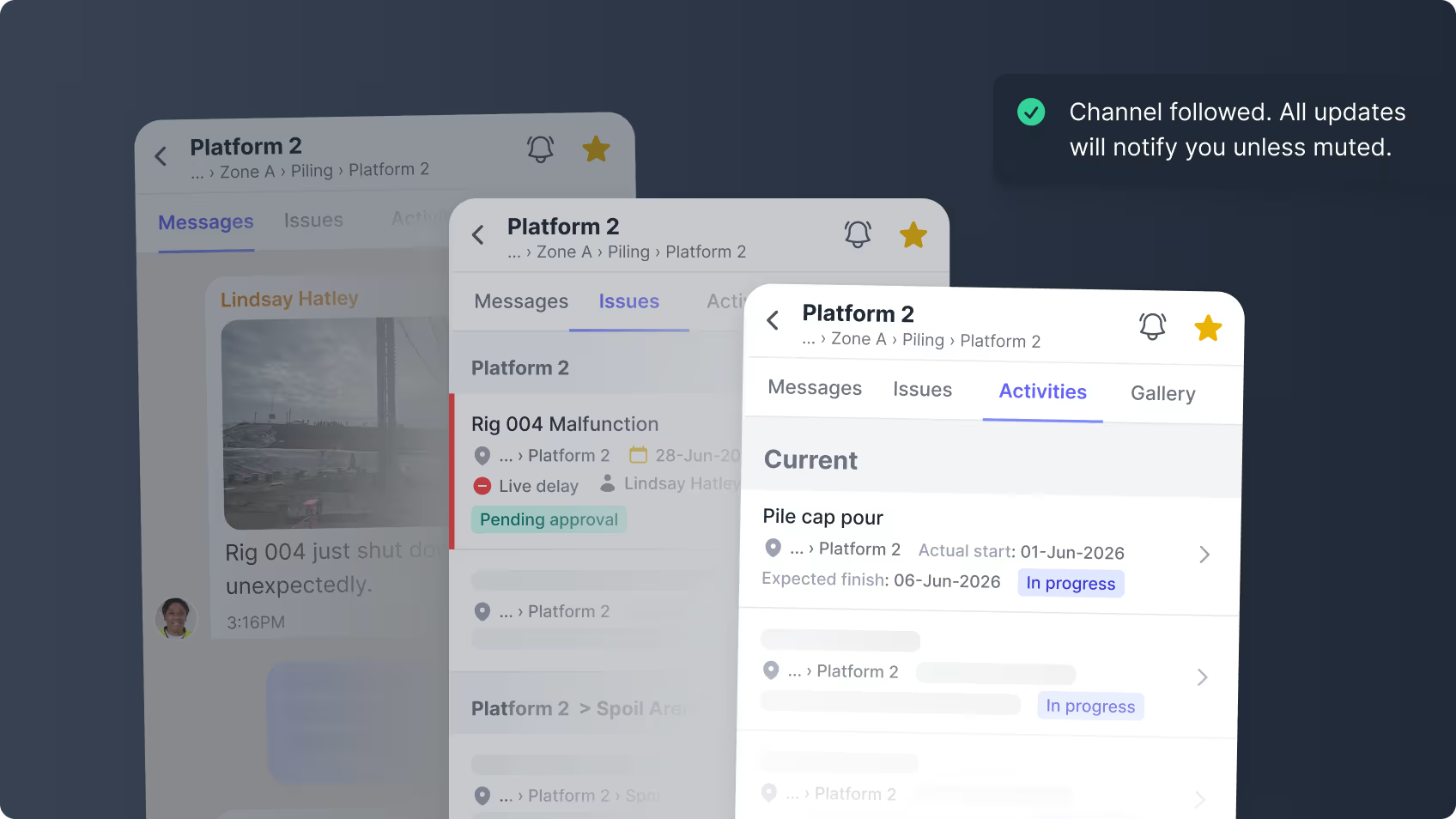
Channels already creates a channel for every project and every issue automatically, no setup required. Now it does the same for every location on your project, every building, floor, and zone, generated straight from the project's own structure. Nobody creates it, names it, or remembers who to add next. It's there from day one, already holding what's happened in that area: the issues raised and the files and photos tied to it, alongside the conversation.
How Location Channels Work
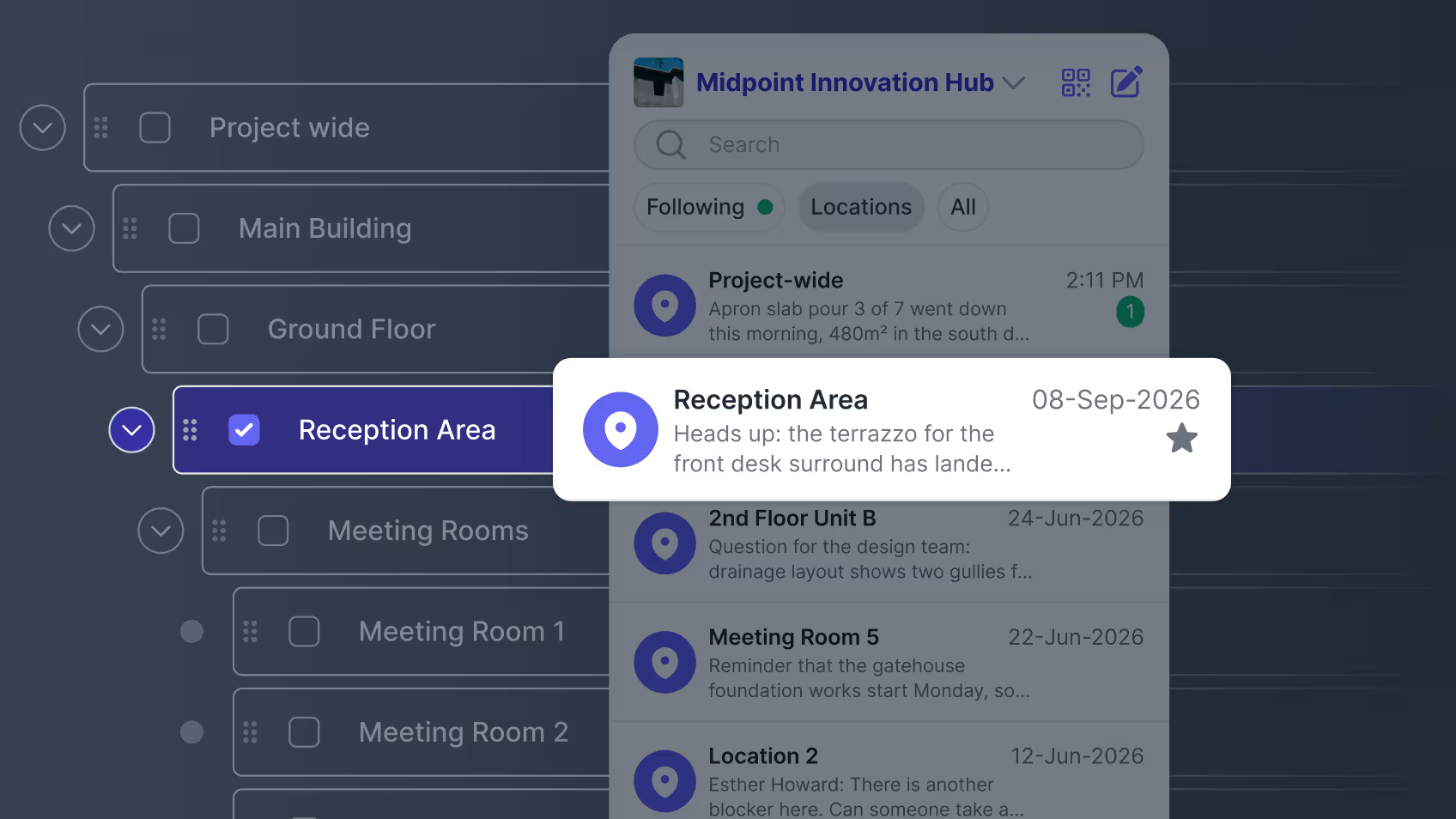
- Browse or search straight to any area. Building, floor, zone. No hunting through a handful of chats to find the one conversation about a specific space.
- The record is already there. Every issue raised in that area, every activity logged against it, and every photo tied to it, sits alongside the conversation, so there's a working history for that space before anyone has to think to start one.
- Follow only what you're working in. The locations relevant to you sit with your other conversations, not buried in a list of every area on the project.
- Drop a location when you move on. It stops cluttering your main list, but it isn't gone. You can still find and reopen it whenever you need to.
Give Every Part of the Project a Place to Talk
When the conversation lives in a group chat, seeing it depends on being in the group. If nobody added you, none of it exists as far as you're concerned, and anyone joining the project later starts with a blank thread.
In Shape, the channel for that floor already exists, and so does everything said in it, whether or not you were there at the time. Same for a subcontractor who came on later.
You shouldn't need to have been in the group chat to find out what happened on the third floor. The project already knows where that history belongs.
If your project is still holding this together with group chats and texts, talk to us about your project to see what Location Channels could look like on your site. If you’re already using Shape, you can see Location Channels in action when you open your Channels app.









Frequently Asked Questions

CONTENT SPOTLIGHT

SUBSCRIBE TO OUR NEWSLETTER
Get the future of construction control straight into your inbox.