If you use Procore or Autodesk Construction Cloud (ACC), you probably already have a process for managing change orders. Your team can document changes, track their progress, and manage approvals.
But managing a change order is only part of the process. Before a change can be priced or submitted, someone needs to establish what happened on site, who instructed the work, and what it cost. That information isn’t always available by the time the change reaches your desk.
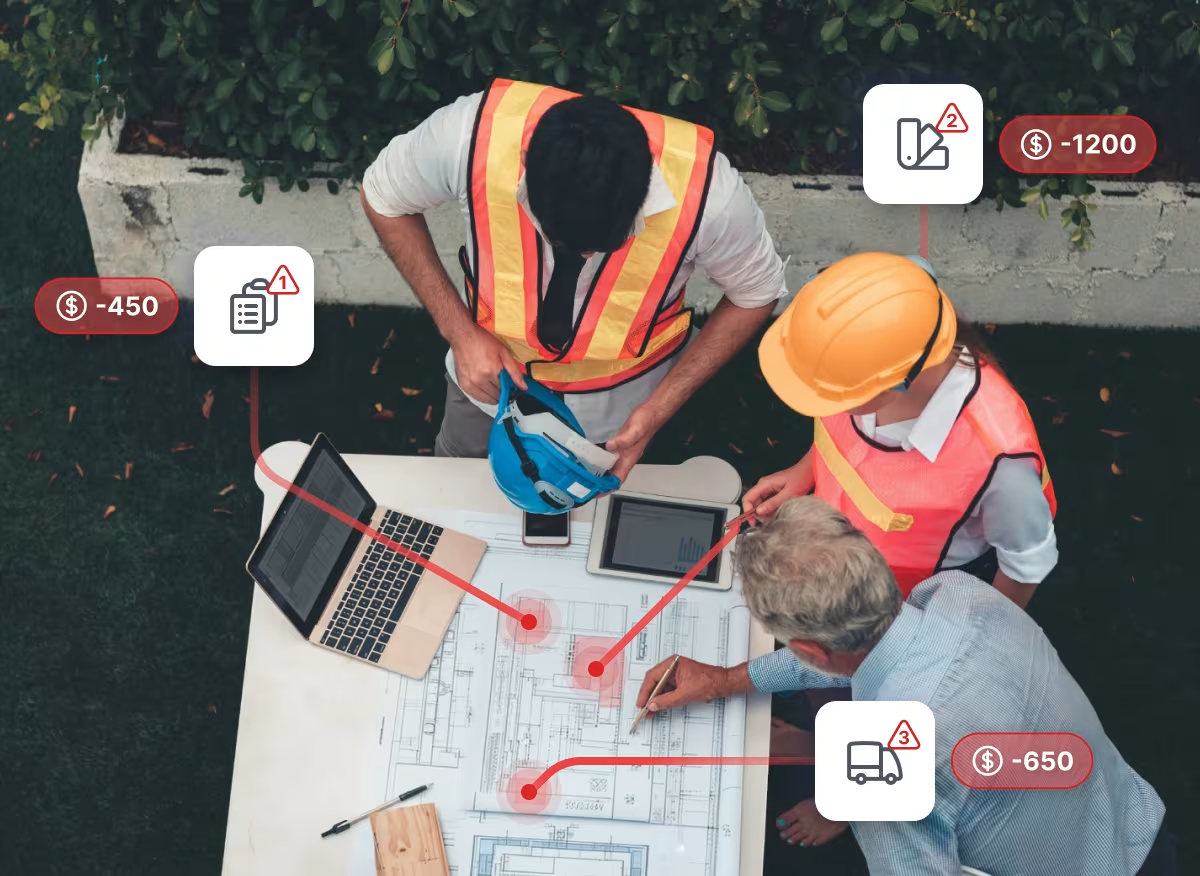
A change might start with a conversation during a site walk, a photo sent to the superintendent, or a message about unexpected work. By the time it’s formally recorded, the crew may have moved on, leaving the office to piece the evidence back together.
Site teams and subcontractors use Shape to get answers, share photos, and agree on next steps. Those conversations become part of the project record, while Shape AI helps draft change narratives from the evidence captured. Project managers, project executives, and commercial teams can then review the narrative and supporting records before using them to prepare change orders in Procore or ACC.
What Procore and Autodesk Construction Cloud Are Built For
Procore and ACC give contractors established systems for managing project information, from drawings and RFIs to daily reports and change orders. Their mobile apps also let site teams document work, capture photos, and raise issues.
Both platforms also support capturing potential changes before they become formal change orders. The gap appears when the details discussed on site never reach your project software. Instructions, unexpected work, and disruptions often come up in group chats, texts, and conversations between crews, where they may never become part of the project record.
Even when teams have established reporting processes, relevant information can be missed or recorded later. A daily report completed after the work may not include every instruction, disruption, or decision made during the shift. That leaves project managers and commercial teams gathering information from separate conversations when they need to assess a potential change.
What Does Shape Change for Your Site and Office Teams?
Adding another platform to a project is a fair concern, especially when your site and office teams already have established ways of working. Shape sits where those two ways of working meet. Site updates, issues, and potential changes all live in the same project record, so nobody has to piece information together across separate systems.
- For site teams
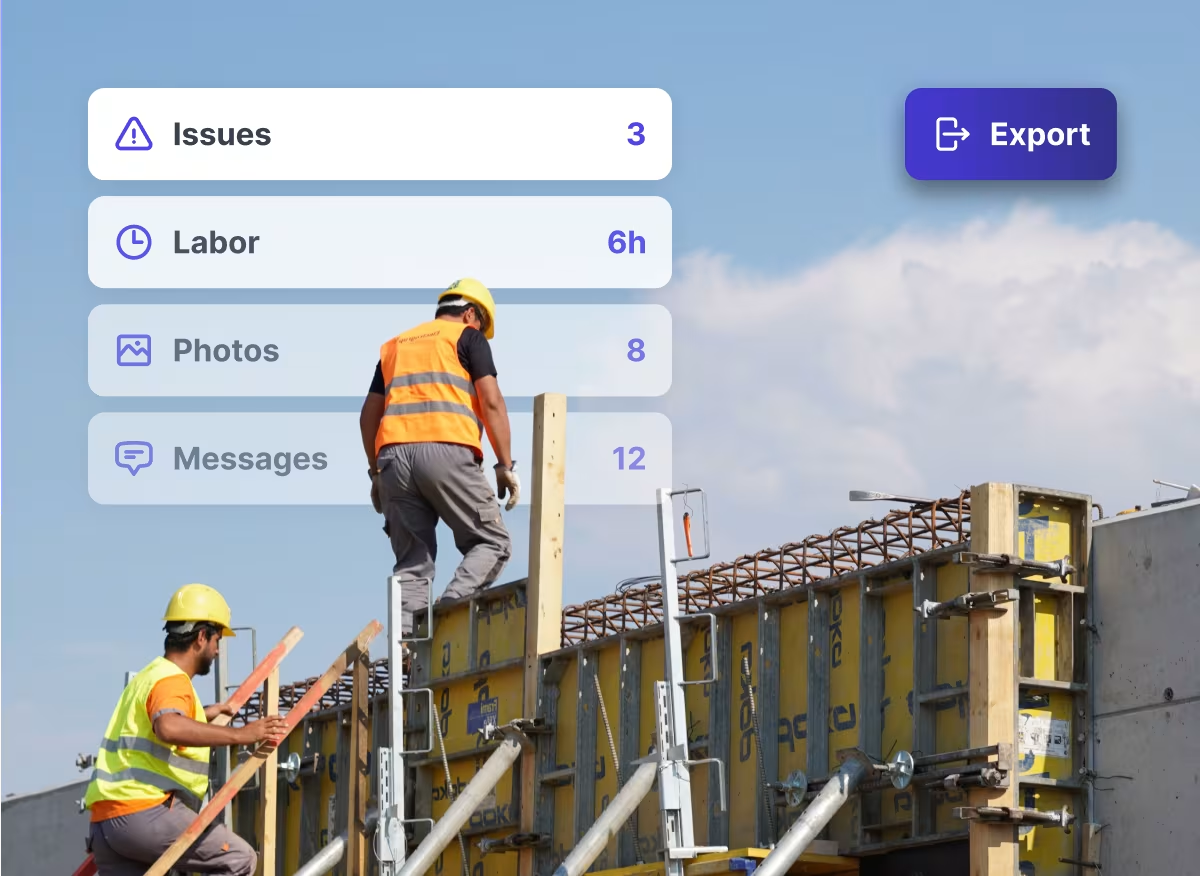
Foremen and subcontractors share photos, send updates, and discuss issues the way they already do in group chats and texts. Each message is timestamped and stored against the project, so it becomes part of the record without anyone writing a separate report. Subcontractors use it too, which helps when you need their backup to pass a cost on to the owner. - For project managers and supervisors
Those updates arrive as information you can act on. You can follow issues as they develop, see what each crew worked on during a shift, and spot problems early. You don’t have to wait for a weekly report or chase someone for an update. - For change management and cost control
Shape helps track site events that may carry a cost. Shape AI then drafts a change narrative from the records already captured, so project managers, project executives, and commercial teams (those responsible for managing project costs, contracts, and change orders) can see what’s missing before they start. You attach the exported evidence to the change order in Procore, ACC, or whatever system you already use.
Adopting Shape still means changing some habits, mainly where project conversations happen. In return, the same record serves everyone: your site team coordinates work in it, your project team manages issues from it, and you build the change from it.
What Changes When You Catch a Potential Change Earlier?
Connecting site and office is easiest to see by following one change through a project.
Say the architect asks, during a site walk, for a corridor door opening to move three feet to clear a duct run. The crew completes the additional work, using extra labor and materials, while another trade adjusts its schedule around it.
By the time the change reaches your desk, the work may already be complete. What matters now is whether the information needed to price and support it was captured along the way.
Here’s how that process differs when evidence is scattered versus connected in Shape.
Capturing the conversation in Shape gives project teams the information they need to coordinate the work and commercial teams the records they need to assess the potential change. The reviewed change report can then support the formal change order in Procore or ACC.
How Well Does Your Current Process Capture Change Evidence?
Your change order log tells you which changes were formally recorded. The evidence behind those entries tells you how much work it took to support them.
Choose five to ten recent changes from a project in Procore or ACC. Mix the causes, such as owner directives, design issues, and unexpected site conditions. Include changes that were rejected, withdrawn, or never submitted, not only the ones that were approved. For each one, compare when the event happened, when the first supporting record was created, and when the potential change was formally logged.
Then check whether the following information was available when the work happened.
Pay particular attention to information gathered after someone began preparing the change order. Did the project manager have to chase photos? Were labor hours estimated from memory? Did the team have to call several people to establish what had been agreed?
Those gaps can make a change harder to support, even when the formal change order process is followed correctly. They usually show up most in the changes that were rejected or never submitted.
If a project consistently captures this evidence on the day, your process may already be working. Where records are regularly missing or put together afterward, there’s room to improve how information moves from site to office.
When Does Adding Shape Make Sense?
Shape is particularly useful on projects where potential changes often begin as:
- informal site conversations,
- subcontractors encounter unexpected conditions, or
- project managers spend time chasing photos, updates, and supporting records.
When information moves between site and office through separate conversations and reporting processes, commercial teams can struggle to identify potential changes early and gather the evidence needed to substantiate them.
On the other hand, if your teams already capture instructions, photos, labor, and disruption consistently in Procore or ACC, and that information reaches the right people in time to act, your existing process may already cover it. Whether Shape adds value depends on how reliably what happens on site reaches the people who manage and price the work.
Strengthen the Evidence Behind Your Change Orders
Recovering the cost of a change takes more than entering it in the right system. You need a record of what happened, who instructed the work, and the extra resources or disruption involved, created at the time it happened.
Shape builds that record from site through to pricing, so the evidence is ready to attach when you file the change order in Procore or ACC. For more detail on how it works, see how Shape manages change on site.
If your team regularly spends time reconstructing changes after the work is done, we’d like to hear how your current process works and where Shape could fit.
👉 Talk to us about your project


Frequently Asked Questions

CONTENT SPOTLIGHT

SUBSCRIBE TO OUR NEWSLETTER
Get the future of construction control straight into your inbox.