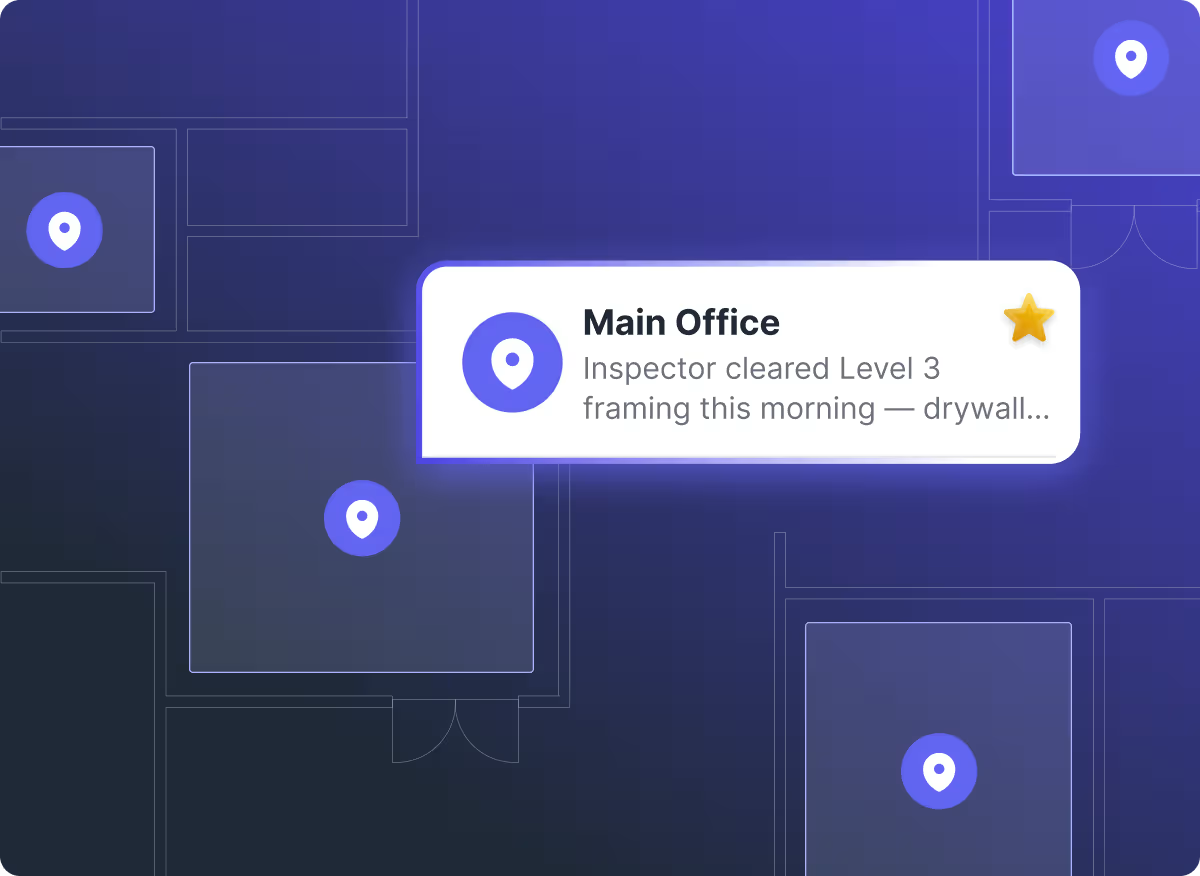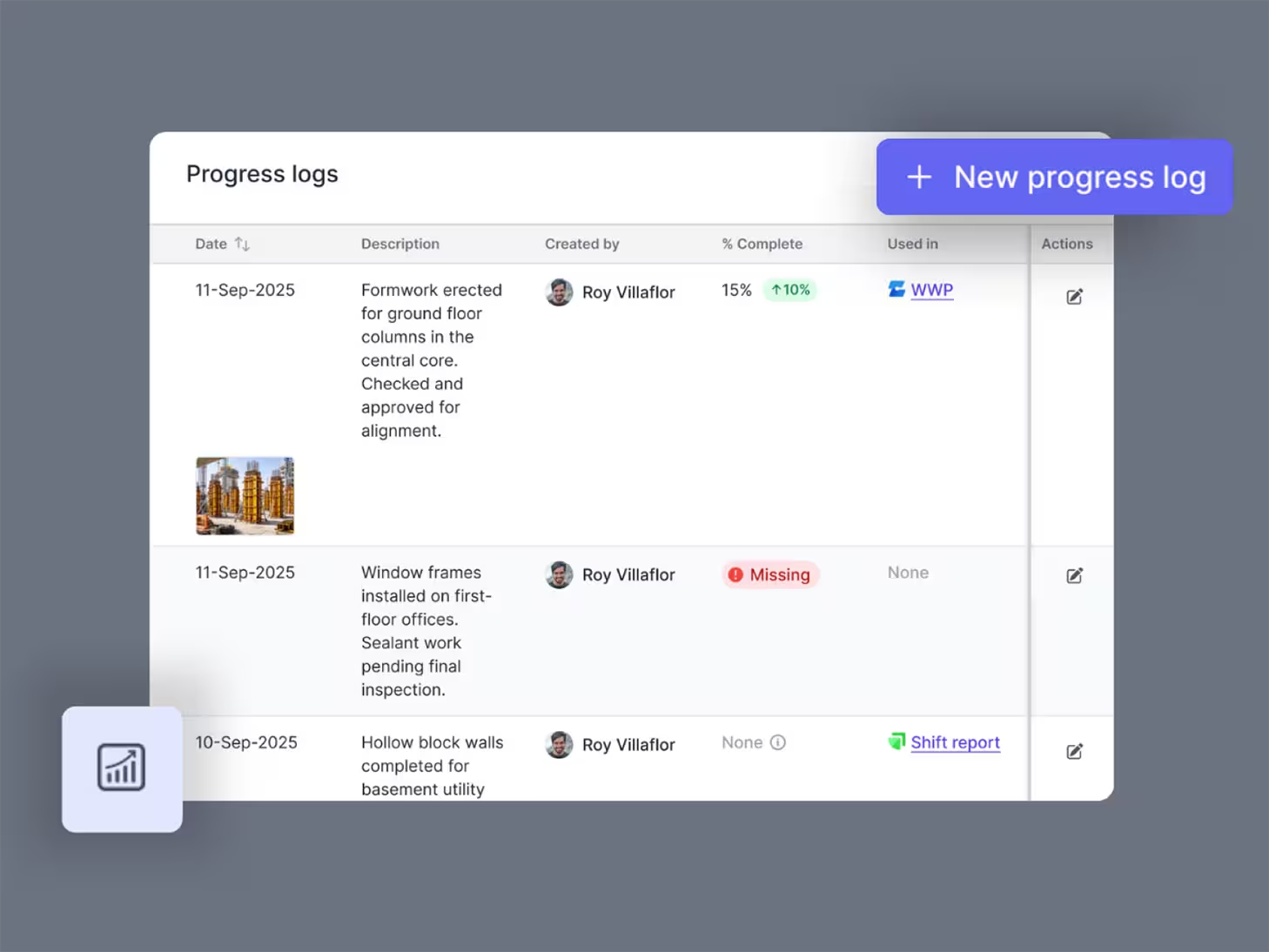
Progress is happening all day on site. But too often it’s re-typed, delayed, or lost between chats and reports.
This update connects field capture directly to office reporting.
Log progress once. Use it everywhere
Progress Capture – Field to Office Workflow
The new progress capture flow lets people on site quickly log work, which instantly appears in a central list for the office team to link to activities and pull directly into daily reports.
How it works:
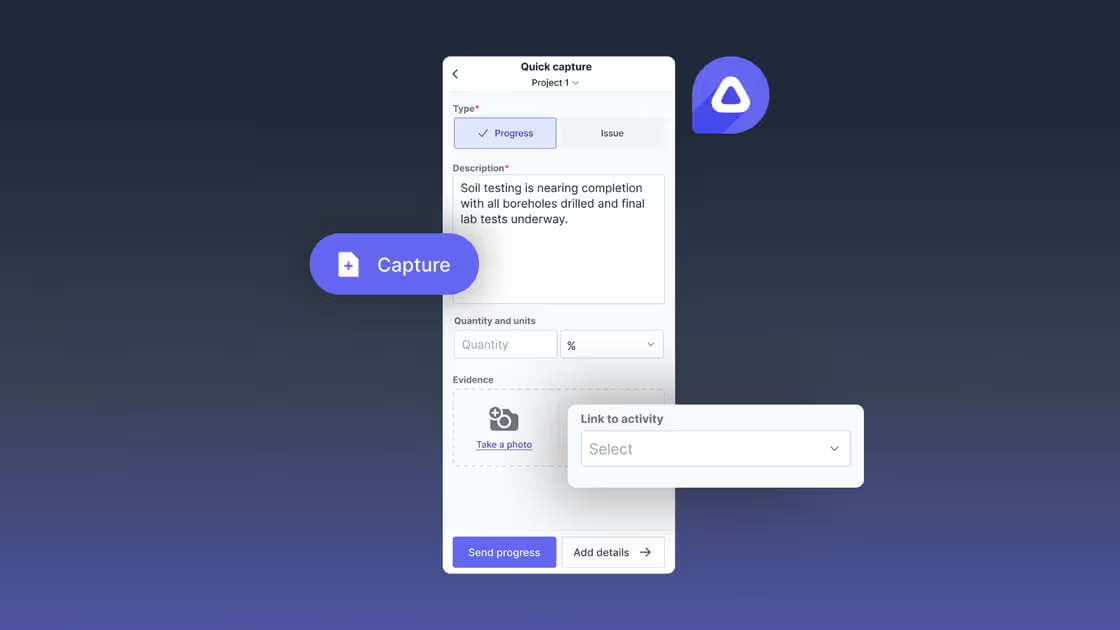
- In the field (Channels mobile):
- In the “Capture” button alongside "Issue" there is a new "Progress" option
- Add a quick description and photo evidence
- Link to program activities and update percentage complete
- Progress logs automatically sync to the office team
- In the office (Web):
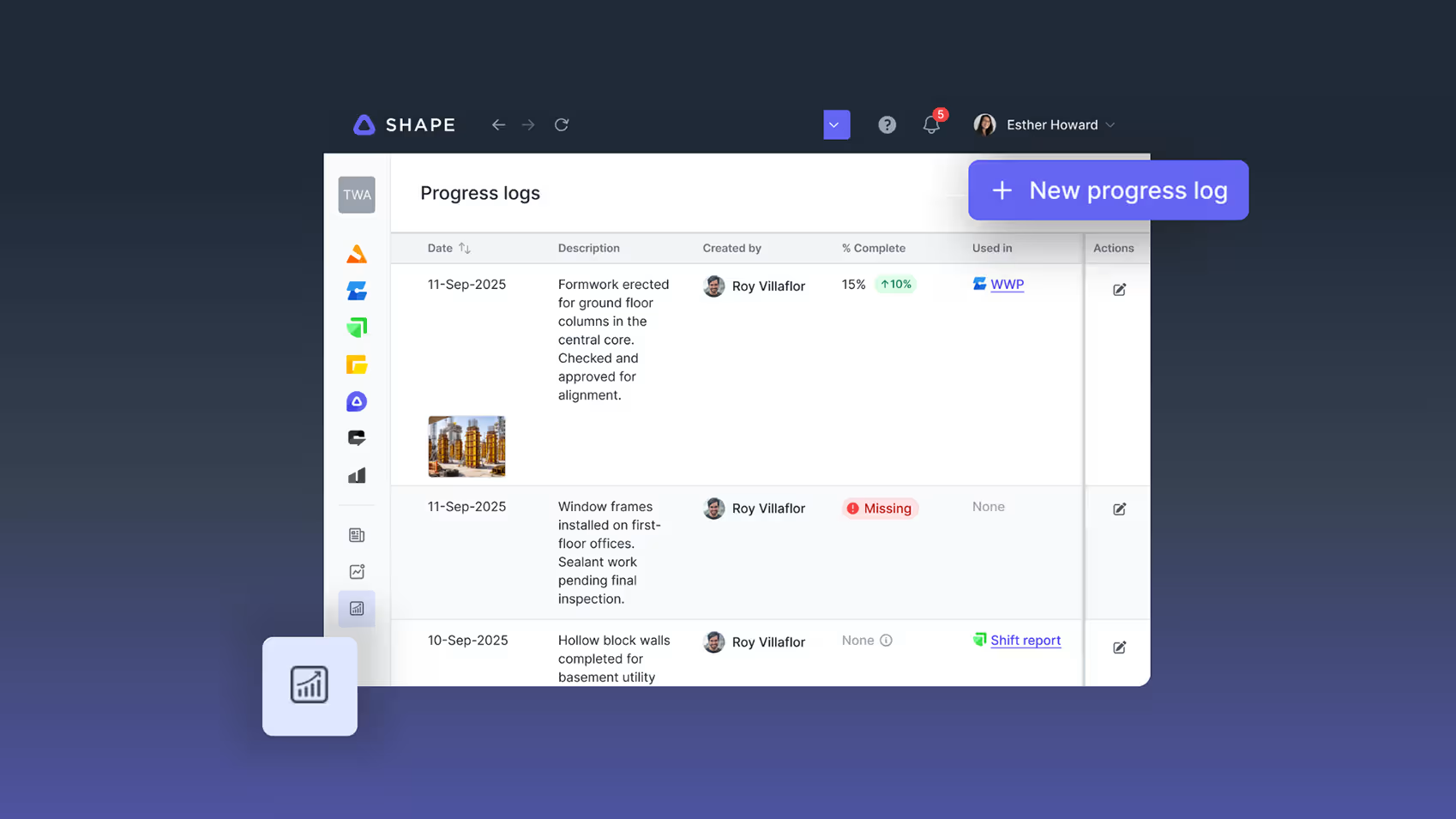
- Progress Logs List – New central view showing all progress captured across the project, whether from Channels, Shift Reports, or Weekly Work Planner
- Filter by location, creator, date, or missing fields to quickly find what needs attention
- Link field-captured progress to activities directly from the list, progressively building out record detail
Shift Reports Integration:
- Now, when preparing a new Shift Report, you can now pull in progress captured during the day using the new “Add Existing Progress Logs” button in the Progress section.
- Search and select relevant logs rather than manually re-typing information
- Photos and descriptions carry through automatically
- Progress linked to activities also surfaces in Weekly Planner
This creates a single journey from field capture to daily and weekly reporting, reducing admin time while improving record quality.
Channels Multi-Language Support
Channels is now available in the same languages as the web platform: German, Portuguese, Spanish, and Turkish.
To change your current language on Channels, go to Settings > Language, and select your preferred language.
Talk to Us
If you want cleaner progress records, less double handling, and tighter control between site delivery and reporting, speak to a Shape advisor.
A quick conversation can show how this new workflow fits into the way your project already runs – simple for the site, structured for the office.






Frequently Asked Questions

CONTENT SPOTLIGHT

SUBSCRIBE TO OUR NEWSLETTER
Get the future of construction control straight into your inbox.