Get consistent, detailed daily reports
Site teams log progress and issues from a messaging app that feeds straight into the daily report. You get a complete picture of every day on site.
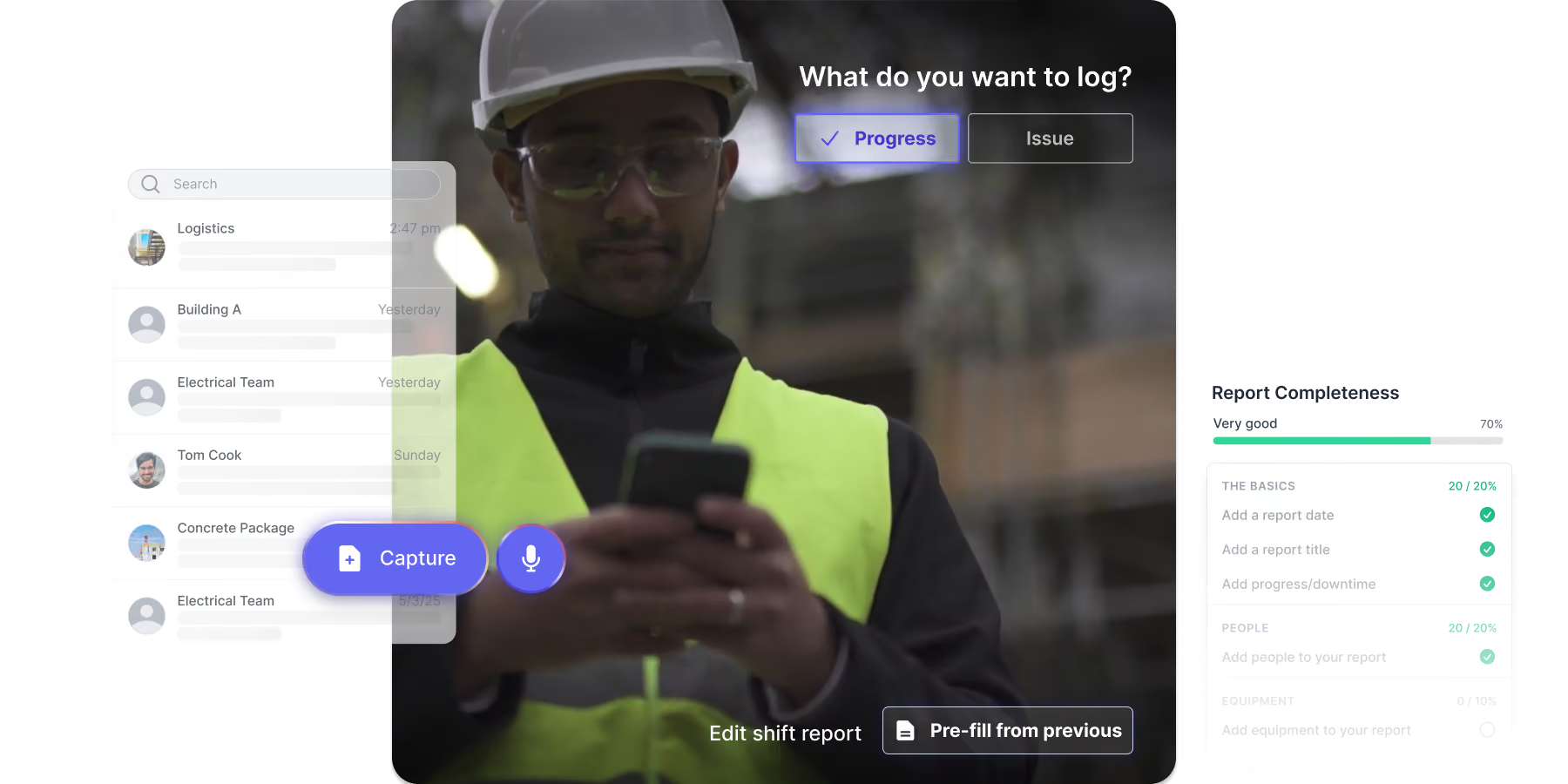
LEADING CONTRACTORS USE SHAPE TO GET RELIABLE DAILY PROGRESS REPORTS








THE PROBLEM IS...
The daily reports you get back don't tell you much

Time-consuming forms don't get completed
Field teams skip daily reports because they're tedious. Reports come in late, get written up from memory at the end of the week, or never arrive at all.

Critical information is missing
What you get back is thin. No detail on downtime or resources, photos with no context, and no way of knowing what's been left out until you go looking.

Nothing connects the day to the plan
Daily reports and your schedule are separate records. Reading one tells you nothing about the other, and reconciling them is a manual job someone has to do.
Get a complete daily report from every shift
Reporting happens where site teams already communicate
Site teams communicate, share photos, log progress, and raise issues in Channels, Shape’s messaging app. Those logs feed straight into the daily report, so most of it is written before anyone sits down to complete it.

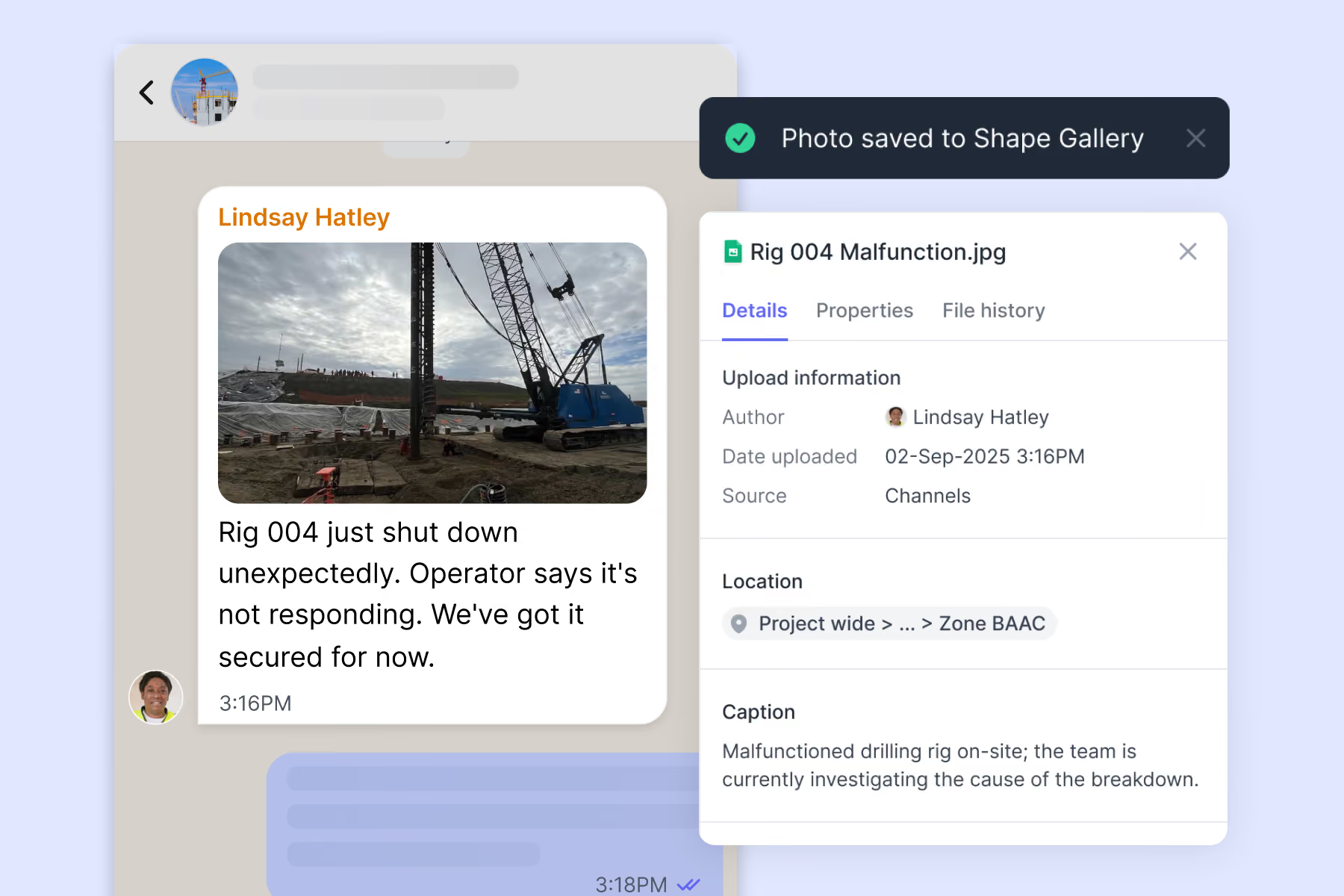
A daily report that takes minutes, not an hour
Progress and issues logged from site appear in the report automatically, and the rest pre-fills from the previous report, so teams check what's there and add what's missing.
Every daily report covers:

Progress on scheduled work
Resource allocations (people hours, equipment hours, materials used)
Downtime events with reasons
Photo evidence attached to each item

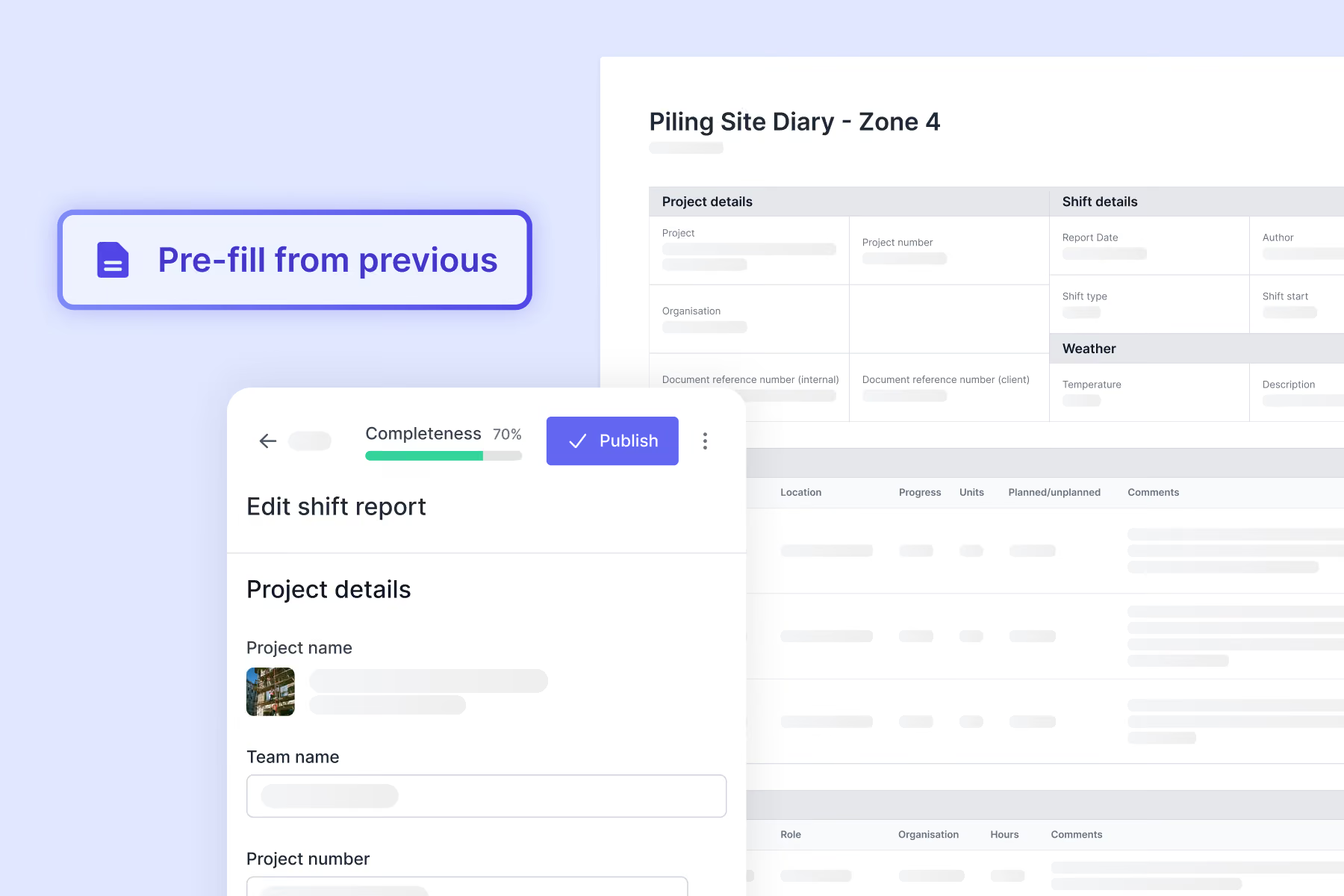
Hold teams accountable for report quality
Know who's reporting well and who isn't
Each daily report gets a completeness score based on the detail it contains. See who's capturing progress, allocations, and downtime properly, and who needs coaching, without reading every report yourself.

The same level of detail, whoever's on shift
Every report prompts for the same details, whether it's your own team or a subcontractor. You're not reconciling four different reporting styles at the end of the month.

Turn daily reports into useful records


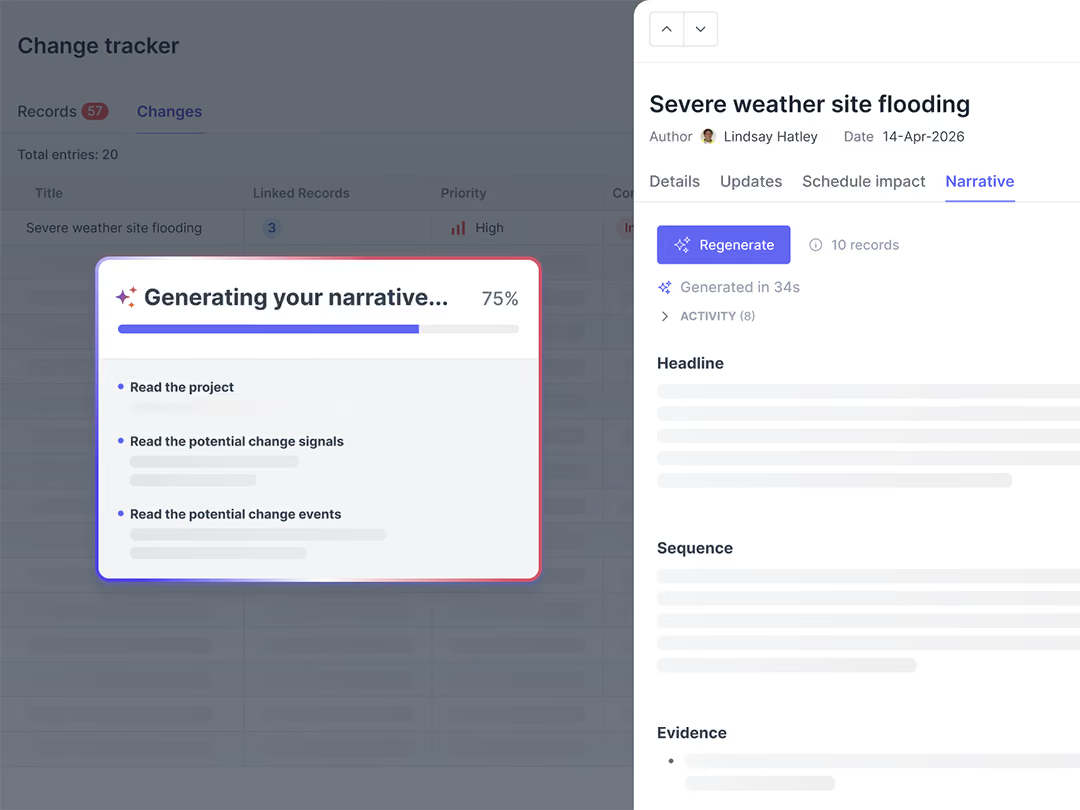
Get daily reports you can rely on
See how leading contractors get consistent, detailed reports from site without adding to the team's workload.

Dan van Wyk

Sunny Hundal

Andre Costa
More ways Shape helps with other critical project challenges
See how Shape works for you
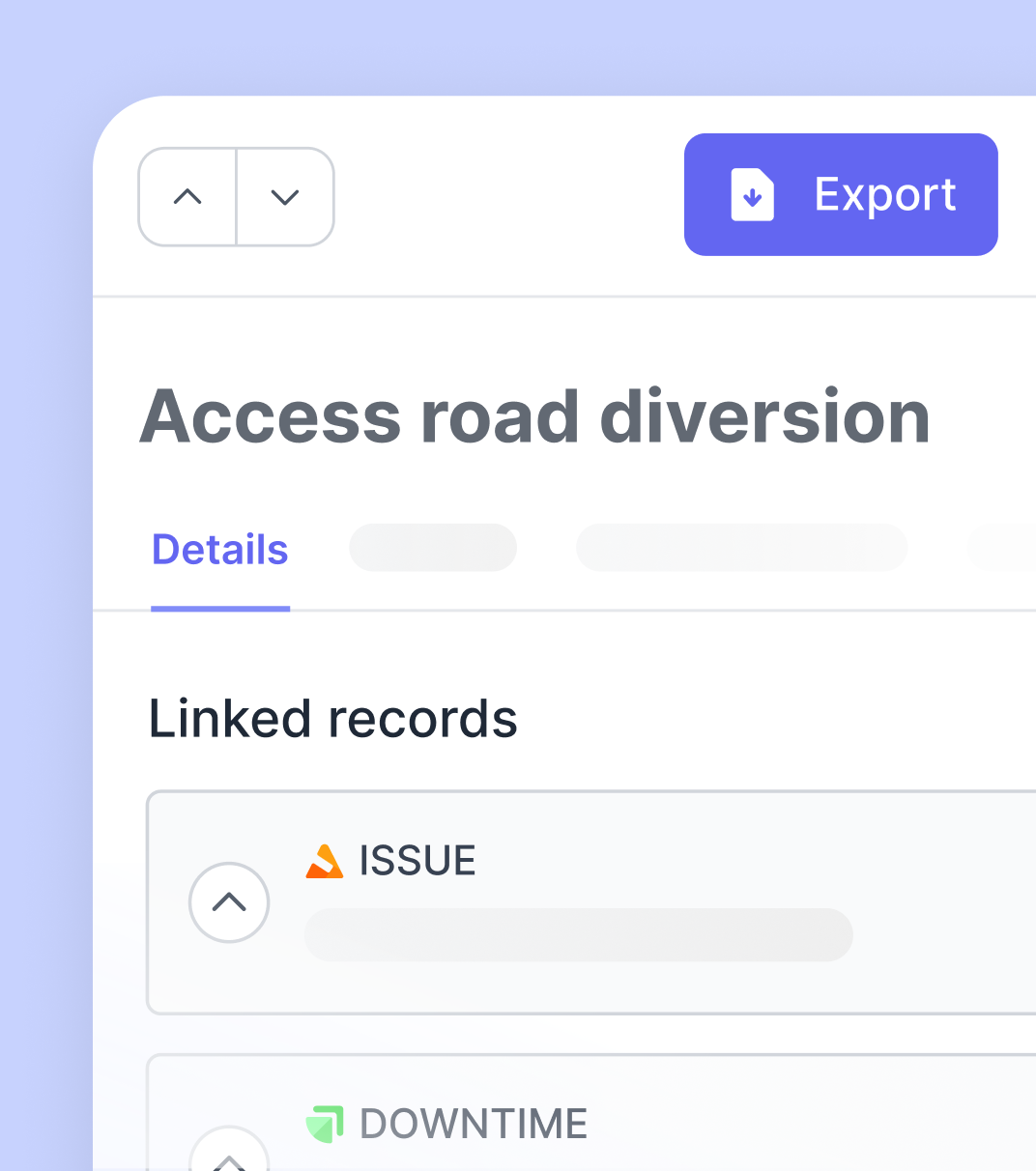
Capture defensible records and see change coming.
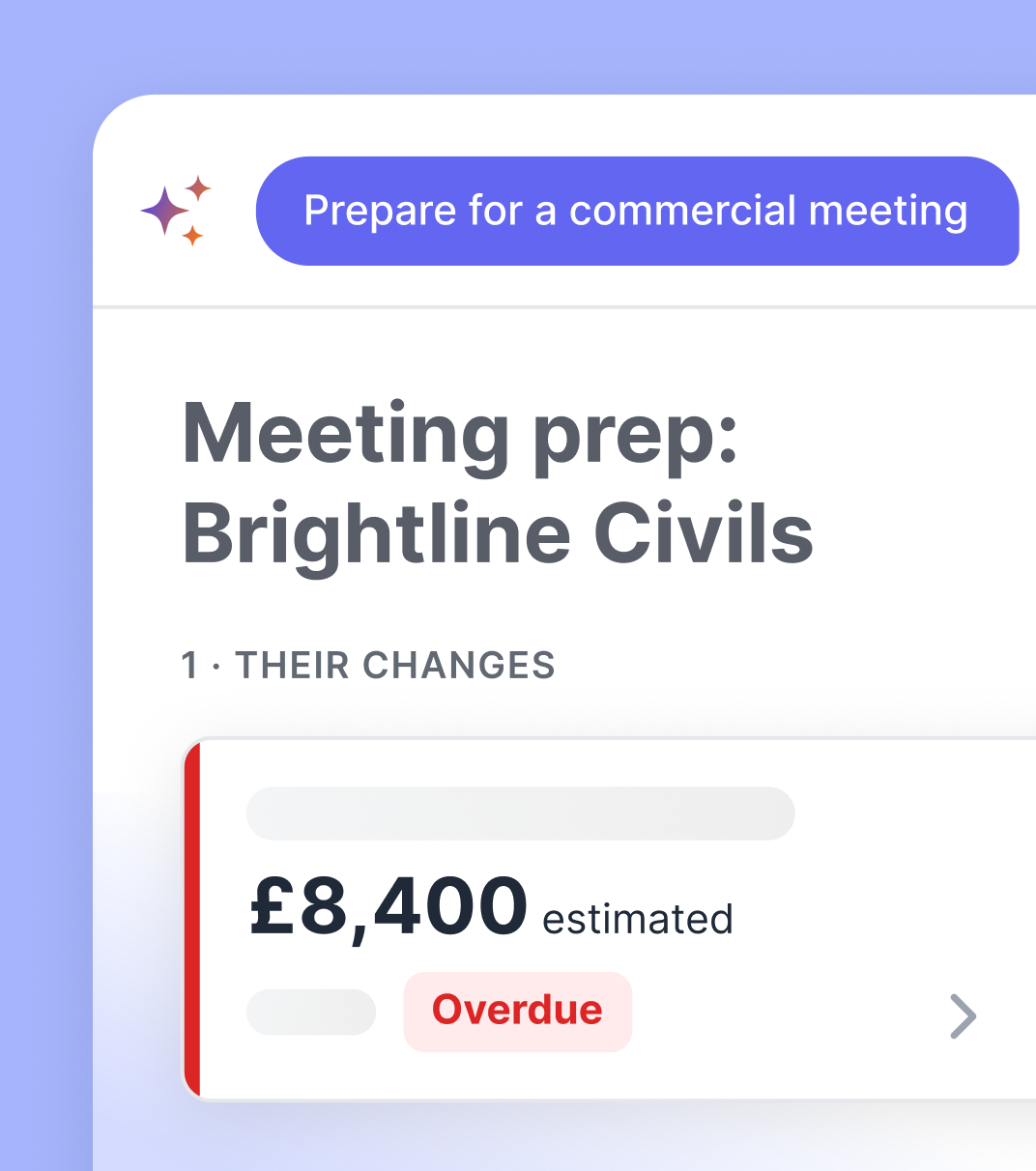
Protect margin with real-time change visibility and evidence that holds up.
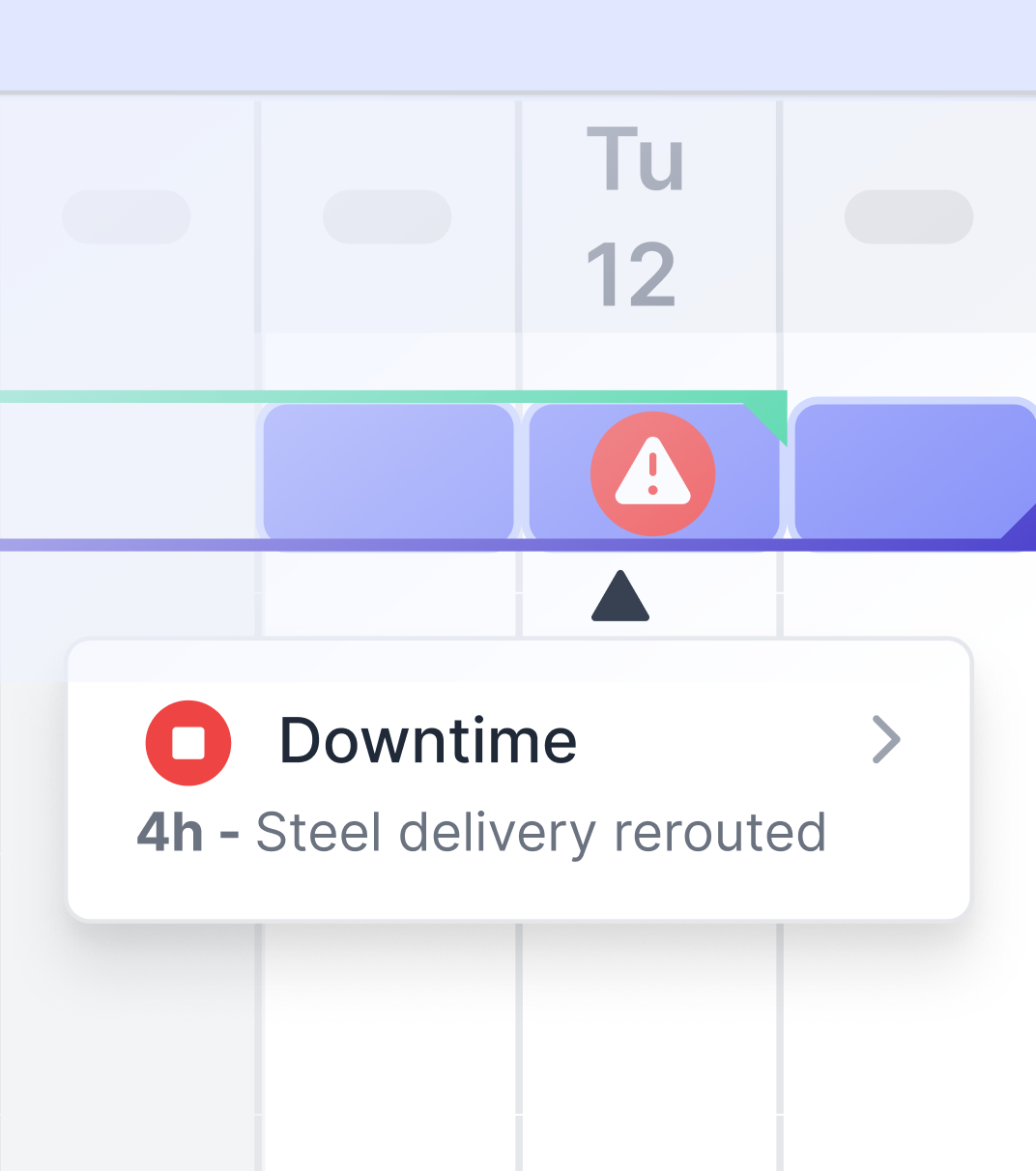
Track progress against schedule without manual work.
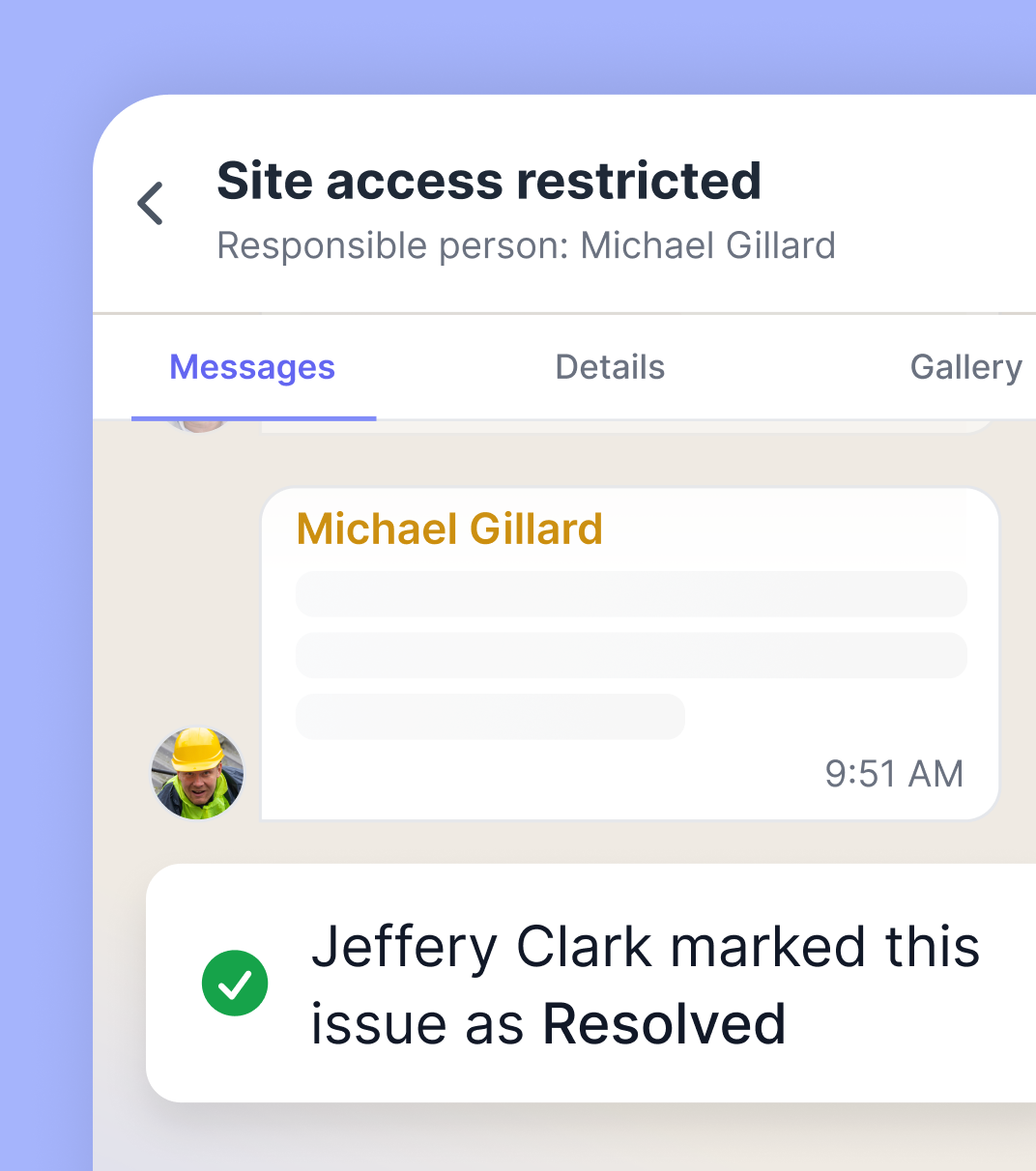
Keep site teams coordinated and issues resolved.
Frequently Asked Questions
