
SHAPE FOR PROJECT MANAGERS & DIRECTORS
Complete control from daily productivity to change management
Turn routine field operations into defensible documentation. Stay on top of what's happening in the field, spot operational and budget risks early, and build the evidence you need automatically.
BOOK A DEMO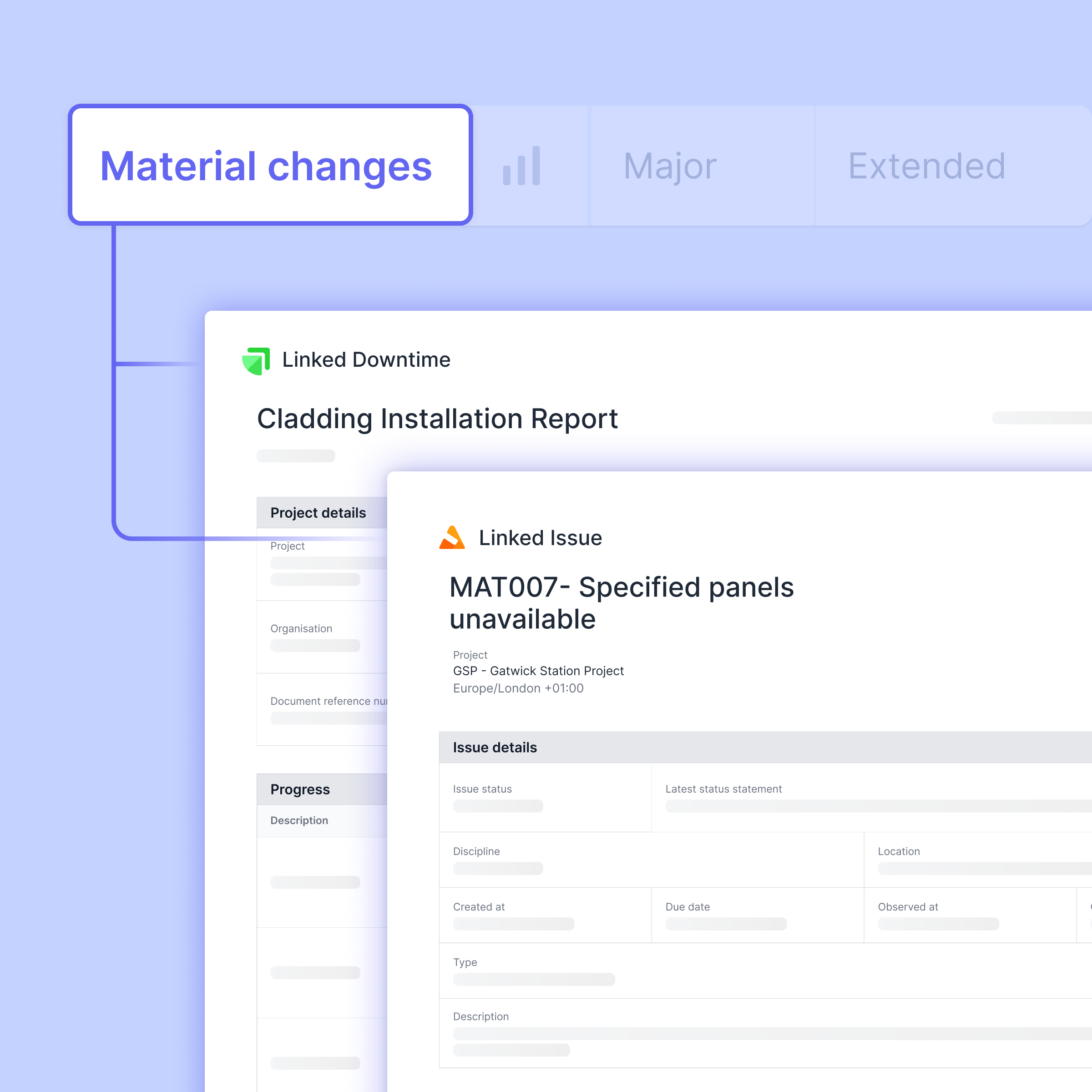
LEADING CONTRACTORS USE SHAPE TO DELIVER PROJECTS ON TIME AND WITHIN BUDGET







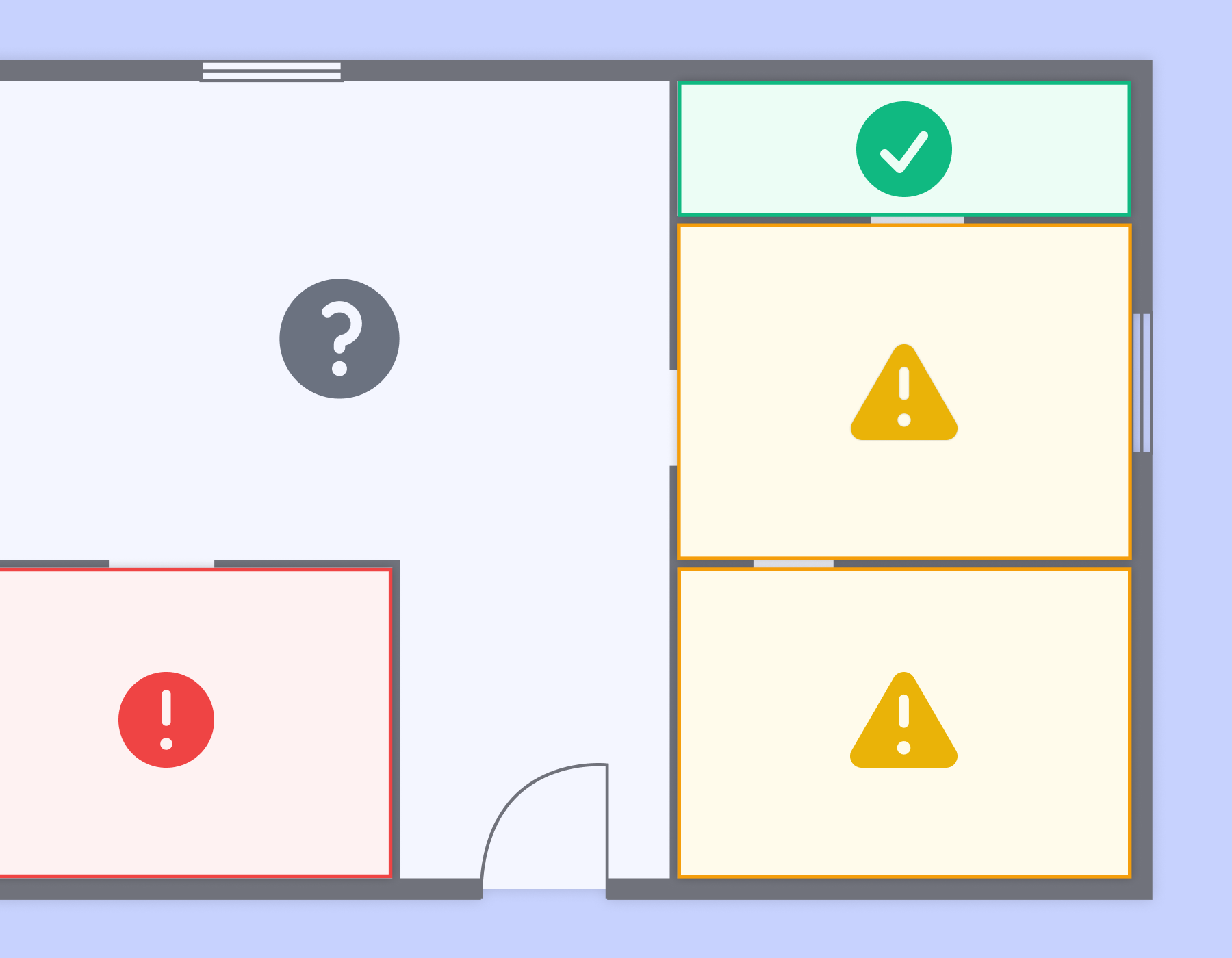
THE PROJECT LEADER’S BLINDSPOT
Limited site visibility is causing you missed issues, delays, and claims
Your field teams are handling disruption, delays, and change orders every day. But by the time you hear about them, the window for a fair adjustment has closed and the documentation is scattered. There's a disconnect between what's happening on site and what you need for successful change management.
Connect your daily site opersations with change management
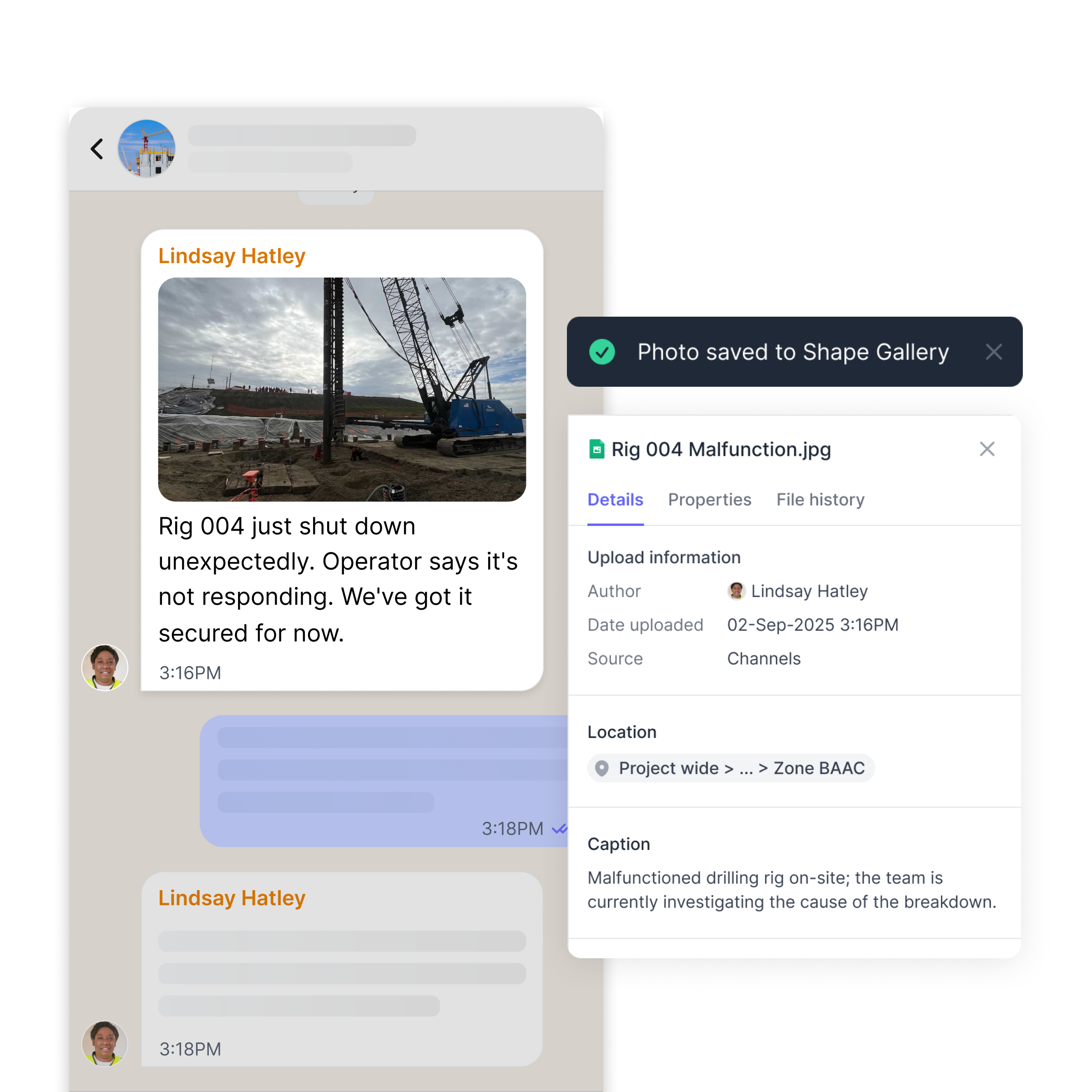
Capture defensible documentation automatically from site
It won't work if field teams don’t use it, so we've built capturing records around the way people naturally communicate on site to ensure adoption.
Guaranteed field use
Communicate through a familiar messaging interface that logs site events without effort.
Captures everything
Progress, issues, photos, and decisions all become timestamped, structured records.
Bulletproof defense
Get the full context to inform decisions and substantiate change events.
See change coming with all the details you need to act
Get alerted to all blockers, downtime, and schedule changes without added work for anyone.
Track affected activities
See what work is impacted and how it connects to your schedule.
Flag potential change events
Alert the project team of change events automatically with records to substantiate it.
Evidence on-demand
Pull together every record tied to a change event, instantly organized and ready to send.

Maintain complete records across your team
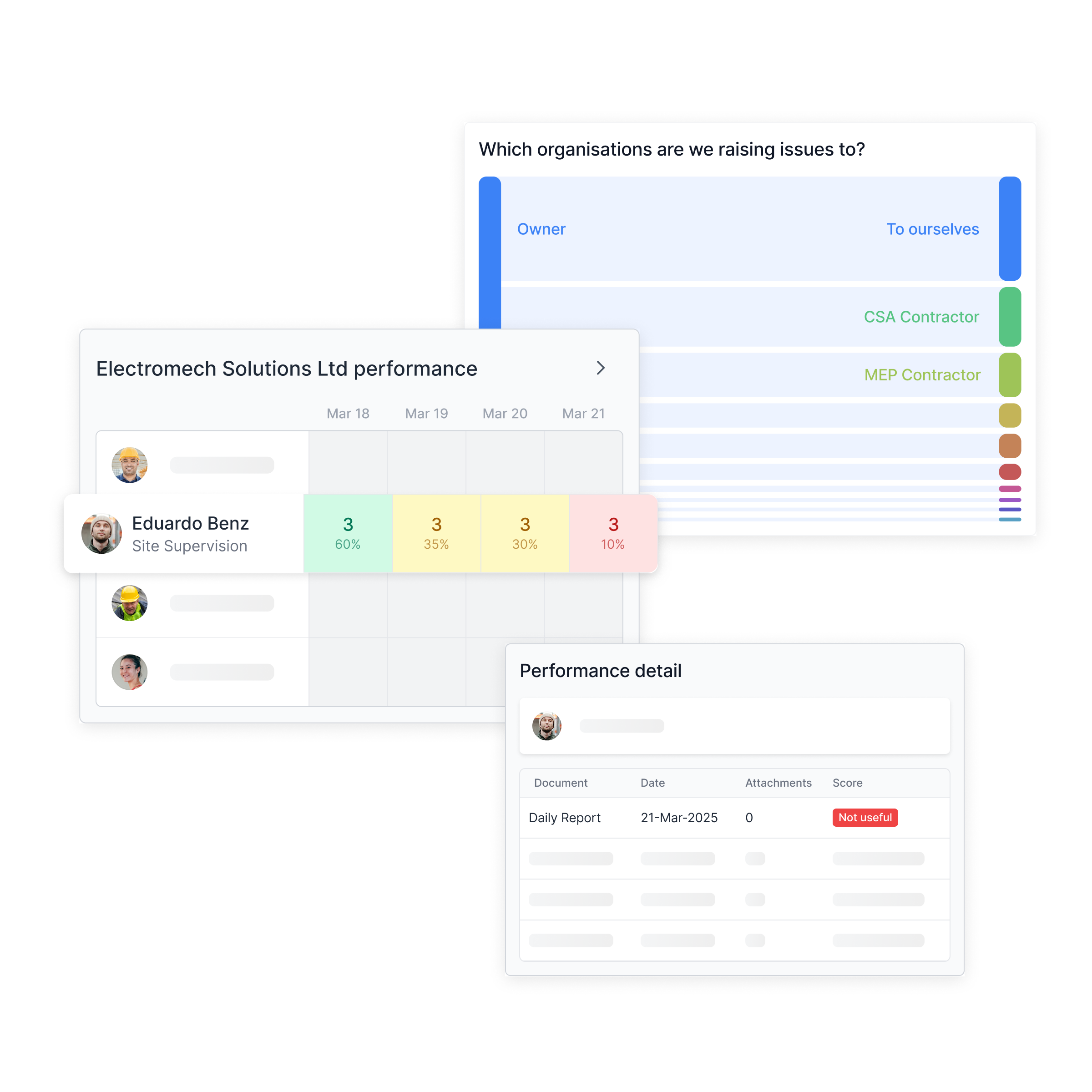
Don't wait until a dispute to discover your records are incomplete, inconsistent or missing. Hold your team accountable.
Completeness scores
Every record gets rated so your reporters can see what meets standards.
Team performance view
See each person's week-by-week scores to identify who needs coaching.
Address gaps early
Fix incomplete records before you need them for a claim or dispute.
Explore the Shape Tools that Make It Possible



Dan van Wyk

Sunny Hundal

Andre Costa
See Shape in Action
See Shape in action. Turn your master schedule into clear weekly plans that teams can easily follow. Take immediate action when field reality diverges from the plan.
Frequently Asked Questions


