SHAPE FOR PLANNING, SCHEDULING & PROJECT CONTROLS

Connect your schedule to what’s actually happening on site

Turn your master schedule into clear weekly plans that teams can easily follow. Take immediate action when field reality diverges from the plan.

BOOK A DEMO
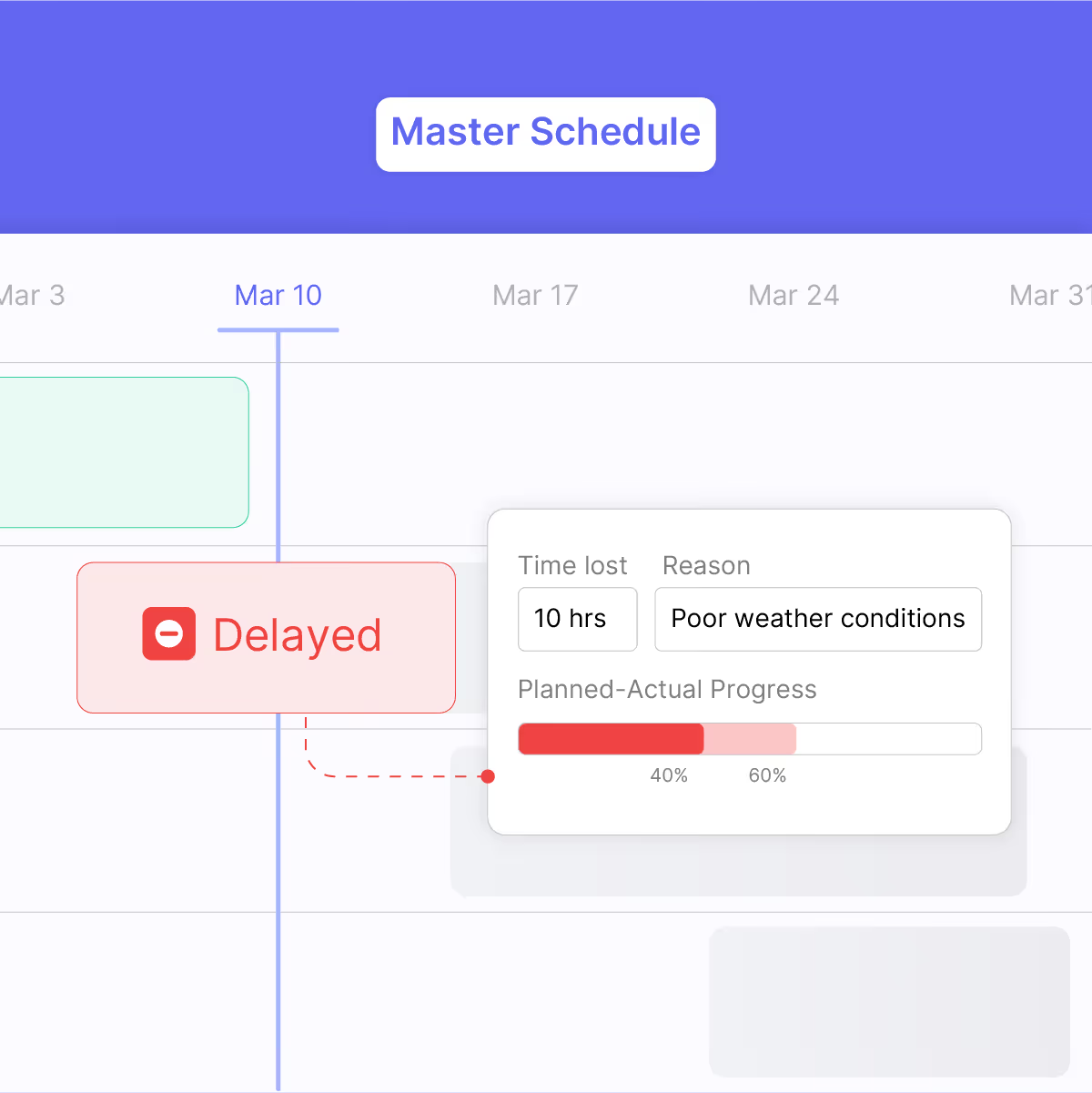
Project schedule showing week 6 with Excavation marked complete and Foundation delayed by 2 hours due to delayed sign, with progress bar indicating 40% planned and 60% actual completion.

LEADING CONTRACTORS USE SHAPE TO RECOVER MILLIONS IN DISPUTED MARGINS

balfour beatty logo

26,000 employees

kier logo

10,000 employees

15,000 employees

emico logo

180 employees

bysteel logo

400
employees

Jones Engineering logo

4,500
employees

Sweet Projects logo with stylized letter E made of turquoise horizontal bars.

120 employees

100+ employees

balfour beatty logo

26,000 employees

kier logo

10,000 employees

15,000 employees

emico logo

180 employees

bysteel logo

400
employees

Jones Engineering logo

4,500
employees

Sweet Projects logo with stylized letter E made of turquoise horizontal bars.

120 employees

100+ employees

Illustration of multiple chat message bubbles with notifications showing 24 and 99+ unread messages and text about updating a schedule and progress updates.
THE MISSING LINK

Keep your schedule up to date without chasing down updates

When weekly planning happens separately from your master schedule, critical information can get stuck at site level. Delays, disruption, changes that impact the schedule might not be discovered until recovery options are much more limited.

Connect your schedule to site delivery

Plan weekly work directly from the schedule

Create schedule-linked weekly work plans so you can monitor schedule progress and maintain control over delivery performance.

Import activities

Pull activities directly from your schedule with all task details and ownership intact.

Manage dependencies

Built-in readiness checks ensure teams have everything needed before work starts each week.

Align all trades

Give every trade clear weekly targets with specific locations and timing.
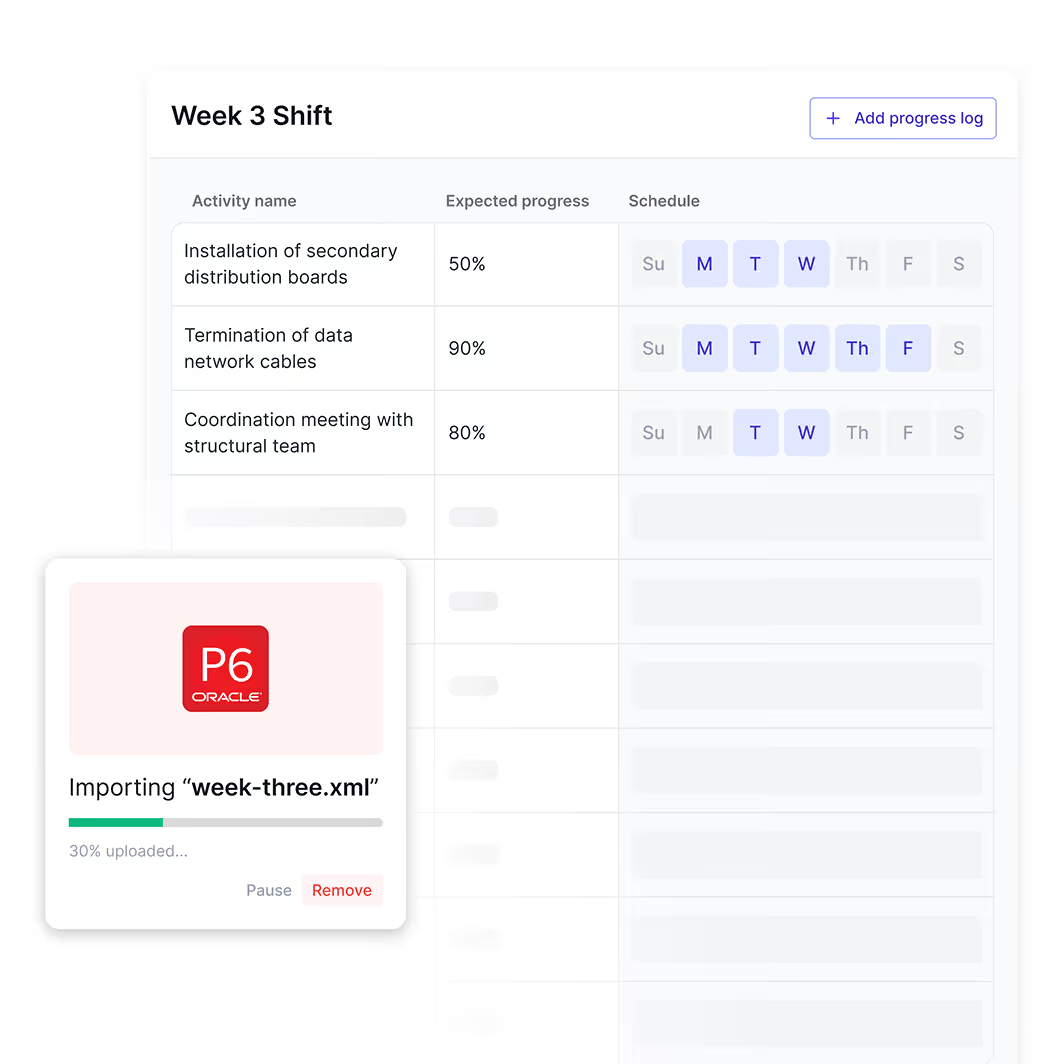
Week 3 Shift table showing activities, expected progress percentages, and scheduled days with an overlay window importing a file named week-three.xml at 30%.

Track actual progress against the plan

See which activities are progressing as planned and document variances when work deviates from the schedule so you can plan ahead more precisely.

Monitor schedule variances

See which activities are ahead, behind, or not happening as planned

Capture unplanned work

Track additional activities that emerge during execution alongside your original schedule

Assess schedule impact

Understand how variances affect downstream activities and critical path timing

Week 21 night shift schedule from 14-Dec-2024 to 20-Dec-2024 highlighting Monday 15-Dec with a progress recording popup showing 35% progress on installation of secondary distribution boards.

Build comprehensive delay evidence automatically

Capture delay documentation with complete context so you can justify schedule adjustments and support claims when needed.

Document the full story

Every delay gets captured with who, what, when, and why.

Link everything together

Issues connect directly to affected activities so you can trace impacts through your schedule.

Evidence ready when needed

Generate comprehensive PDF reports to support extension of time claims or client negotiations
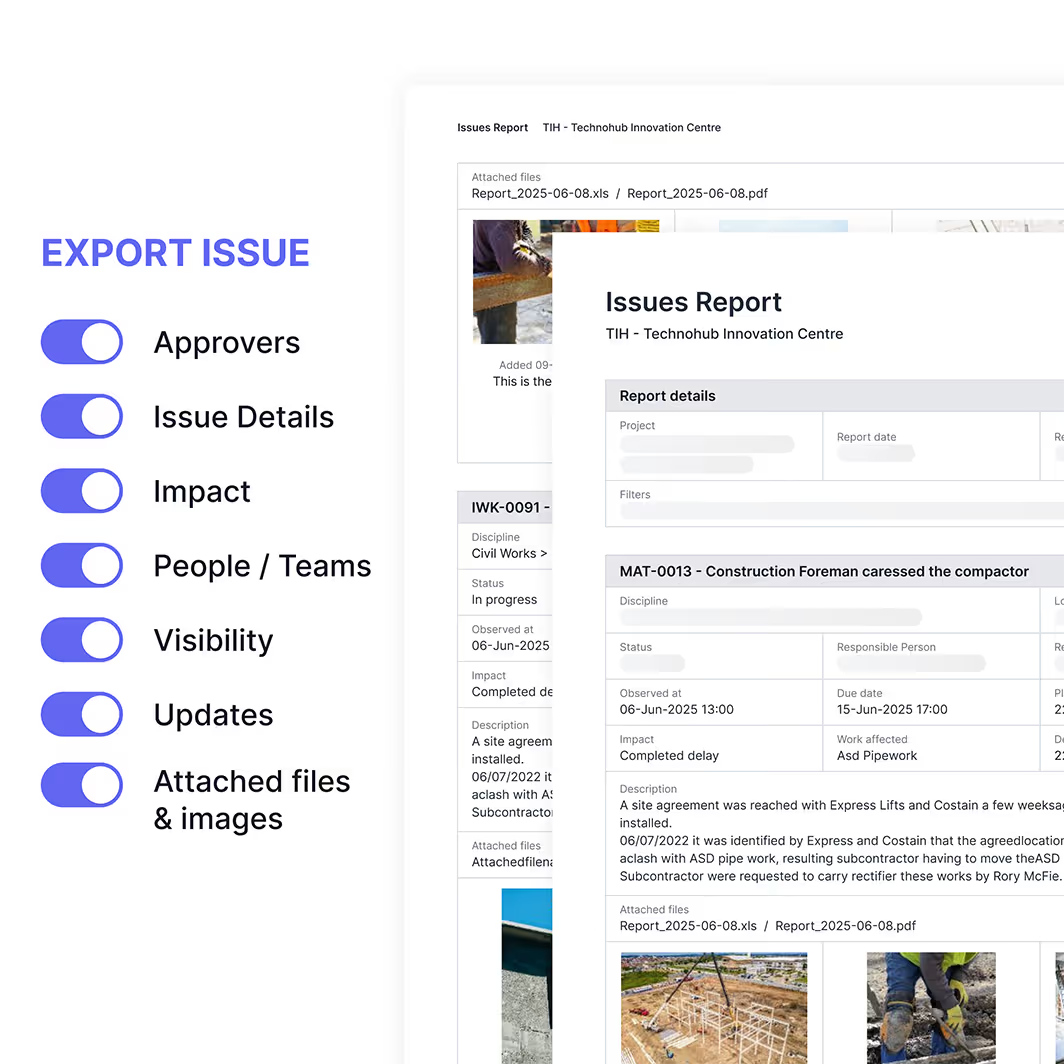
Export issue settings toggles activated for Approvers, Issue Details, Impact, People / Teams, Visibility, Updates, and Attached files & images displayed alongside a detailed Issues Report from Technohub Innovation Centre.

“A lot of the time, the way that you build the project, there's a lot of change involved. Shape allows you to track all of those changes. You can see the journey that Shape created for you by all of the updates that you do through there.”

Dan Van Wyk profile photo

Dan van Wyk

Project Manager, Sweet Projects

"Shape was quickly adopted by our team due to its user-friendly interface. We no longer waste time on manual paperwork or lengthy email chains, trying to resolve coordination or blocker issues.​"

Sunny Hundal profile photo

Sunny Hundal

Mechanical Package Manager, Emico Ltd.

"Shape provided a clear, simple, and accessible database for tracking project issues, giving us better visibility into programme impacts, delays, and improving contract management.​"

Andre Costa profile photo

Andre Costa

Operations Director, Bysteel

See Shape in Action

See Shape in action. Turn your master schedule into clear weekly plans that teams can easily follow. Take immediate action when field reality diverges from the plan.

Frequently Asked Questions

How do I connect my master schedule (P6/MS Project) to on-site execution?
How can I get real-time progress from the site to update my schedule?
How can I prevent schedule slippage and delay?
What is the best way to get accurate data to create a four-week lookahead schedule?
How can I track dependencies and critical path risks in real time?
How can a mobile app for the site help with schedule management?
How can I quantify the impact of delays on a project timeline?
Why is my project always falling behind the plan?
What is the benefit of a live project schedule?
How can I use data from the field to predict schedule risks?